How to Brand Your AI Avatar: A Founder's Guide (2026)
May 5, 2026 · AskEditor Team · 7 min read
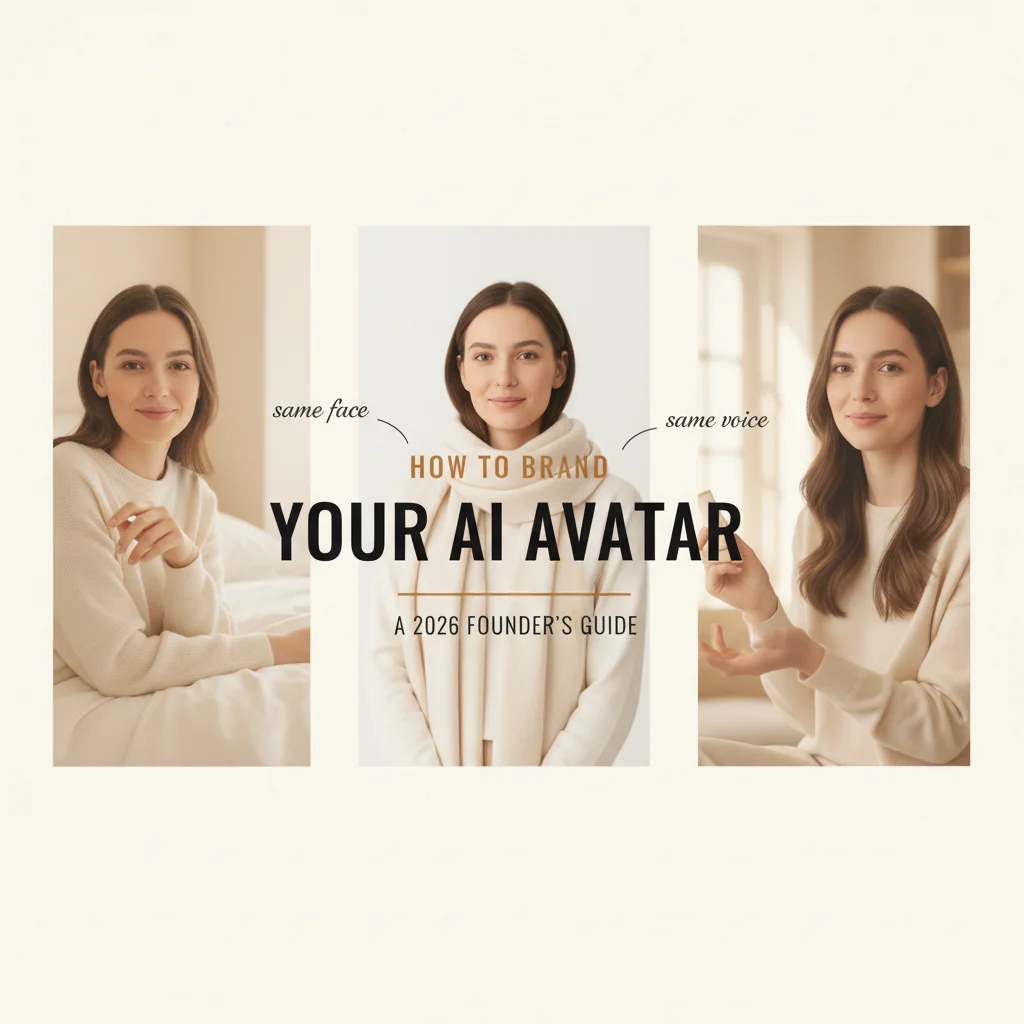
Brand-locking your AI avatar is a 2026 production discipline. Visual sheet, voice cloning, gesture vocabulary, and the five mistakes most brands ship with.
Table of contents
By 2026 most paid social ads are not made by the brand. They are made by AI avatars working as recurring spokespersons. A branded AI avatar is one character locked once and reused across every render. Most brands ship the first one without locking it properly, then re-roll the dice every campaign and wonder why the audience does not recognize the avatar from one ad to the next.
This guide is about how to lock the avatar properly. The work that makes the difference happens in the first 24 hours of production setup, not later in the optimization cycle.
Key Takeaways
- Branding an AI avatar is a production discipline, not a design choice. Visual sheet, voice fingerprint, and gesture vocabulary all get locked once and reused.
- The seven-view reference sheet is the load-bearing artifact. Every downstream render pulls from the same source, which is what keeps the face consistent across 30+ scenes.
- Voice cloning beats premade voices for brand-recall campaigns. The cloned voice keeps the same performer recognizable across every market.
"Brand an Avatar" Means Three Different Things in 2026
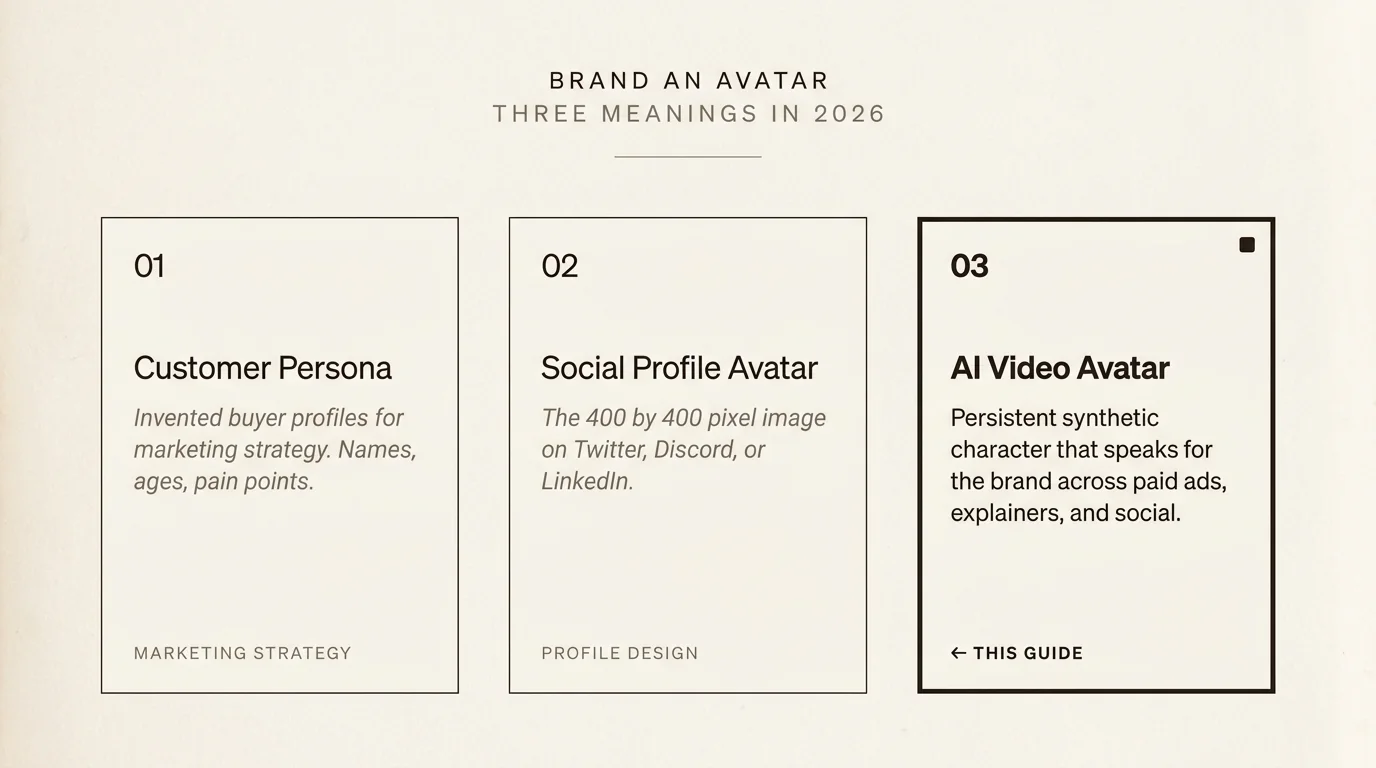
The phrase pulls up three distinct reader intents in Google. The first is customer personas: invented buyers like "Marketing Mary, age 34, lives in Austin, hates jargon." The second is social profile avatars: the 400×400 image you upload to Twitter or Discord. The third is AI video avatars: persistent synthetic characters that speak on a brand's behalf in paid ads, explainers, and social content.
This guide is about the third one. If you came here for customer personas, Hootsuite and HubSpot have stronger primers on that. If you came here for social profile design, SitePoint's avatar guide is the standard. For everything else, AI video avatars sit at the intersection of UGC creator work and brand identity. The pillar guide on UGC creators covers the broader category context. The AI UGC avatar tool on AskEditor handles the production side once you have decided to commit to a single branded character.
What "Branding an AI Avatar" Actually Means
Treat the avatar like a recurring spokesperson, not like a logo. A logo is a static mark. A spokesperson has a face, a voice, a wardrobe, a posture, and a way of moving that audiences read as the same person across every appearance.
Three layers of identity matter.
Visual identity. Face, hair, skin tone, clothing palette, posture. The face anchors recognition. Wardrobe palette anchors brand consistency.
Voice identity. Tone, pace, accent, signature phrases. Pace and accent are what stick in audience memory across re-watches.
Behavioral identity. Emotion range, gesture vocabulary, eye-contact pattern. This is the layer most brands skip, then wonder why their avatar feels off in some renders and right in others.
The platform you pick determines how much of each layer you can lock. AskEditor's Character Library lets you commit a single character once and reuse them across every render. That is what brand-locking looks like in practice. To see how the broader category compares on this dimension, the best multilingual AI avatar platforms breakdown ranks the top seven on character consistency alongside language reach.

The Seven-View Reference Sheet (Why You Need One)
This is the single most underrated production artifact in AI avatar work. Most teams skip it, then chase symptoms downstream.
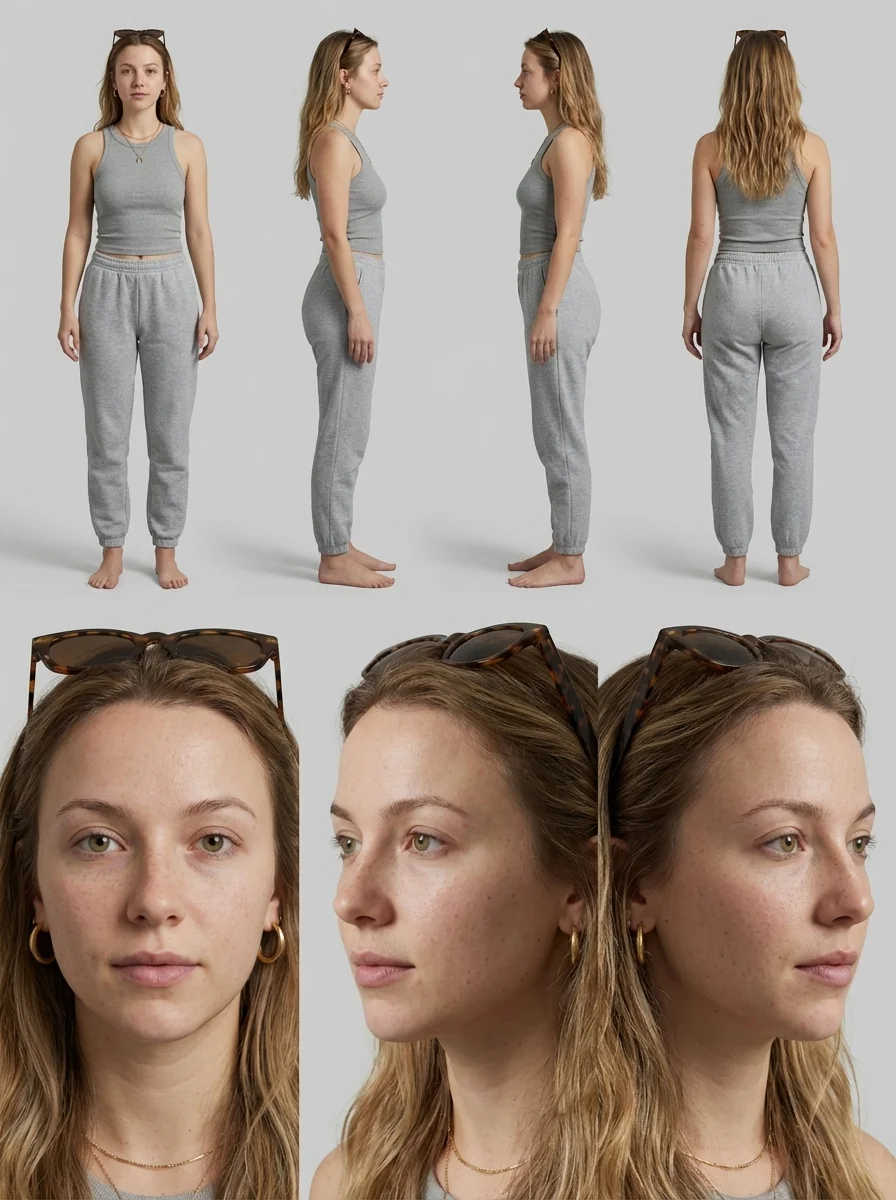
A seven-view reference sheet is a single image showing the same character from seven angles: front, three-quarter, profile, full body, close-up, wide, and action. It functions as a model sheet, the same kind 3D animators have used for decades. Generated once, referenced as the source of truth for every downstream render.
What it locks: the face stays the same when the character speaks. The clothing stays the same. The body proportions stay the same. The hair stays the same when seen from behind. Without the reference sheet, every new generation re-rolls the dice on these dimensions, and the avatar drifts visibly across a campaign.
In our own runs, a single reference sheet has carried character continuity across 30+ scenes without manual touch-ups. The reference sheet is the work that makes that possible.
Voice Branding: Cloning vs Selecting
Two paths. Both are valid. The choice depends on commitment.
Voice cloning. Record a 15-second reference clip of the voice you want, run it through a cloning model, then every script the avatar speaks comes out in that voice. The same performer is recognizable across every market and every render. Cloning has crossed the quality threshold for production use in 2026, and a single 15-second clip now holds across 200+ languages on the strongest platforms.
Premade voices. Pick from a library of pre-trained voices. Faster to test, lower production overhead, more variety. But the voice changes every time you swap selections, which breaks audience recall across campaigns.
Pick cloning when the same character will appear in more than three markets or across more than ten ads. Pick premade when you are testing whether AI avatar ads work for your brand at all and have not yet committed to a specific brand voice. The 15-second cost is low enough that even single-ad campaigns benefit from cloning if you intend to ship a follow-up.
5 Mistakes That Make AI Avatars Look "Off-Brand"
Patterns we see repeatedly when brands ship AI ads that read wrong on first watch.
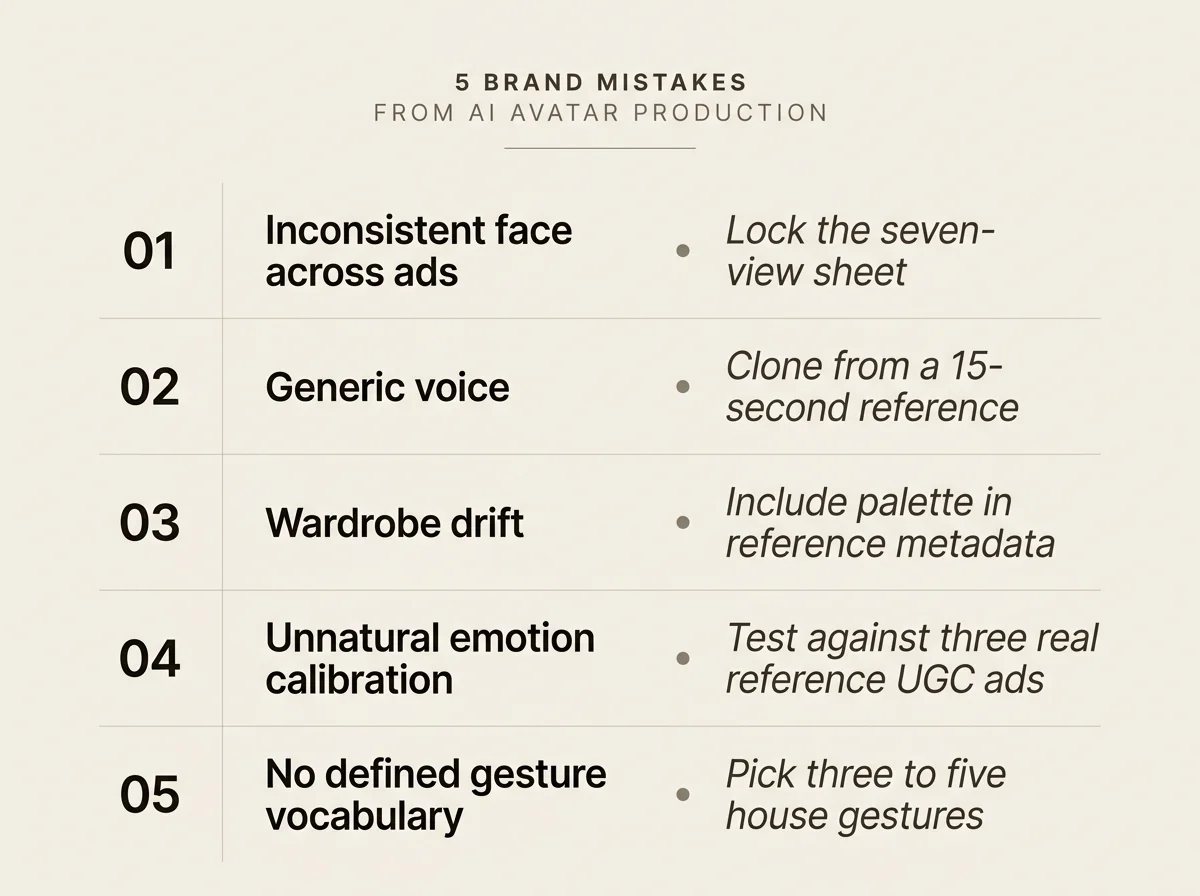
Inconsistent face across ads. Different generations look like different people. Cause: no reference sheet, or generations get re-rolled fresh per ad. Fix: lock the seven-view sheet on day one.
Generic voice that does not match the brand. Pre-trained voice library default. Fix: clone the voice from a 15-second reference, even if you only have one ad to ship. The cost is low and the brand-recall payoff compounds across every follow-up campaign.
Wardrobe drift. Avatar wears a cream sweater in three ads, then a navy blazer in the fourth. Audiences read this as "different person" even when the face is the same. Fix: include wardrobe palette in the reference sheet metadata so every render pulls from the same wardrobe spec.
Unnatural emotion calibration. The avatar smiles too much, or never enough. Most platforms ship default emotion levels tuned for explainer videos. UGC ads need looser emotion calibration. Fix: test emotion settings against three real reference UGC ads from your category before committing.
No defined gesture vocabulary. The avatar's hands do different things in every scene. Hand position is a strong identity signal that audiences read subconsciously. Fix: pick three to five house gestures the avatar uses repeatedly and constrain generation to those.
These five failure modes compound. A brand with face drift, voice drift, and wardrobe drift produces avatar work that audiences cannot tell is the same character across ads, which defeats the entire point of AI avatar branding.
The Bottom Line
A branded AI avatar is one character locked once and reused across every render. The face is the front-of-house element. The voice and behavioral identity are what convince audiences they are watching the same spokesperson across every ad.
Most teams approach this as a series of one-off prompts. The teams that ship recognizable avatar campaigns approach it as a production setup: build the reference sheet first, clone the voice second, define the gesture vocabulary third. The order matters because each step locks options for the next.
If you want to create AI UGC ads with a single branded character across every render, AskEditor handles the seven-view sheet, voice cloning, and character locking in one workflow.
AskEditor Team
Guides on making marketing video with AI, from the team building AskEditor.