Free AI Tools for Ads, Video and Image Editing
Tools that share a common job: turn what you have into the asset you actually want. Static ads from a product link, subtitles, upscaling, face swaps, motion transfer, relighting, background cuts, image-to-video. All run in the browser. None leave a watermark on the output. Free to try.
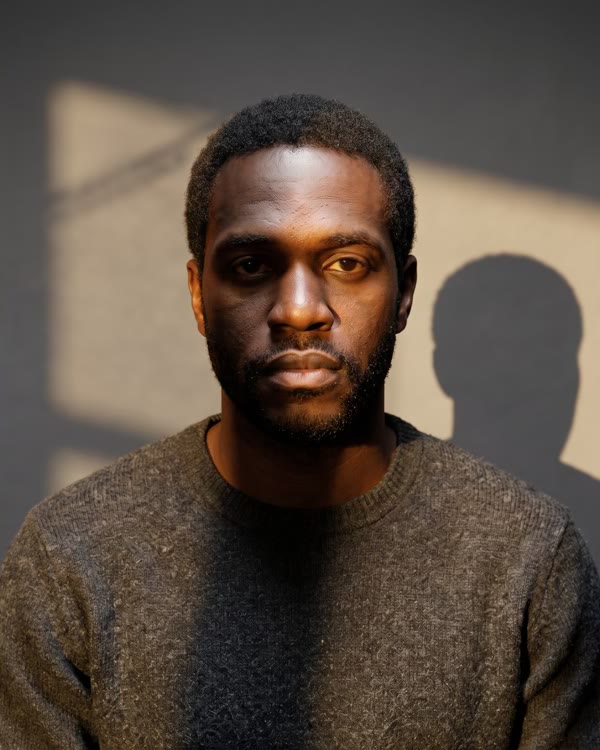
Image AI tools
Video AI tools

Frequently Asked Questions
Are AskEditor's AI tools really free?
Yes. Upload a file, run a tool, download the output. No card up front. You only need a free account when you want to save the result to your library, or when you start generating at volume the casual-use free tier doesn't cover. Heavy users on paid plans get more credits and longer video allowances; that's where the actual revenue comes from.
Do I need to sign up to use these tools?
Subtitle Generator and Background Remover let you go pretty far before they ask. The five tools that lean on AI credits behind the scenes (upscale, face swap, motion control, image to video, relight) gate at the moment you click the final Generate button. Sign-up is the standard 10-second Google flow. Honestly, if you're going to use a tool more than once you'll want the account anyway.
Which tool should I use for what?
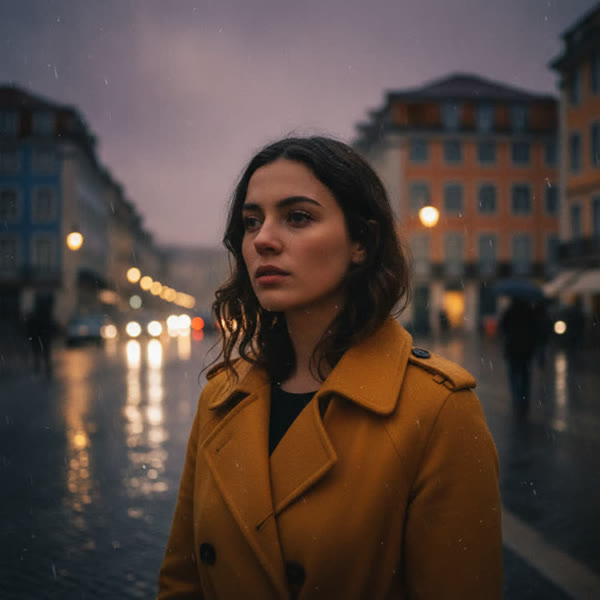
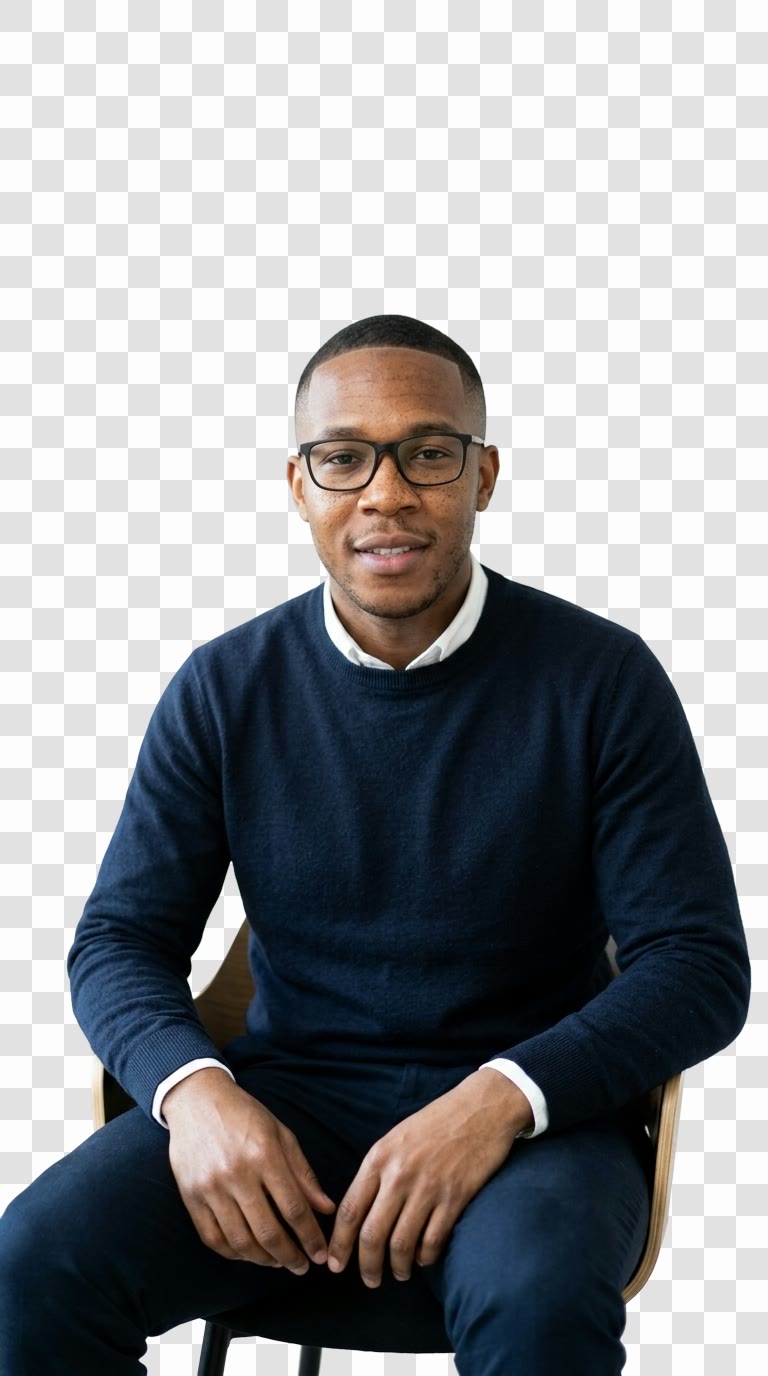
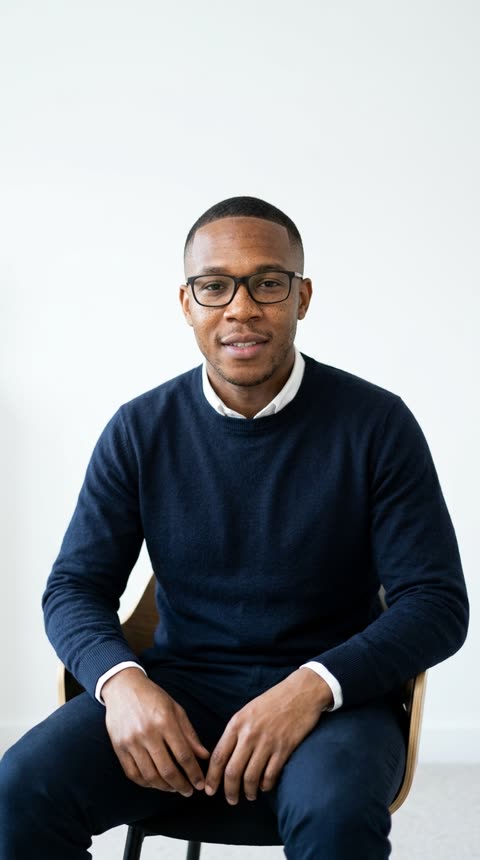
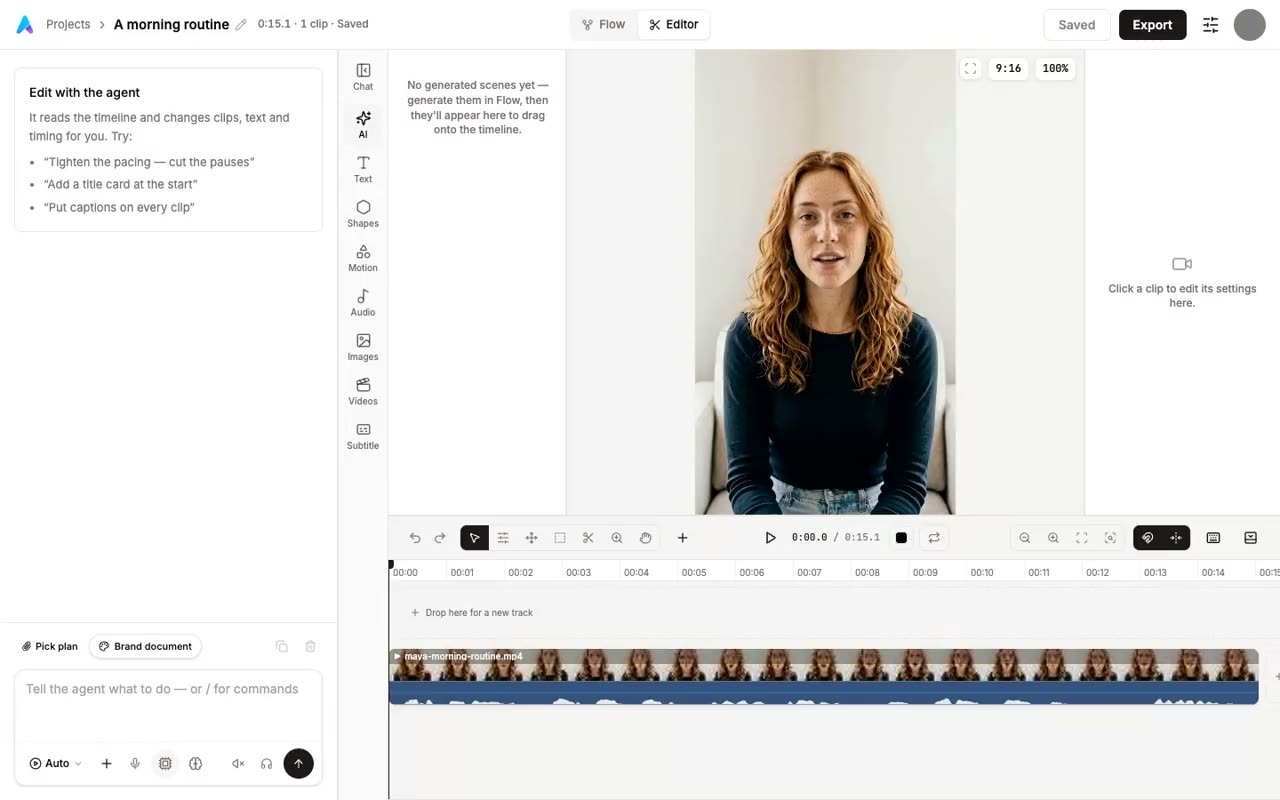
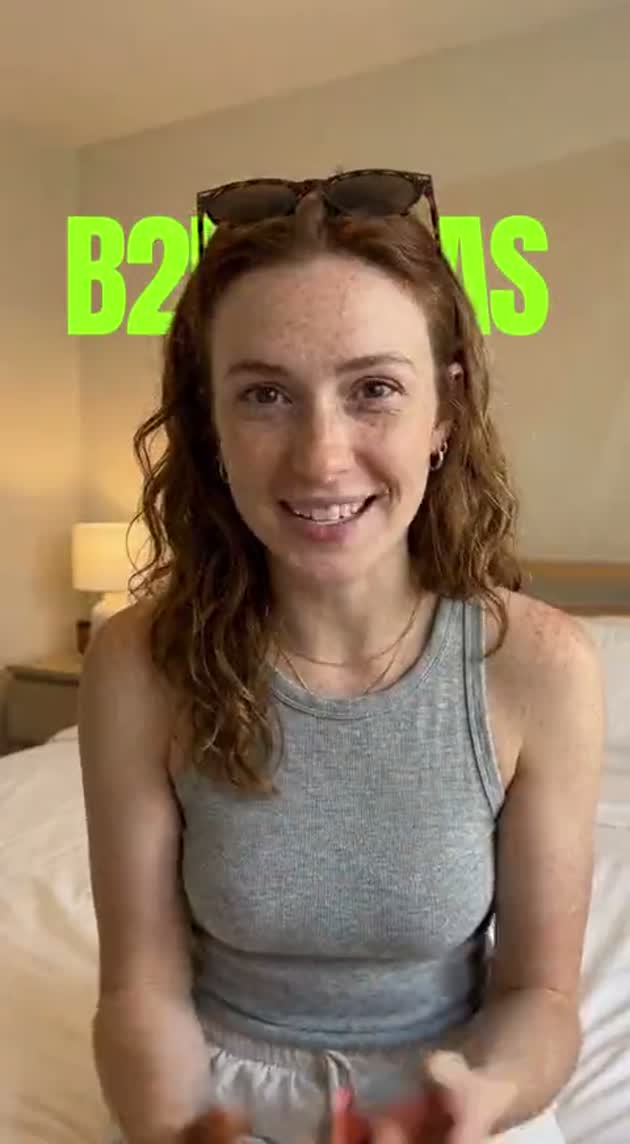
Quick map. Got a photo and want it to move? Image to Video. Got a video and need captions? Subtitle Generator. Want a character in your photo to dance the same way as a reference clip? Motion Control. The four image tools are easier to disambiguate by output: Upscaler gives you a bigger, sharper version of the same image; Background Remover gives you a transparent PNG cutout; Face Swap drops one face onto a different photo; Relight keeps the photo but changes the lighting setup.
Can I use the output commercially?
Whatever rights you held on the inputs, you keep on the output. AskEditor doesn't claim ownership of either side. There are content guidelines (no CSAM, no non-consensual deepfakes, no copyrighted audio or footage you don't have a license for), but those are the obvious ones. Print it for clients, sell it, license it, post it. We've worked with users who use this stuff in actual paid campaigns and the licensing has never been the friction point.
What's the difference between Image Upscaler and Background Remover?
Different problems. Upscaler makes the image bigger and sharper without distorting it; the AI reconstructs detail that wasn't readable at the original size, which is what makes a 1080×720 phone photo printable at A2. Background Remover keeps the image at its original dimensions and just deletes the backdrop behind the subject, leaving you with a transparent PNG you can drop onto a different background. The tools combine well when you have a small product photo for an Etsy listing: upscale first, then remove the background.
How fast and accurate are these tools?
Most finish in under 30 seconds. Background Remover is the fastest at 4 to 6 seconds. Upscaler and Relight land in the 18 to 30 second range. Face Swap takes 40 to 60 seconds because it returns three candidates, not one. Image to Video and Motion Control are the slow ones, 60 to 180 seconds, because generating fresh video from scratch is genuinely expensive compute. Accuracy is mostly a function of input quality. Clean source, clear subject, decent lighting and the output usually surprises people. Bad lighting or a blurry source and you'll spend a few retries getting something usable.
Pick a tool and get started
Free to try, no sign-up required to upload. Drop a file into any of the tools above and see what comes back.
Browse the toolkit