Free AI Image Relight
Change the lighting in any photo without re-shooting. Drag a light around the scene, pick warm or cool, watch the result update live, then save the high-res render. No watermark. Free to try.
- 100% free to try
- No watermark on your download
- Live preview
- Day or night moods
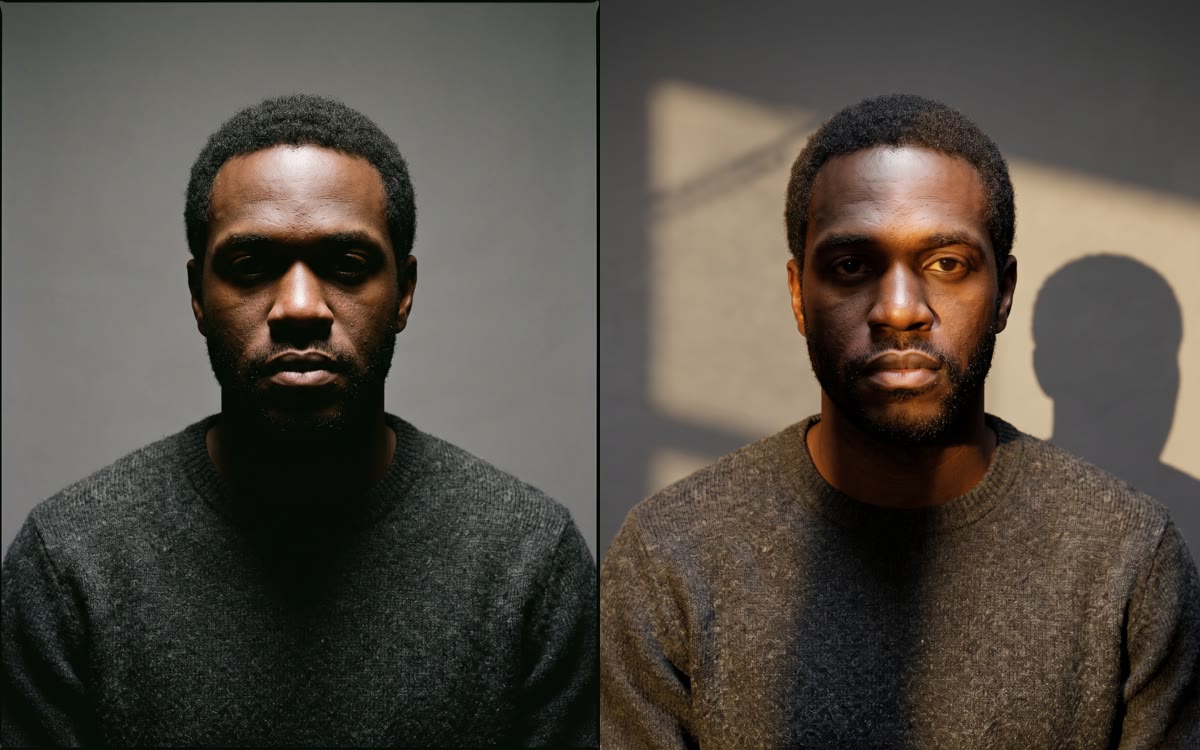 BeforeAfter · 14 s
How to relight a photo in 3 steps
- Step 01
Drop your image
JPG, PNG, or WebP up to 10MB. Portraits, product shots, AI renders, room interiors. Anything where the lighting is the thing you want to change.
- Step 02
Drag the light around the scene
A light sphere appears next to your image. Drag it to set the direction. Adjust intensity, color, and softness with the sliders. The preview updates live so you can land exactly the look you're after before committing.
- Step 03
Render and download
When the preview looks right, hit Generate. The AI runs a final high-resolution relight that respects the geometry of the scene (the model estimates a normal map of the surface). Download the result as a clean PNG.
Built for control, not guesswork
Most relight tools give you a handful of preset moods and call it done. We give you the same controls a professional photographer would reach for, with a live preview so you don't waste a render guessing what hard-vs-soft means in this scene.
Direction, intensity, color, softness
Six core controls cover everything you'd reach for on a real lighting kit. Azimuth and elevation set where the light comes from. Intensity sets how strong it is. Color sets the temperature (warm window light vs cold tungsten vs anything in between). Hardness sets the edge softness (point source vs area).
Live preview
Drag the light and the preview updates in real time using a normal-map estimate of your image. You see exactly what the relight will look like before paying for a final render. No more 30-second wait per attempt.
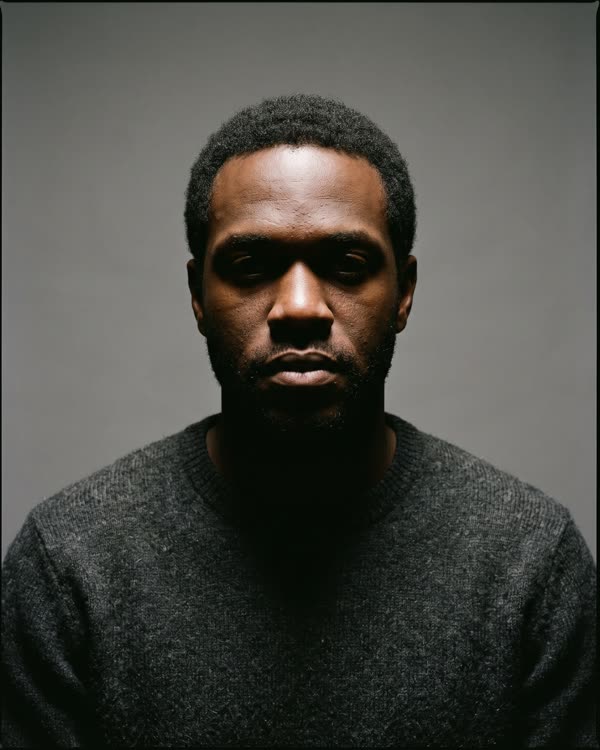 Original
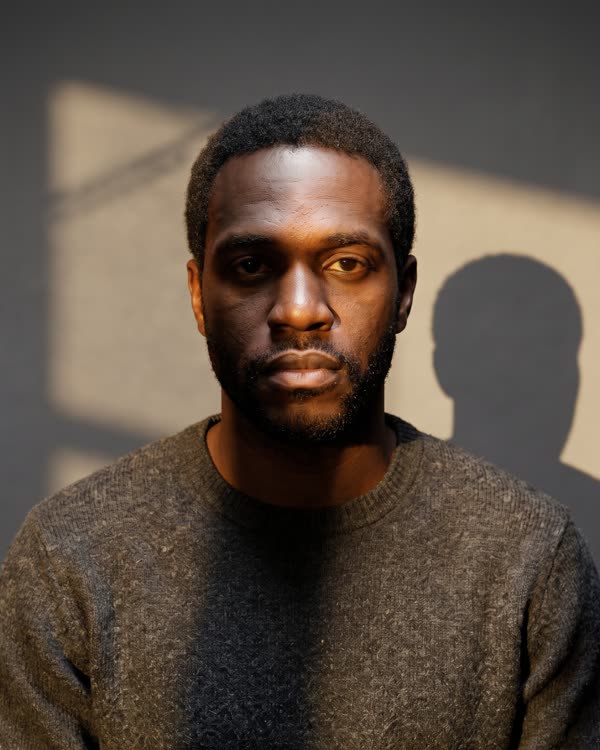 Light from the right · window
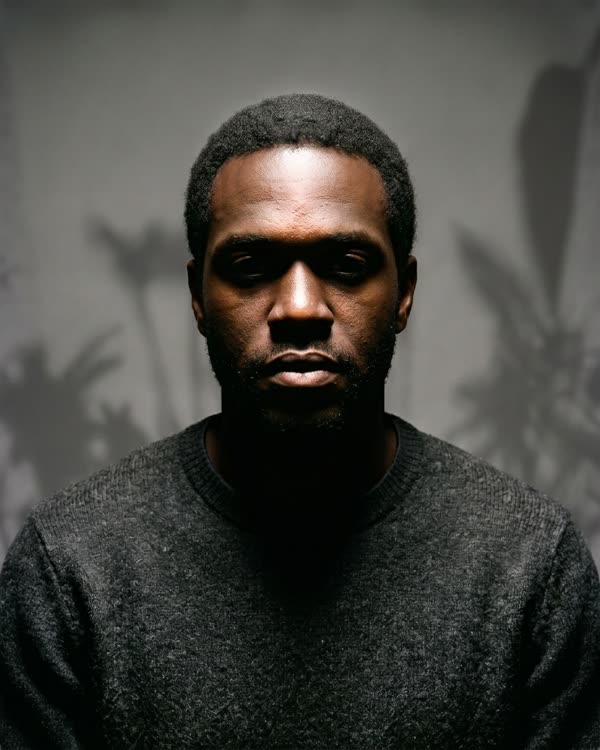 From above
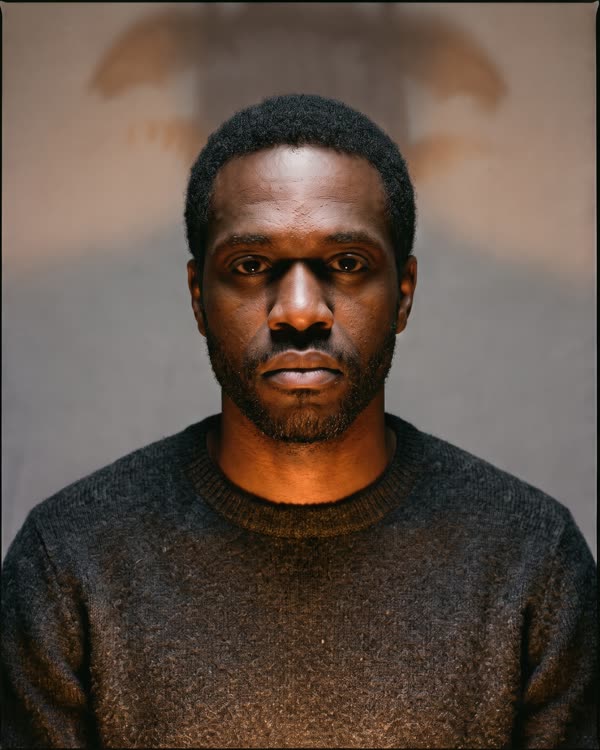 From below · warm
Day or night mood toggle
One switch retunes the whole color and ambient setup for a daytime feel (warm bounce, soft fill) or a nighttime feel (cooler ambient, harder shadows). Useful as a starting point you then dial in with the other controls.
Geometry-aware
Before the final render, the model estimates a depth and normal map of your image. The relight then respects which way each surface is facing, so a light from the upper left actually casts the correct shadow on the right side of a face or product.
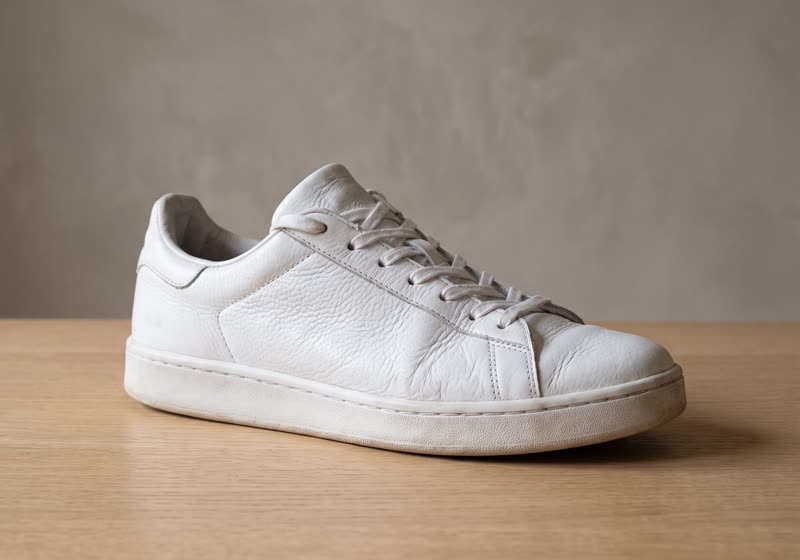 Original
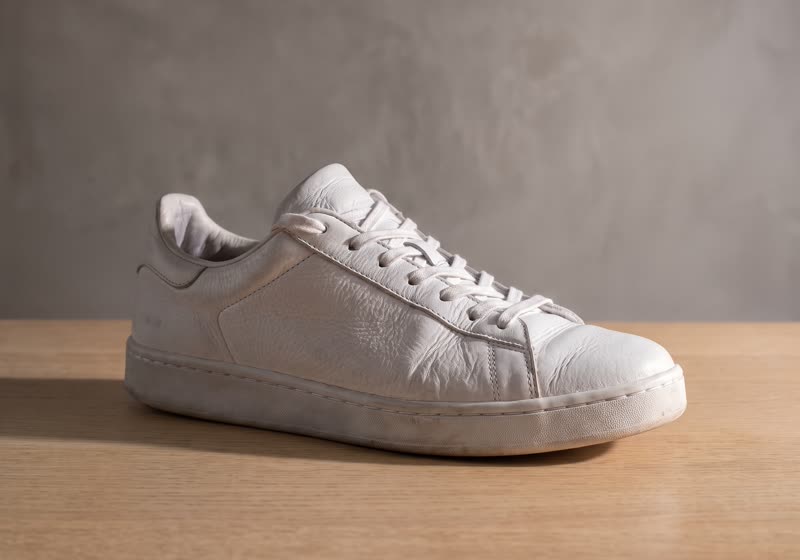 From the right
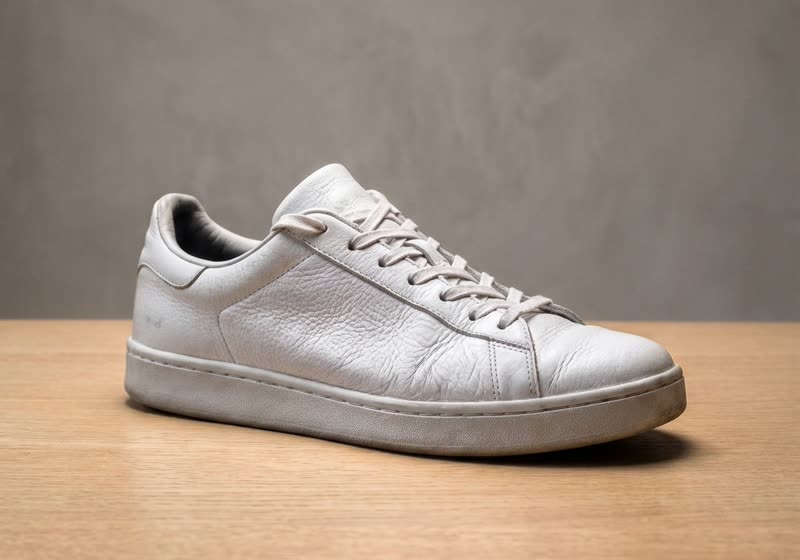 From above
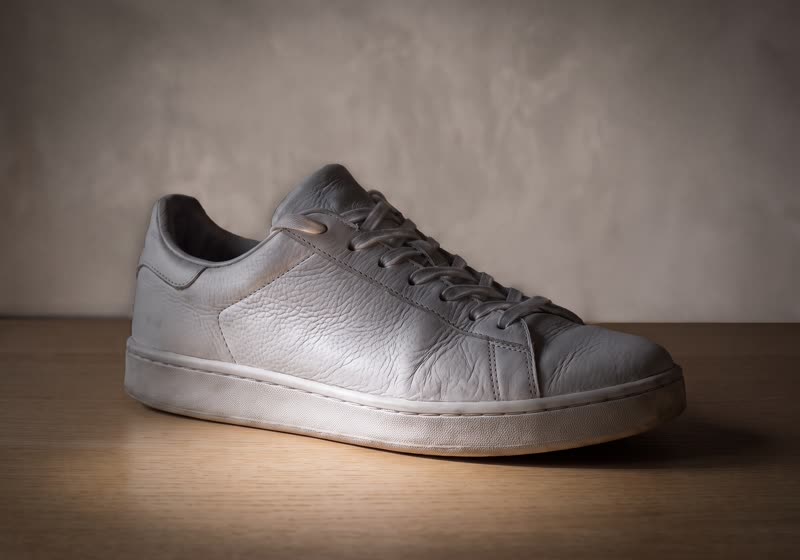 From below
Private by default
Uploads travel over HTTPS, run on isolated cloud workers, and auto-delete after 30 days. We don't use your images to train models. We don't share them with third parties.
Final render in seconds
Live preview is instant. The high-res final render takes 15 to 30 seconds depending on input size. There's no queue.
Who uses our AI relight tool
From product photographers fixing supplier-shot images to AI artists matching their renders to a brand's lighting standard.
Product and ecommerce
Supplier photographed your product under harsh fluorescent overhead light? Relight it to match the soft warm setup the rest of your catalog uses. The output is good enough for a listing and saves the cost of a reshoot.
Photographers and AI artists
Match the lighting of a Midjourney portrait to your brand's house style. Salvage a phone photo where the subject is backlit. Try out three different mood directions on the same headshot before committing to a final edit in Photoshop.
Marketing and brand teams
Reusing the same subject across regional or seasonal ad variants by changing the lighting setup. A summer campaign and a winter campaign can share a model and product shoot with two different relight passes.
Frequently Asked Questions
How does AI image relight work?
The tool first estimates a depth and normal map of your image (the AI's best guess at the 3D geometry of what's in the photo). Then it applies a light source you control, calculating how each surface should look under that light direction, color, and intensity. The result respects the actual shape of what's in the image rather than just darkening or brightening pixels.
Is the AI relight tool really free?
Free to upload, free to use the live preview, free to compare results. Saving the final high-resolution render to your AskEditor library requires a free account, and the free tier covers casual use comfortably. No card up front.
What's the difference between the live preview and the final render?
The live preview runs in your browser, so you can see roughly what each light setup will look like without paying for a render every time you adjust a slider. When you hit Generate, the model runs a higher-quality pass on the server with better depth estimation and proper shadow handling. Use the preview to find the look. Use the final render for output.
Will the output have a watermark?
No watermark. The PNG you download is exactly what the model produced. Use it commercially, license it, print it.
What types of images work best?
Anything with a clear subject and a recoverable sense of depth. Portraits work well. Product shots work well. Room interiors work well as long as the camera angle gives the model something to estimate geometry from. The hardest cases are flat 2D illustrations and very busy scenes where the model can't tell what's in front of what.
Can I use it on AI generated images?
Yes. Midjourney, Stable Diffusion, DALL-E, and Flux portraits work especially well because they tend to have clear lighting cues already and predictable subject framing. A common workflow: generate a character with one lighting setup, then use this tool to retune the lighting to match the scene you're putting them in.
What's the difference between hard and soft light?
Hard light has a small effective source (think a bare bulb or direct sun), so it casts crisp shadows with sharp edges. Soft light has a large effective source (a window with a curtain, an overcast sky, a softbox), so the shadows are gradual and the contours are gentler. Hard tends to read as drama or harsh studio. Soft tends to read as natural or flattering.
What does the day/night toggle actually change?
It re-tunes the ambient color and overall mix for the scene. Day mode adds a warmer ambient bounce to keep faces and surfaces from going pure black on the shadow side. Night mode goes cooler on ambient, with deeper shadows and slightly higher specular contrast. It's a starting point you then fine-tune with the other controls, not a finished look on its own.
How long does the final render take?
15 to 30 seconds for most images. Larger files near the 10MB ceiling can stretch to 45 seconds. The live preview is instant; the wait is just for the high-resolution server pass.
Is my image private and secure?
All uploads travel over HTTPS, run on cloud workers scoped to your account, and auto-delete after 30 days. We don't feed them into training data and we don't share them with third parties.
How does this compare to relighting in Photoshop?
Photoshop gives you full pixel-level control if you have the time and skill. This tool gives you 80 percent of the result in 30 seconds with two sliders and a draggable light. Use AskEditor for fast iteration when you have many images to relight to a similar look. Use Photoshop when one specific image needs hand-finished retouching that the AI won't get right on its own.
Can I use the relit images commercially?
Whatever rights you held on the original, you keep on the relit output. AskEditor doesn't claim rights to input or output. Sell the resulting image, license it, print it for clients. The one ask is you stay inside our content guidelines (no CSAM, no non-consensual deepfakes, no copyrighted material without a license).
Related tools
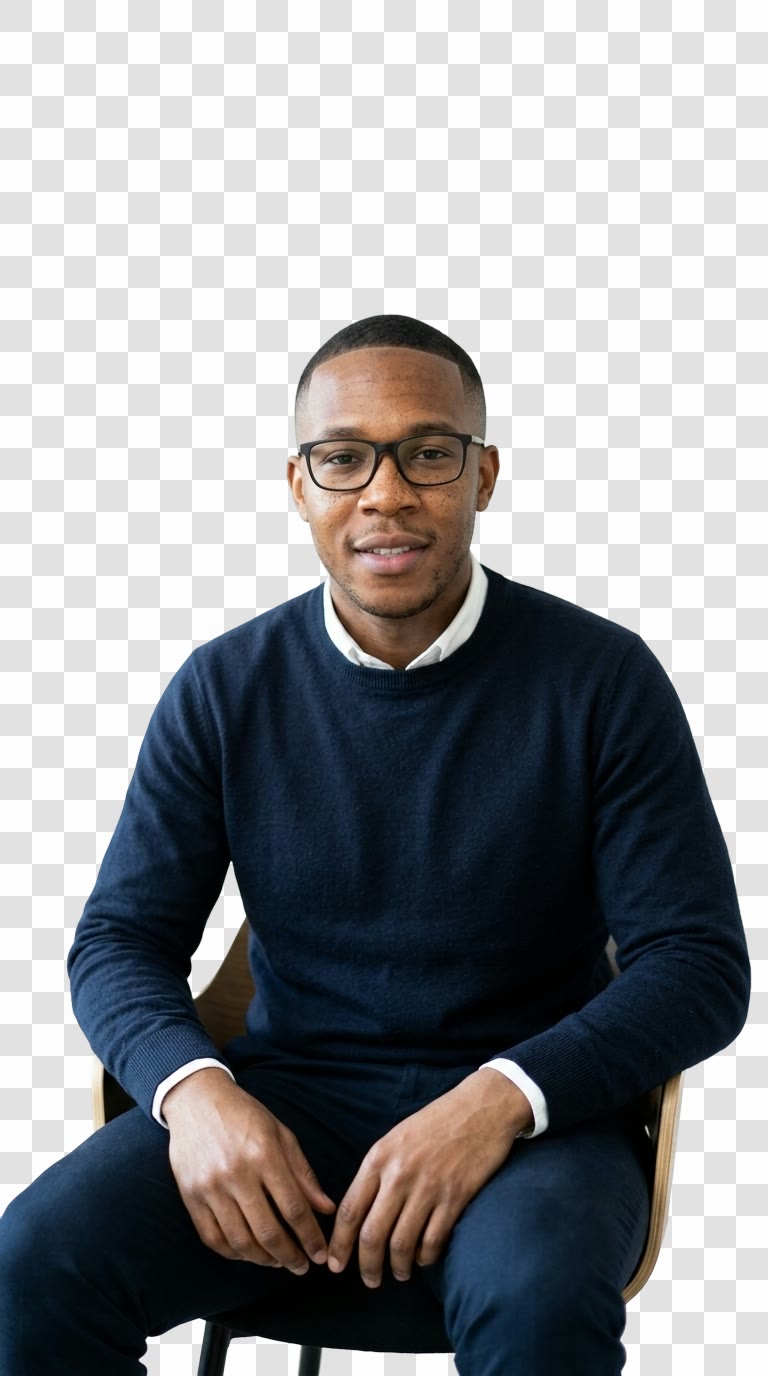
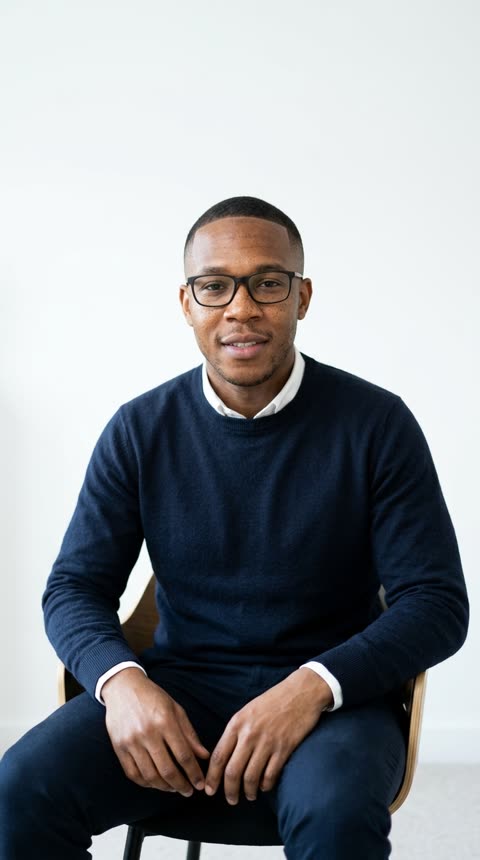
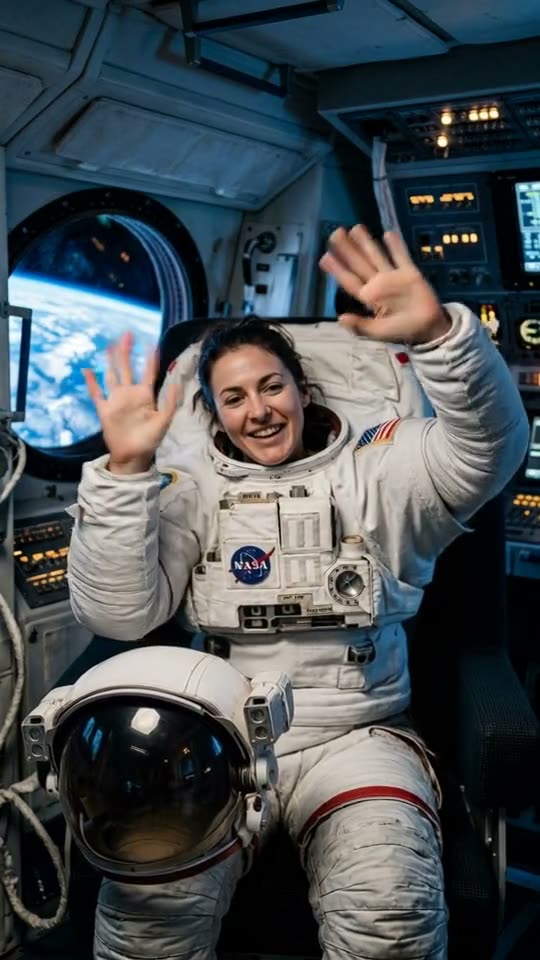
Try the AI relight tool, free
Drop a photo, drag a light around the scene, and watch the look change in real time. Sign in to save the high-resolution render.
BeforeAfter · 14 s