
 Instagram
 YouTube
 TikTok
 LinkedIn
 X
X Facebook
Free
$0
Get started- Your first job free, no watermark
- Your agent in Claude, ChatGPT or any MCP app
- The editor and every tool, 100 chats a day
- 2 GB in AskEditor cloud: your agent watches and cuts your footage
- Unlimited 1080p exports
Loading
The AI video editor
Ask Claude or ChatGPT for the edit, or ask right here. Every cut lands on a real timeline, and the last cut is yours.
AskEditor's web editor · an edit Claude Code made in 7 minutes, in 17 calls
The finished edit in the editor: the calls Claude Code made in the chat, each part dropping onto its lane, then the take before and after.
In AskEditor the agent sits in the editor's own panel. Say what to change, or change it by hand. Drag the playhead to scrub the film: every layer is its own clip.
Ask for the whole video and it starts as a plan.md: every step in order, what it costs, and where it waits for your yes. Every template is one, so you can read how any video here was made.
The violin trick: why stepping away from a stuck problem works. About 50 seconds, a professor as the hero.
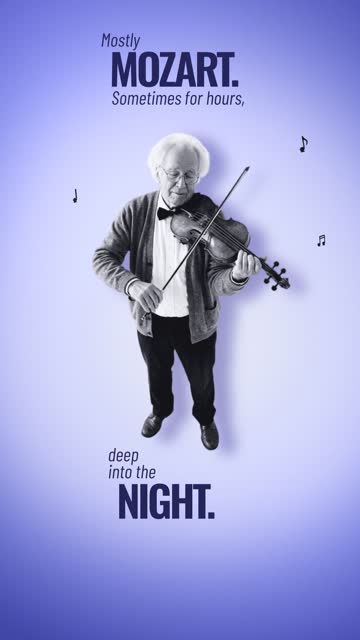 Collage explainer
Sent from the box above, with a template.

The storyboard is drawn: fifteen scenes, twenty-five pictures. Build from it?
Quoted before step 1: 705 credits at most. Nothing else spends until you say so.
It spent 480 credits, under the quote: its own script, voice, pictures and music. Then the editor, for any change by hand.
Every film here is a template. Press Use template and your agent makes yours the same way.
Trusted by 1,050+ founders and marketers
“I set up my brand template once. A Jompter video takes me 20 minutes now instead of half a day. I have been making them this way since March.”

“I send a product demo instead of a follow-up email. 15 minutes to make one. Of the last 20, 9 replied and 3 booked a meeting.”

“I used to keyframe my subtitles by hand, about an hour a video. Now I ask for the style I want and schedule the post from the same place. 4 videos a week instead of 1.”

Connect Instagram, YouTube, TikTok, LinkedIn, X and Facebook once. Post now or schedule it, with a caption for each network.
 0:08
0:08 EbenSubscribeEben@eben
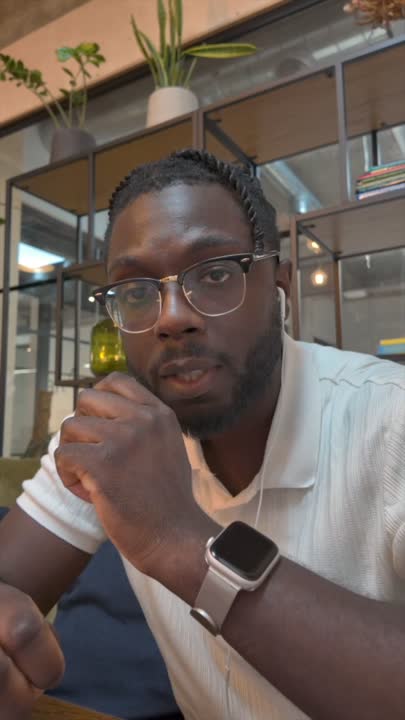
The first second decides it. Here's how I open now.
 TO SOLVETHAT ISSUE
 eben
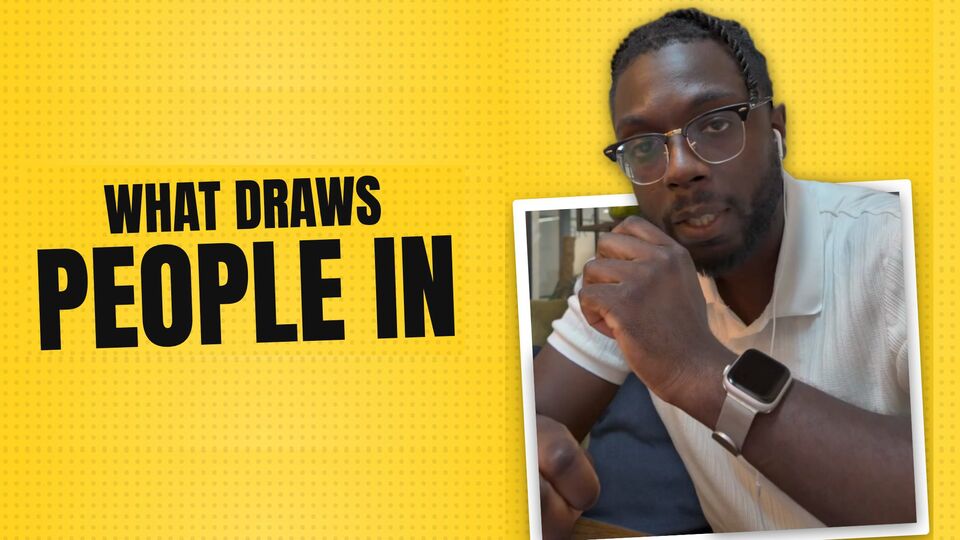
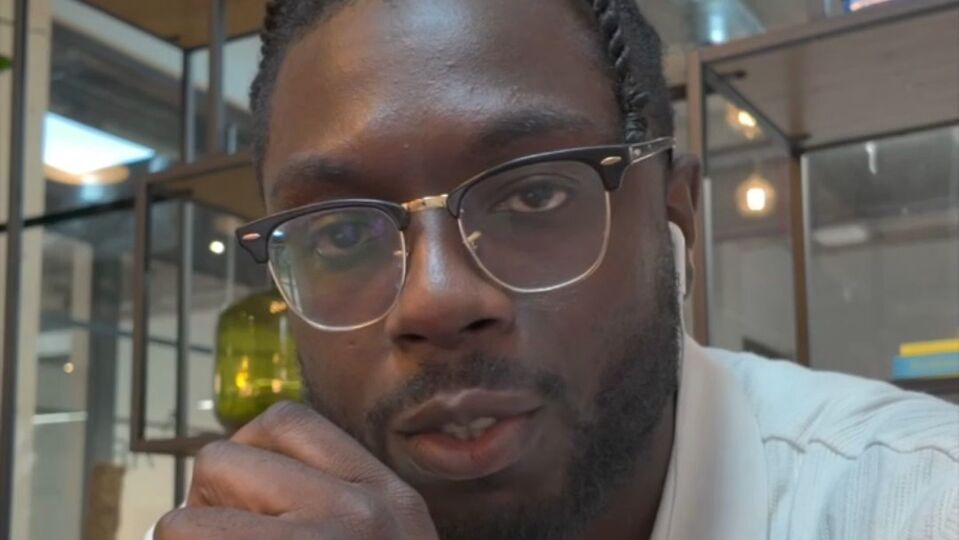
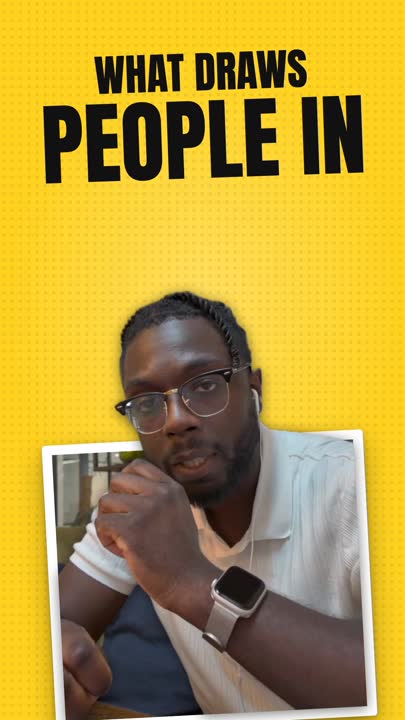
ebeneben What draws people in. The Pop-out hook, on my demo-day take.
 ALL THE WAYDOWN
Hooks decide whether anyone watches. This one was cut, captioned and scheduled from one chat.
 eben
ebeneben What draws people in. The Pop-out hook, on my demo-day take.
ALL THE WAYDOWNPricing
Edits on the timeline never use credits. Credits pay for what is generated, and you see the price before it runs.
$0
Get started$12$20/mo, billed yearly
$144 a year
Get started$30$50/mo, billed yearly
$360 a year
Get started$60$100/mo, billed yearly
$720 a year
Get startedYes. Paste one line into Claude or ChatGPT and the plugin installs itself; the editor opens beside the chat. Any other agent connects through MCP.
Always. Every cut, caption and graphic your agent makes is its own clip on a real timeline. Move it, trim it or retype it yourself in the web editor.
The account is. Your first video is free with a watermark, and the clean file is that run’s own price. An edit of your own clip exports for nothing, with no watermark. No card to start.
Yes. Press AI Edit, add the clip, say what to change. The timeline is yours after, in the web editor.
No. The assistant drafts, explains every step, and you decide; the canvas is yours whenever you want the last word.
Set your brand once, colours, fonts and voice, and every video wears it.
The web editor is made for a computer, and that is where it works best. A phone opens it, but not all of it is made for a small screen yet.
You do, every export, anywhere you run it.
Need more help? support@askeditor.com
Tools