Free AI Image Generator
Turn a text prompt into a high-quality image. Pick the model that matches what you're trying to make, set the right aspect ratio for where it's going, and optionally feed it a reference image to guide the result. The render lands in your browser in a few seconds. No watermark, no install, free to try.
- 100% free to try
- No watermark on your download
- No signup to generate
- Up to 4K resolution
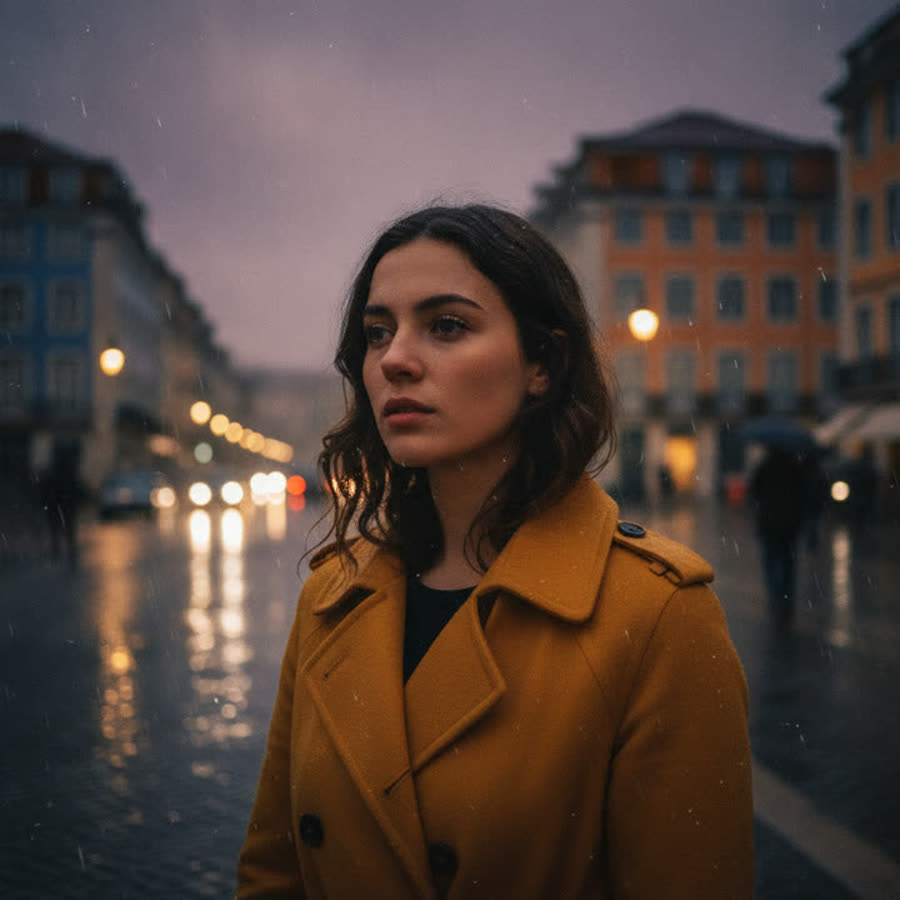
Generate an image in 3 steps
- Step 01
Describe what you want
Type a detailed prompt. Specificity does most of the work here. A description that names the subject, the setting, the lighting, and a couple of stylistic choices will outperform something abstract like 'beautiful art' nine times out of ten. Concrete nouns and visual adjectives carry more weight than abstract modifiers.
- Step 02
Pick model and aspect ratio
Nano Banana Pro is your default for hero-quality renders at up to 4K. Nano Banana is faster and cheaper, good for early iteration. Aspect ratio depends on where the image is going. Square fits social posts, 16:9 lands cleanly on YouTube and blog hero shots, 9:16 works for stories and reels. Optionally drop a reference image alongside the prompt if you want the model to follow a specific style or composition.
- Step 03
Generate and download
Click Generate. The AI renders the image and hands back a high-resolution download with no watermark, yours to use. Most generations finish in under 15 seconds.
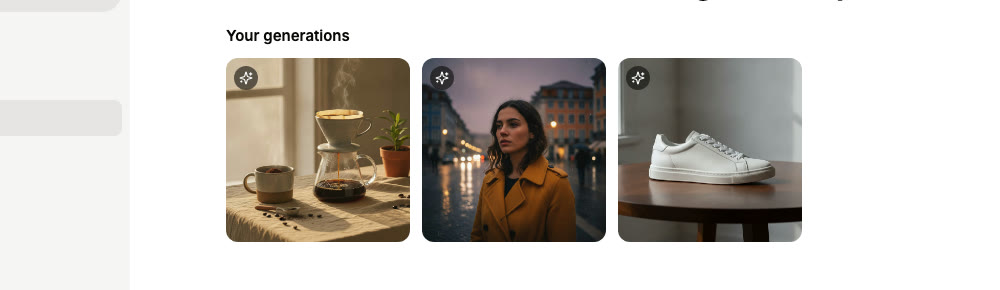
Image generation that gets the details right
We picked the AI image models that hold composition, lighting, and detail without producing the warped-anatomy and texture-mush you get from older diffusion stacks.
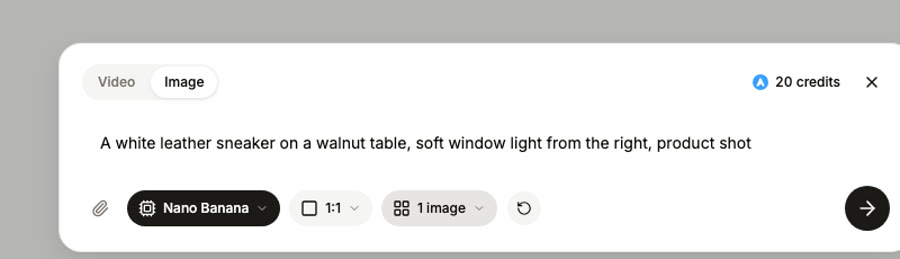
Two models, one interface
When you're nailing down a final hero shot, Nano Banana Pro pushes detail up to 4K. When you're still exploring concepts and don't want to spend two minutes per iteration, Nano Banana renders faster and cheaper at slightly lower fidelity. The dropdown sits at the top of the prompt bar; switching is one click.
Reference-image (image-to-image)
Want the result to follow a specific look you already have? Drop that image into the reference slot alongside your prompt. The AI uses it as a structural anchor while applying whatever changes you describe in the prompt. Useful when text alone can't quite capture the style you're after.
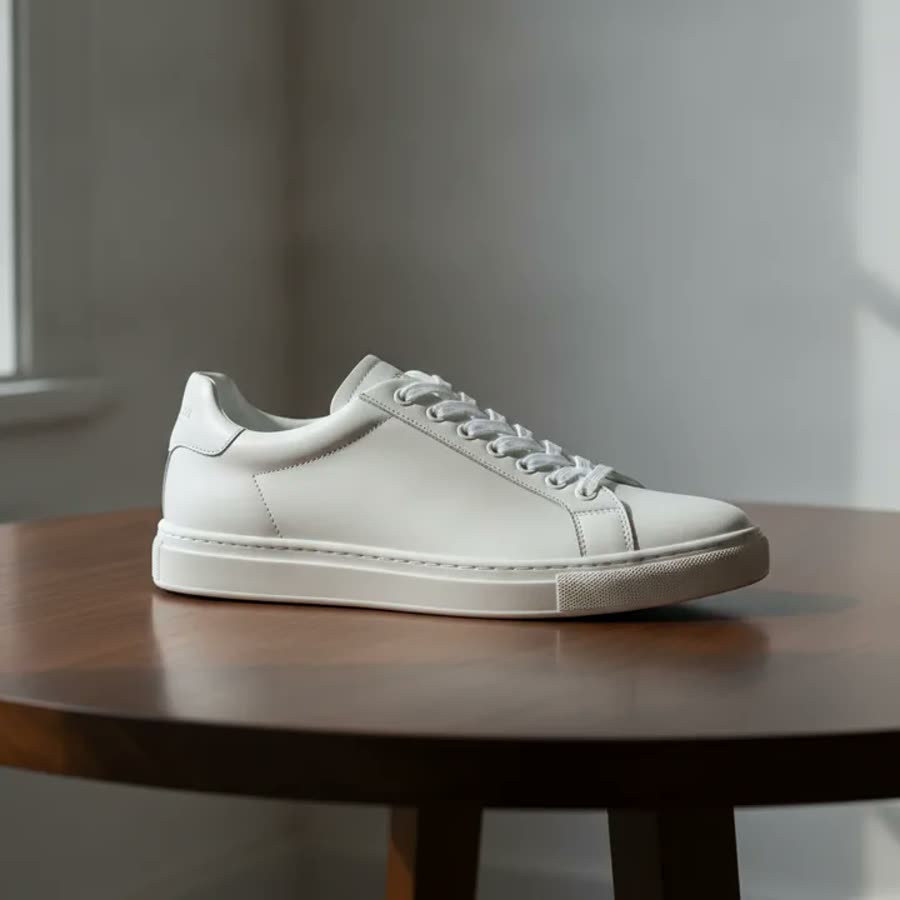
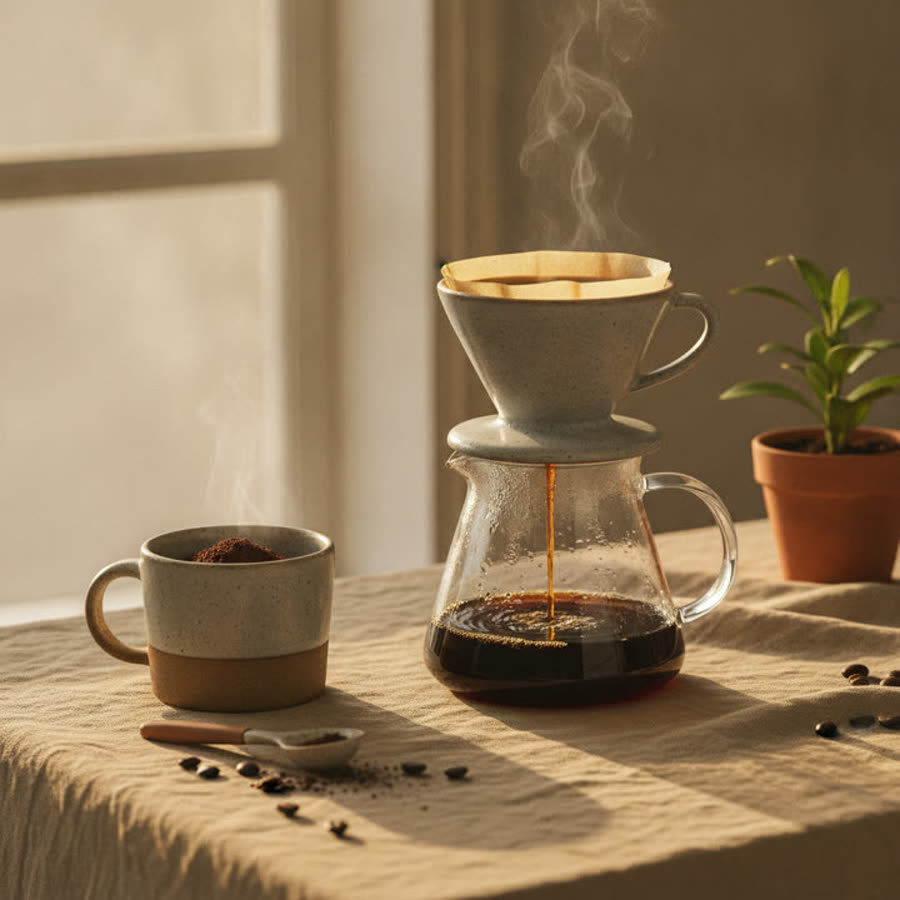
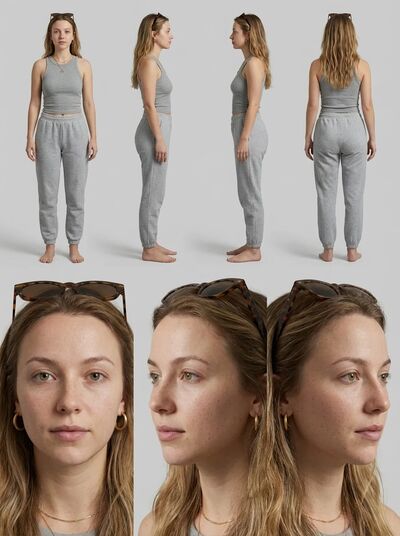
Up to 4K resolution
Pro outputs go up to 4K, sharp enough for print, hero banners, and large-format social. Lower resolutions ship faster when you're iterating on ideas.
All the right aspect ratios
Square for Instagram posts and thumbnails. Landscape 16:9 fits YouTube, blog hero shots, and presentations. Portrait 9:16 covers Stories, Reels, and TikTok. Plus 4:3 and 3:4 for editorial and portrait work.
Morning light, editorialSoft window light, product shotNegative prompts
You can tell the model what NOT to render. Common asks include avoiding blurry textures, distorted hands, watermarks, and the low-quality look you sometimes get from older diffusion stacks. The defaults already catch most of these failure modes; override them only when you need to for a specific look.
Sync, no waiting
Image generation is synchronous. Submit, wait around 10 seconds, see the result. No queue, no email-when-it's-ready, no resume-from-job-id link. Just submit and it's there.
What people use it for
From quick concept work to final-quality assets, the same prompt + model + aspect ratio combo serves a lot of different jobs.
Marketers
If you're shipping hero banners or ad creative on a tight cycle, you can generate three variants in about 30 seconds and let real engagement data pick the winner instead of debating in a Slack thread. Brand-safe by default.
E-commerce sellers
Product photography mockups, lifestyle shots, on-model placement. Reference-image mode preserves the actual product while letting you change the scene around it, which is a faster path than booking a real shoot for every season.
Designers and illustrators
Mood boards, style explorations, concept art. You can iterate on lighting and composition in a few minutes without re-shooting or hiring a model, and the cost per iteration is essentially zero.
Content creators
Thumbnails, blog hero images, video covers. 16:9 outputs at 4K drop straight onto YouTube or your blog template without any resizing dance. Saves the round trip through a separate image editor for cropping.
Founders building brands
Pitch deck visuals, landing-page hero shots, founder-photo placeholders for those weeks when you don't yet have professional shoots booked. Good enough to ship while you wait for the real photographer.
Frequently Asked Questions
Is the AI image generator really free?
Free to use without a paid plan. The free tier comes with a credit allowance, so sign up and start generating. Once you exhaust your credits, an upgrade prompt appears with paid options. There's no watermark on output regardless of which plan you're on, which is something we get asked about a lot.
Which AI model should I pick?
Default to Nano Banana Pro for anything that's going to print, a large display, or a public-facing hero shot. It's the highest-fidelity model in the lineup and supports up to 4K. The lighter Nano Banana model runs faster and costs less per generation but caps at 1K, which makes it ideal when you're still figuring out the prompt and don't want to spend the credits or wait time on Pro.
Can I use a reference image?
Definitely. The prompt bar has a reference slot where you can drop a JPG, PNG, or WebP up to 10MB. The model uses your reference to guide whatever you ask it to follow, whether that's style, composition, or specific subject details. Skip the reference and you're in pure text-to-image mode, which is just as valid for most cases.
What aspect ratios are available?
Five preset ratios cover most use cases. Square works for Instagram and thumbnails. Landscape 16:9 fits YouTube, blog hero shots, and presentations. Portrait 9:16 is for stories and reels. There's also 4:3 and 3:4 for editorial and portrait-oriented work. Pick before you hit Generate; the model can't reframe an existing render afterwards, so changing aspect requires a fresh generation.
Can I generate multiple images at once?
Each Generate click produces one image. If you want variants, click Generate again with the same prompt and the model will pick a new seed for each run, giving you a different composition even from identical inputs. Most users end up generating 2-3 takes per prompt before settling on a final.
Do I own the images I generate?
The output is yours. We don't watermark anything, we don't claim a license on what you generate, and we don't embed fingerprinting metadata into the file. People ask us this a lot because some other generators do enforce one or more of those things, especially around commercial use rights. Anything that successfully renders here is yours to use however you want, with the obvious caveat that the underlying models enforce content policies at generation time so some prompts will just refuse to render in the first place.
Why did my generation fail?
Most common reason is content moderation flagging the prompt. Adjust to remove copyrighted names, explicit terms, or restricted material. Other causes: prompt over 2000 characters, network timeout (rare), or service-side rate limiting. The error message will tell you which one.
How does this compare to Midjourney?
I'll be honest with you here. Midjourney has been around longer and the community has built up a huge catalog of stylistic prompts that genuinely produce gorgeous illustrated art with very little effort. We're not going to pretend we win on pure stylized aesthetic. What gets people frustrated with Midjourney isn't the model, it's the workflow. You're paying $10 to $60 a month, you're talking to a bot inside Discord (which is genuinely weird if you've never used Discord), and reference-image guidance was bolted on later instead of designed in. Our generator runs in a browser tab, the reference slot sits right next to the prompt, and your finished image stays inside AskEditor so you can upscale it, animate it into a video, swap a face onto it, or anything else without re-uploading anywhere. If your final deliverable is a stylized illustration and that's it, Midjourney probably still wins. If your image is one step inside a bigger creative project, this saves you a lot of friction.
How does this compare to DALL-E 3 or ChatGPT image generation?
DALL-E 3 inside ChatGPT is genuinely good at following literal prompts. You ask for a thing, you get the thing. The conversational iteration is fun, especially if you're already in ChatGPT for other reasons. The friction shows up later. Once you have an image you like, ChatGPT can't upscale it for print, animate it into a video clip, swap a face onto it, or composite it into a wider scene. You export and switch tools. Our generator was built so the image lands right next to all of those post-generation tools, no exporting and re-importing. For a single one-off image to paste somewhere, ChatGPT is fine. For anything that's going into a video, an ad, or a real creative project, this saves the app-switching tax.
How does this compare to Flux?
Flux Pro produces some of the cleanest photorealistic output on the market right now, especially for portraits. Most ways to access it are developer-flavored: you write code against fal.ai or Replicate, you pay per image, and the result lands in your terminal or a json response. We've wrapped Nano Banana Pro in a free, no-signup-needed UI with reference-image support and aspect-ratio presets so anyone can get a result without writing code. If you're a developer building a pipeline, you'll probably hit Flux directly. If you're a marketer or designer who just wants a polished image with one click and the option to upscale or animate it right after, this is the easier route.
Can I use the output for NFTs, print-on-demand, or commercial work?
Yes to all of it. The output is yours to mint, print, sell, or license however you want. AskEditor doesn't claim a license on input or output and we don't watermark anything. The usual content rules apply (no CSAM, no copyrighted character likenesses you don't have rights to, no real-person deepfakes used for fraud), and the underlying models enforce some of those at generation time. For print-on-demand, generate at the highest resolution your model tier supports (Pro tops at 4K) so the print stays sharp at large sizes. NFT mints that require larger sources tend to want 4096 or 5K plus, so generate at 4K and run it through the Image Upscaler to get there.
Related tools
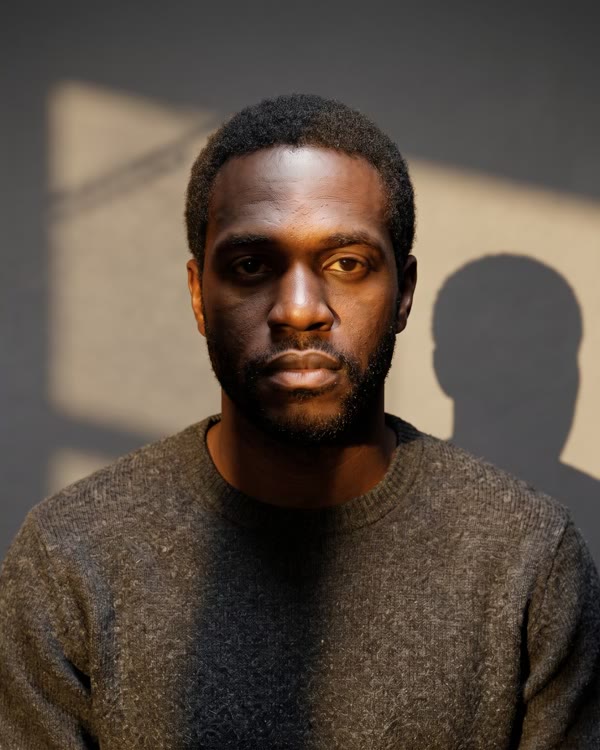
Generate your first image in seconds
Describe what you want, pick a model, click Generate. No signup needed to try.