Free AI Motion Control
Upload a character image and a reference video. The AI transfers the motion onto your character. Make any photo dance, perform, or move exactly like the clip you fed it. Powered by Kling V3. Free to try.
- 100% free to try
- No watermark on your download
- Powered by Kling V3
- Up to 30 seconds output
How AI motion control works in 4 steps
- Step 01
Upload a reference video
MP4, MOV, or WebM. The reference shows the motion you want transferred. A 5-second TikTok dance clip, a 12-second skateboarding line, a 3-second wave, anything with clear movement against a reasonably stable background.
- Step 02
Add a character image
PNG, JPG, or WebP. The character that will perform the motion. Could be a real person, a cartoon, an AI-generated character, your own illustrated mascot. Best results: a clean, well-lit, full-body or upper-body shot with the character clearly readable.
- Step 03
Pick the orientation mode
Two modes ship with Kling V3. Motion-following keeps the character oriented to the action and is better for complex movement, up to 30 seconds. Camera-following keeps the character oriented to the original image and reads the reference more as a camera move, up to 10 seconds. The right pick depends on whether the reference is mostly body motion or mostly camera motion.
- Step 04
Generate and download
Hit Generate. The tool runs the reference and the character through the Kling V3 motion-control model and returns an MP4 of your character performing the same motion. Download it, drop it into a TikTok or Reel, or send it to the editor for further work.
What makes motion transfer actually work
Most tools that promise motion transfer give you one mode, a 5-second cap, and a watermark. We expose the levers that matter so the result doesn't fight your reference clip.
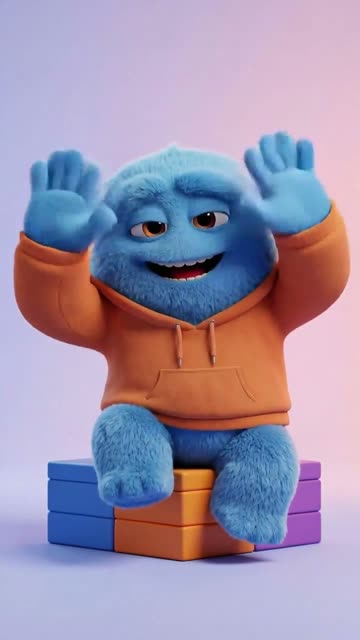
Kling V3 motion-control engine
The model behind the result is Kling V3 motion-control, the version released late 2025. It reads the pose, the timing, and the camera arc of the reference clip and re-paints those onto the character. Earlier Kling versions had a separate motion-brush feature for camera-only effects. V3 motion-control covers both motion AND camera in a single model.
Two orientation modes
Motion-following matches the character to the action in the reference, up to 30 seconds, better when the reference is mostly body movement (dancing, walking, gesturing). Camera-following keeps the character locked to the original framing, up to 10 seconds, better when the reference is mostly a camera arc around a subject. The cap difference reflects what each mode can sustain without drift.
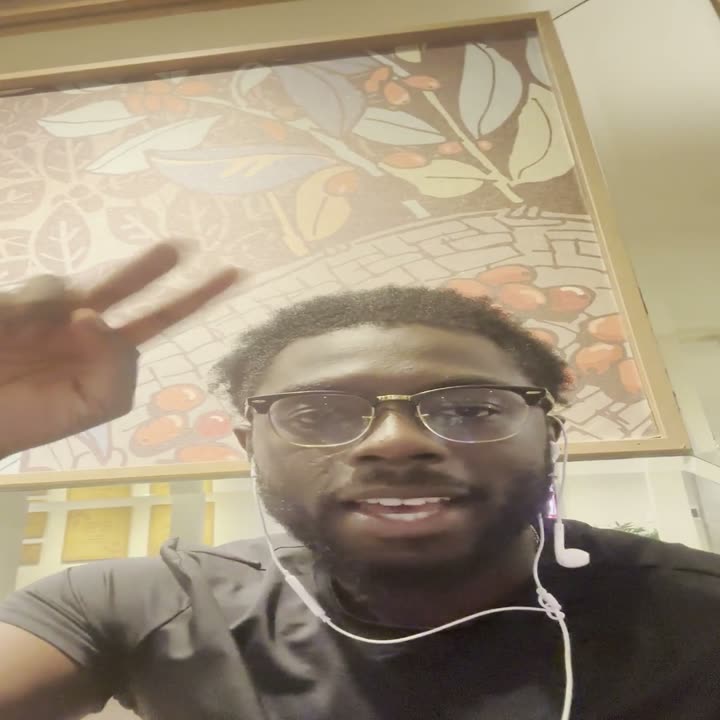 The clip · the moveThe character · the result
Keep the reference audio
Toggle on Keep Original Sound and the reference video's audio rides through to the output. Useful when the reference is a song clip and you want the character to dance to that same song without a separate audio sync step.
Optional prompt to nudge the result
A short text prompt is optional. If the reference is ambiguous (subtle movement, unclear pose), a prompt like 'energetic dance with arm gestures' or 'walking confidently toward camera' tells the model what to lean into. Most users skip the prompt and let the reference do the talking.
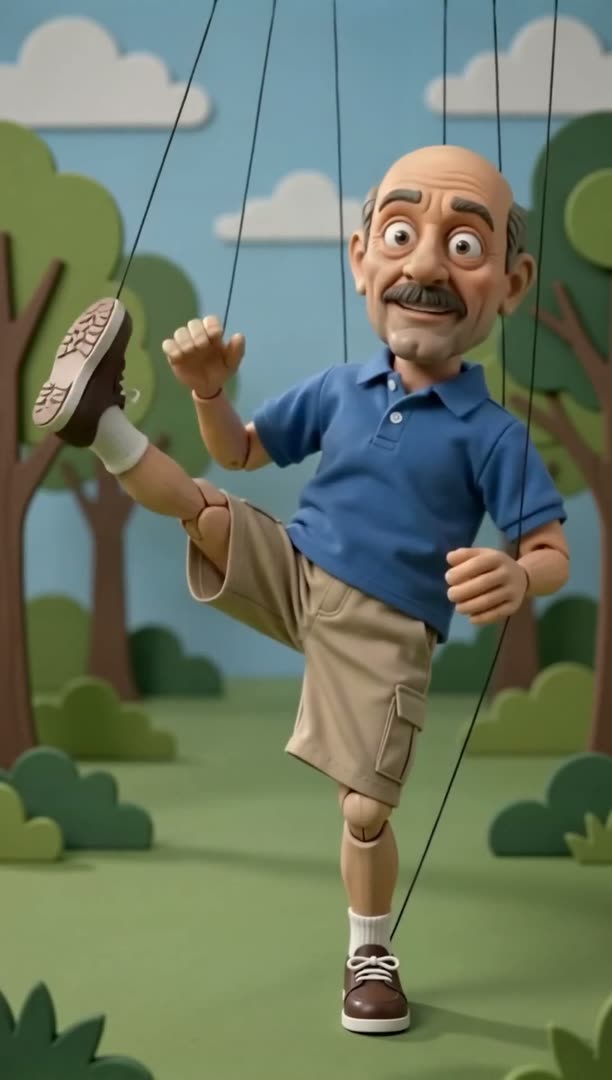 A marionette · the kick
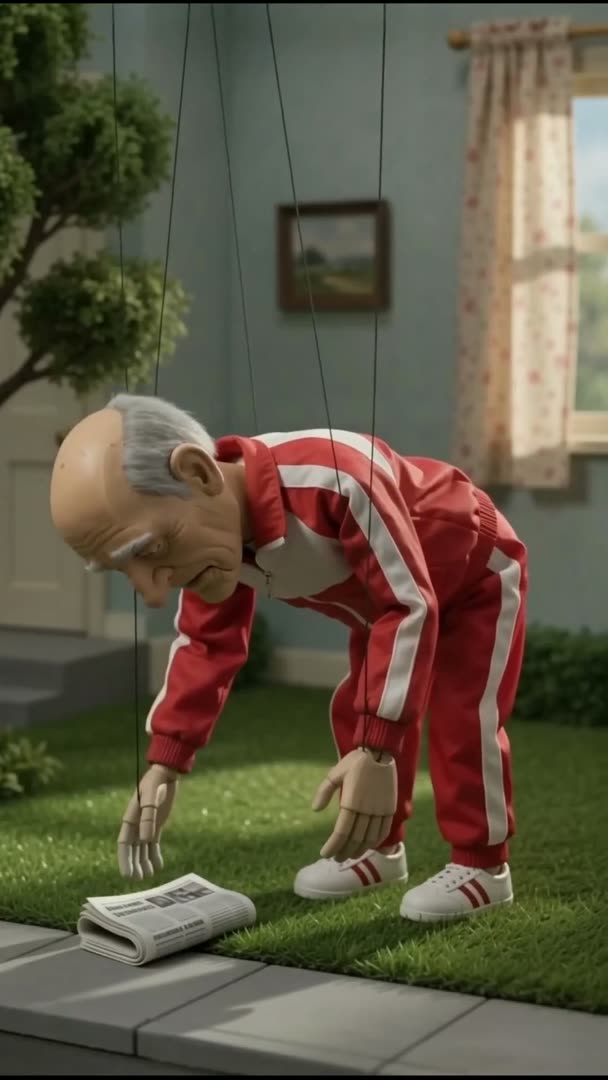 A marionette · the bend
Private by default
Uploads travel over HTTPS, run on isolated cloud workers, and auto-delete after 30 days. We don't use your videos to train models and we don't share them with third parties. Watch out for tools that bury training-data clauses in their terms.
Output in around two minutes
End-to-end generation takes roughly 90 to 180 seconds depending on duration and orientation mode. The job runs on the full Kling V3 model, not a wrapper that secretly downsizes it.
Who actually uses AI motion control
Different users, same model. The mix is wider than you'd think. Memes drive the scale; the professional use cases drive the depth.
Meme creators and social
Make any photo dance to a TikTok trend. Animate a friend's selfie to the choreography from a viral clip. Bring a pet photo or a brand mascot to life on whatever song is hitting that week. The 30-second cap is comfortably above what TikTok and Reels reward, so a single output usually covers a full post.
Indie animators and AI artists
Animate an original cartoon character without a rig. Transfer choreography you filmed from a phone onto a Midjourney character or an illustrated OC. The motion-following mode handles surprisingly complex pose changes; the camera-following mode keeps an illustrated character on-model.
Filmmakers and previz
Block a scene with a phone-shot reference (yourself, an actor stand-in) and see roughly how it'll feel performed by a digital double or a styled character. Faster than rigging up a marker mocap session for a one-shot creative test.
Product and brand teams
Animate a brand mascot to seasonal motions, dance trends, or scripted gestures without re-illustrating each frame. One mascot illustration plus a few different reference clips lands you a season's worth of social motion content.
Historical and archival projects
Animate a vintage photo or a portrait illustration from a clean modern reference. The geometry-aware nature of Kling V3 reads facial structure well enough that an old portrait can perform a modern motion convincingly. A common workflow for short documentary clips and museum-style social pieces.
Frequently Asked Questions
What is AI motion control?
AI motion control is a class of video models that take a character image plus a reference motion video and produce a new video where the character performs the motion from the reference. It's also called AI motion transfer. The version this page runs on is Kling V3 motion-control, released late 2025, which reads body motion and camera motion together in one pass. Outputs are returned as MP4 files.
Is the AI motion control tool really free?
Free to upload, free to preview, and your first render is on us: one free 5-second motion video when you verify your email, no card up front. After that you pay credits per generation. There's no watermark on output, and the Kling V3 model is genuinely the model in the box, not a downsized wrapper.
How do I make any photo dance with AI?
Upload the photo as the character image, upload a reference dance video (a TikTok clip, a music video segment, or your own phone footage), pick the motion-following orientation mode, and hit Generate. About 90 to 180 seconds later you get back an MP4 of the character in your photo dancing the moves from the reference. The result keeps the character's face and outfit while inheriting the timing and choreography from the reference.
What video formats does the reference clip accept?
MP4, MOV, and WebM are accepted. Reference clips can run up to 30 seconds in motion-following mode and up to 10 seconds in camera-following mode. Anything longer than the cap gets blocked at upload with a message telling you which mode to switch to.
Which is better, motion-following or camera-following?
Motion-following is the right pick when the reference is mostly body movement, like dancing, walking, gesturing, or interacting with a prop. It allows up to 30 seconds and reads pose changes well. Camera-following is the right pick when the reference is mostly a camera arc orbiting around a subject and the body itself isn't doing much. It caps at 10 seconds and keeps the character locked to the original framing. If you're not sure, start with motion-following; it's the more common pick.
What's the difference between Kling motion control and Kling motion brush?
They're different features. Kling motion brush, shipped on Kling 1.x, lets you paint a region of an image and tell the model to move only that region (a curtain blowing, a flag waving). Kling motion control, the V3 feature this tool uses, takes a full reference video and transfers the entire motion onto a character. Brush is region-based and prompt-driven. Motion control is reference-driven. People conflate the two on Twitter all the time; they're not the same.
Is this an alternative to Viggle AI for dance memes?
Yes. Viggle popularized the AI dance meme format and dominates that intent today. The trade-offs are: Viggle is dance-specialized and very good at it; Kling V3 motion-control is a more general motion transfer model that also handles dance well, plus things Viggle struggles with (camera arcs, non-dance body language, complex prop interaction). If your use is purely TikTok dance meme generation, Viggle is a fine choice. If your use spans dance + general motion + character work, Kling V3 is the broader tool.
How does this compare to Runway Act-One or Act-Two?
Runway's Act series is face-and-performance focused. You drive a character with a phone-recorded performance of yourself, and Act-One/Act-Two transfer your facial expression and head pose. Kling V3 motion-control is full-body motion plus camera. The Runway tools are stronger at expressive face work; Kling V3 is stronger at full-body motion and dance. The two tools are complements, not direct replacements.
What kinds of character images work best?
A well-lit, full-body or upper-body shot of the character on a reasonably clean background. The model needs to read the silhouette, the pose, and the wardrobe clearly. Hard cases: very busy backgrounds, occluded limbs, characters facing away from the camera, extreme low light. Easy cases: portrait studio shots, character art with clean line work, AI-generated characters from Midjourney or Flux that already have predictable framing.
Will the output have a watermark?
No watermark. The MP4 you download is the unbranded model output. Use it commercially, post it, edit it, license it. The free public landing page does not bury watermark fine print in the terms.
How long does generation take?
Roughly 90 to 180 seconds end-to-end. Motion-following 30-second outputs are at the longer end. Shorter outputs and camera-following mode tend to land closer to the 90-second mark. It runs on the full Kling V3 model, not a re-host, so wait times follow the model's real availability.
Is my video private and secure?
Uploads travel over HTTPS, run on isolated cloud workers scoped to your account, and auto-delete after 30 days. We don't feed them into training data. We don't share them with third parties. Read the terms of any AI tool carefully here; not every competitor is as restrictive about training-data use, and motion-control inputs are unusually identifying because they show your face plus a recognizable motion signature.
Can I use the output commercially?
You keep whatever rights you held on the inputs. The output inherits those. AskEditor doesn't claim rights to input or output. The one ask is you stay inside our content guidelines: no CSAM, no non-consensual deepfakes of real people, no impersonation for fraud, no copyrighted music or footage you don't have a license to. Beyond that, use the result however you'd use any video you produced yourself.
Related tools
Try AI motion control, free
Upload a character image and a reference clip. Watch your character perform the motion. Sign in to save the result.