Auto Subtitle Generator
Generate polished subtitles in seconds with AI, customizable brand-kit styling, and built-in multilingual support. Get started for free and expand your reach.
- Trusted by creators worldwide
- Free to start
- Multiple languages
How to auto generate subtitles in 3 steps
- Step 01
Upload your video
Import an MP4 or MOV file, or drag and drop directly into the editor. AskEditor supports all major video formats up to 150MB.
- Step 02
Auto-generate subtitles
Select your source language and let our AI-powered subtitle generator create perfectly timed, accurate captions in seconds.
- Step 03
Edit, style, and export
Fine-tune text, adjust timing with our visual timeline editor, customize fonts and animations, then export as SRT, VTT files or burn subtitles directly into your video.
More subtitle features
Generate polished subtitles in seconds with AI, customizable brand-kit styling, and built-in multilingual support. Get started for free and expand your reach.
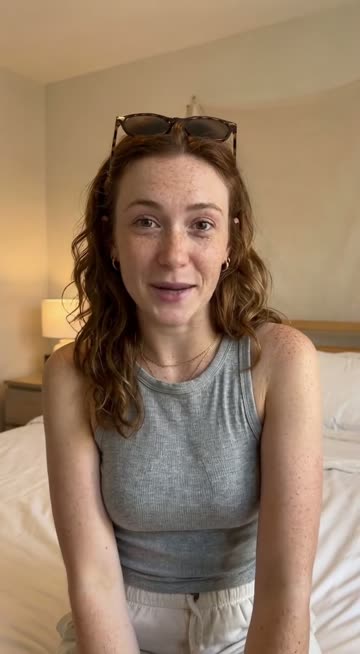 The clip
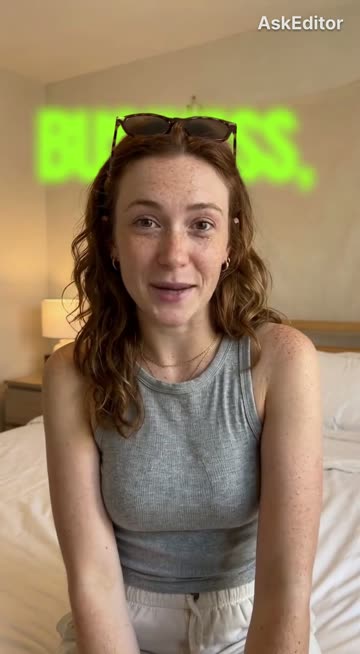 The caption, behind her
AI-Powered Accuracy
Advanced speech recognition ensures 95%+ accuracy with automatic punctuation and speaker detection.
Real-Time Preview
Watch your video with live subtitle overlay to see exactly how it looks before exporting.
Universal Export Formats
Export as SRT, VTT, WebVTT, or burn directly into video. Compatible with YouTube, TikTok, and Instagram.
Custom Styling & Branding
Choose from 50+ fonts, adjust colors, sizes, and positioning to match your brand perfectly.
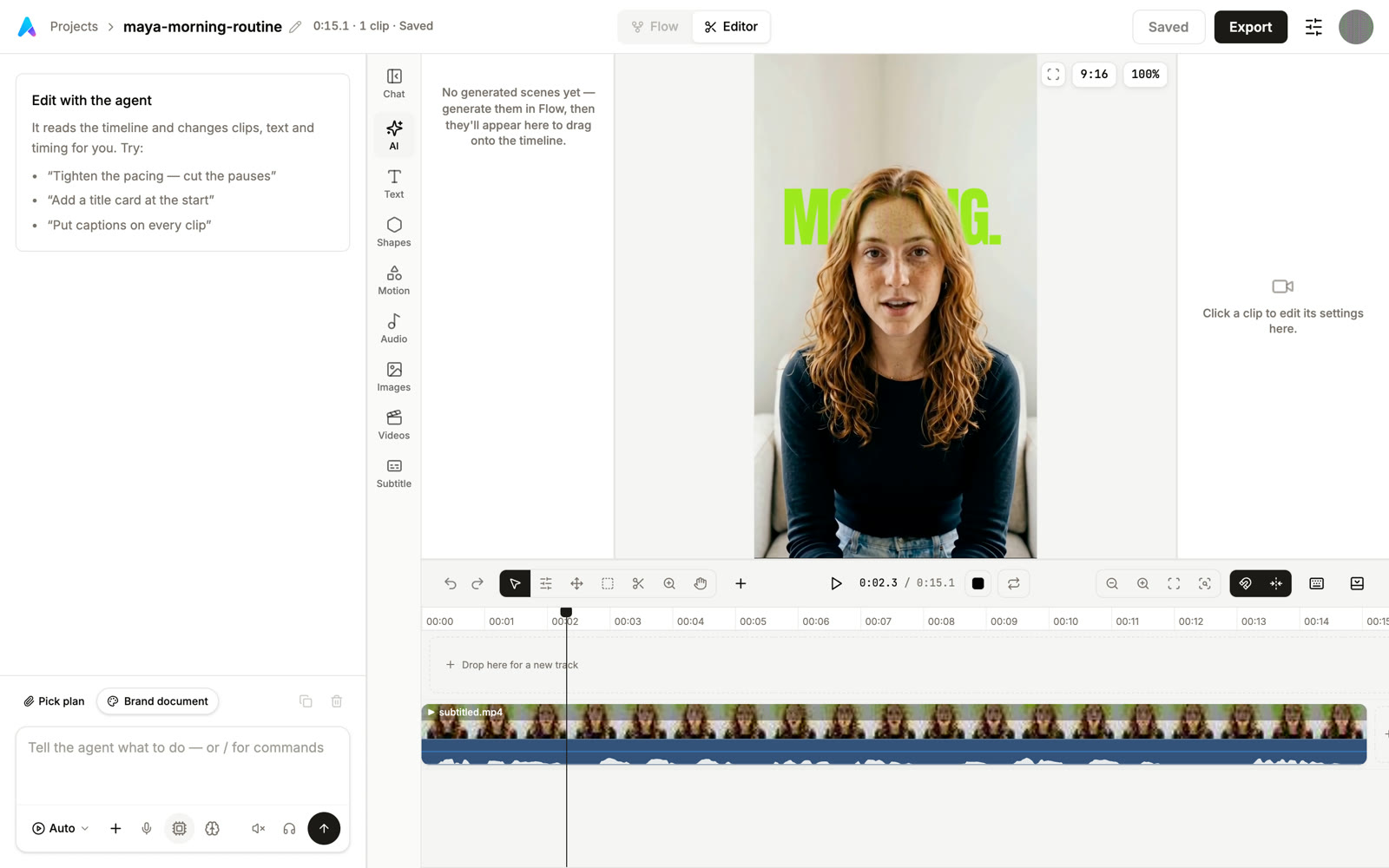
Timeline-Based Editing
Drag, resize, and adjust subtitle timing on a visual timeline with frame-accurate precision.
Multiple Languages Supported
Generate and translate subtitles in various languages with high accuracy.
Cloud Auto-Save
Never lose your work. Every edit is automatically saved to the cloud with full version history.
One-Click Translation
Instantly translate your subtitles to any language while preserving timing and formatting.
Who uses our AI subtitle generator
From YouTubers and TikTok creators to enterprise compliance teams, the same tool serves wildly different needs because every audience needs the same thing: accurate, timed text on top of video, fast.
Content creators and YouTubers
Add subtitles to YouTube videos for better engagement, reach international audiences with multilingual captions, and improve SEO with searchable transcripts. 85% of social media videos are watched without sound, so captions are the difference between a viewer staying past the first second and scrolling.
Social media marketers
Generate captions for muted autoplay on Instagram, Facebook, TikTok, and Reels. Turn one source video into multiple language versions for global campaigns. Quick turnaround on trending content where shipping today versus tomorrow is the difference.
Education and e-learning
Make educational videos accessible to all students, provide transcripts for online courses, and support language learning with accurate captions. Helps with ADA and Section 508 compliance for institutions that need it.
Business and enterprise
Create professional training videos with captions, generate meeting transcripts and video summaries, and ensure workplace accessibility compliance. Multi-seat plans support global teams with multilingual content.
Accessibility-first teams
Build content that's accessible from day one. Captions help deaf and hard-of-hearing viewers, support non-native speakers, and make your content searchable by keyword. Compliance and engagement go in the same direction here.
Popular Language Variations
Generate subtitles optimized for specific languages with dialect recognition and regional vocabulary support.
Frequently Asked Questions
What are subtitles and why do they matter?
Subtitles are timed text captions that display dialogue, narration, and audio descriptions in videos. They increase accessibility for deaf and hard-of-hearing viewers, help non-native speakers understand content, improve engagement (85% of social media videos are watched without sound), and boost SEO by making your content searchable.
How do I generate subtitles with AskEditor?
Simply upload your video (MP4 or MOV up to 700MB), select your source language, and click "Generate Subtitles." Our AI will automatically transcribe your audio with 95%+ accuracy, add punctuation, and sync the timing. You can then edit, style, and export in minutes.
Is AskEditor's subtitle generator free?
Yes! AskEditor offers a generous free tier that lets you generate subtitles for videos up to 700MB. Create an account to access advanced features like custom styling, multiple export formats, and cloud storage for your projects.
Can I edit subtitles after generation?
Absolutely! AskEditor includes a powerful timeline-based editor where you can edit text, adjust timing by dragging subtitle blocks, fix errors, split or merge segments, and customize fonts, colors, and positioning. All changes are saved automatically to the cloud.
How accurate is AI subtitle generation?
AskEditor's AI achieves 95%+ accuracy for clear audio in supported languages. Accuracy depends on audio quality, accents, background noise, and technical terminology. Our editor makes it easy to quickly review and correct any errors before exporting.
What export formats does AskEditor support?
Export your subtitles as SRT, VTT, WebVTT files, or burn them directly into your video. Our exports work seamlessly with YouTube, TikTok, Instagram, Vimeo, and all major video platforms and editing software.
Is my video data secure with AskEditor?
Yes. All uploads are encrypted with industry-standard SSL/TLS. Videos are processed securely in the cloud and automatically deleted after 30 days. We never share your content with third parties. Read our full privacy policy for details.
Which languages does the subtitle generator support?
AskEditor supports 120+ languages including English (Global, US, UK, Australia, Canada, India), Spanish, French, German, Portuguese, Italian, Chinese (Simplified and Traditional), Japanese, Korean, Arabic, Russian, Hindi, Dutch, Swedish, Norwegian, Danish, Finnish, Polish, Turkish, Greek, Hebrew, Vietnamese, Thai, Indonesian, Malay, Filipino, Ukrainian, Czech, Romanian, Hungarian, Bulgarian, Croatian, Serbian, Slovak, Slovenian, Estonian, Latvian, Lithuanian, and many more. Pick the source language at upload time.
Can I translate subtitles to other languages?
Yes. Once your subtitles are generated, you can translate them to any supported language with one click while preserving the original timing and formatting. Useful for shipping the same campaign across multiple regions without re-recording the source.
What's the difference between burned-in and separate subtitle files?
A separate file (SRT, VTT, WebVTT) lives alongside the video and lets the viewer toggle captions on or off, which is better for YouTube, accessibility compliance, and any platform that supports caption tracks. A burned-in (hardcoded) subtitle is rendered into the pixels of the video itself, which is better for TikTok, Reels, and any feed where autoplay is muted and the captions need to show without the viewer having to enable them. AskEditor exports both.
Related tools




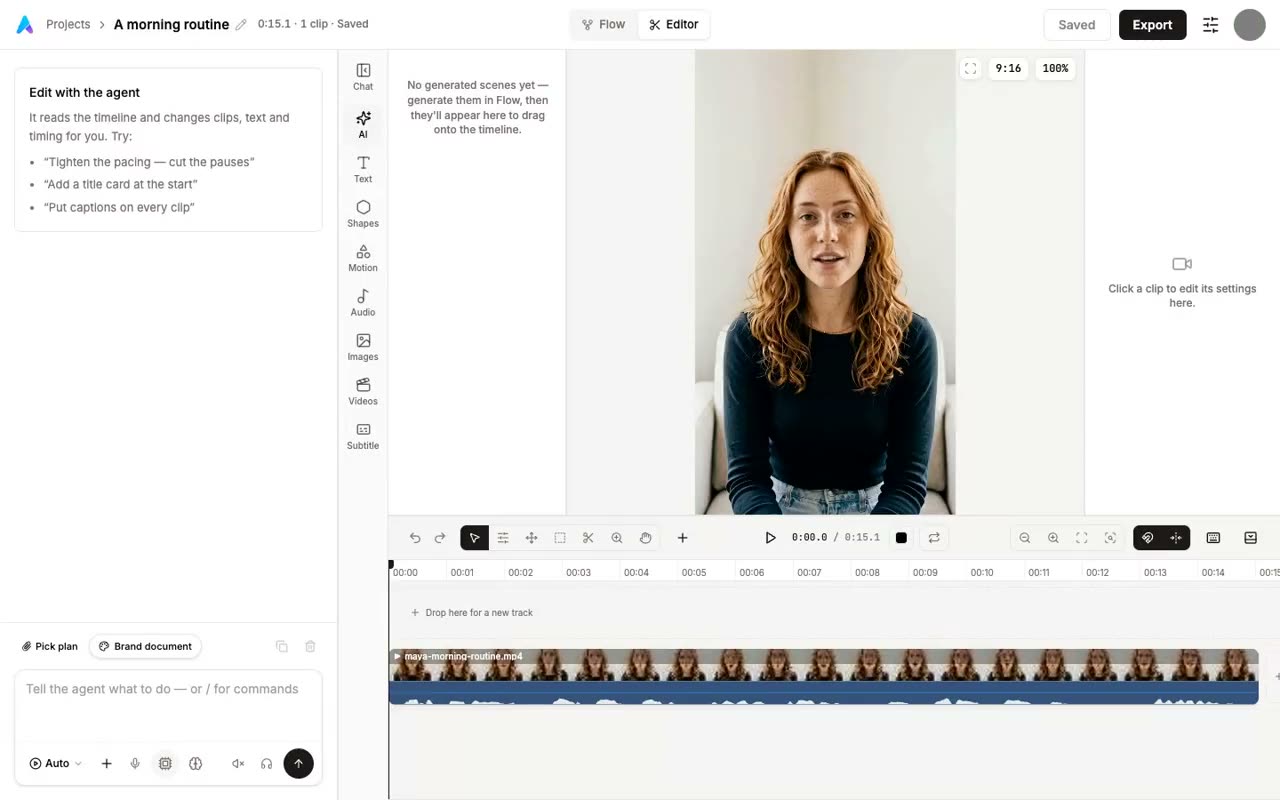
Generate Subtitles Free
Upload a video, pick a language, and get accurate captions in seconds. No card, no watermark.