Free AI Image to Video Generator
Turn any photo, AI render, or product still into a short video with natural AI motion. Pick your model, set camera and duration, and let the AI handle the in-between frames. No watermark. No install. Free to try.
- 100% free to try
- No watermark on your download
- No signup to upload
- Multiple AI models
How to turn an image into video in 3 steps
- Step 01
Drop your image
JPG, PNG, WebP, or GIF up to 10MB. Phone photos work. Camera exports work. Midjourney, Stable Diffusion, DALL-E and Flux renders work especially well because the source is already noise-free.
- Step 02
Describe the motion
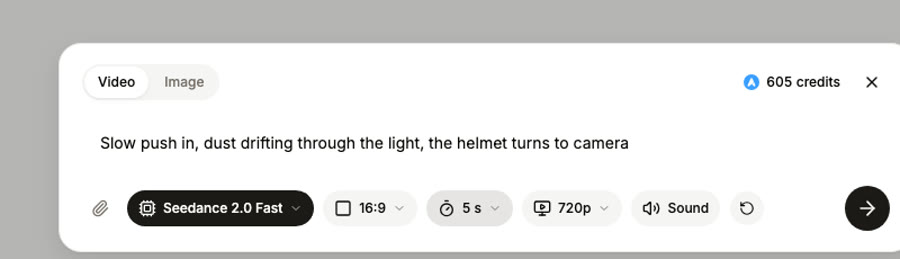
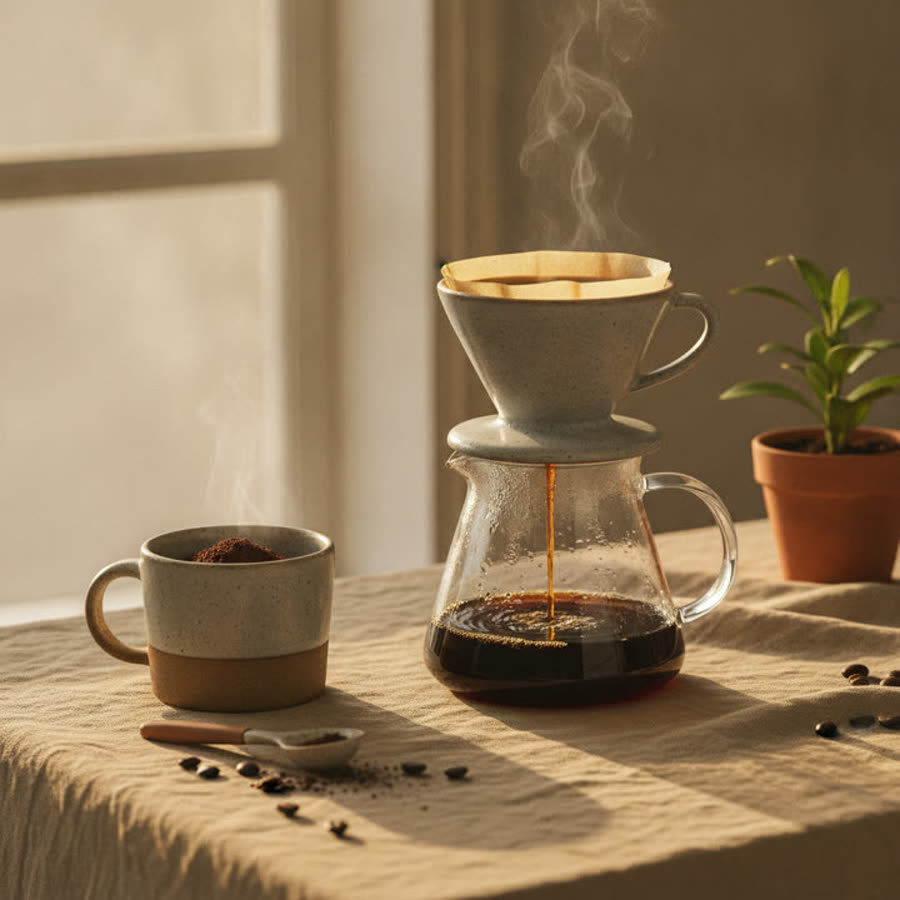
Type what you want to see happen: a slow zoom on the subject, a tracking pan to the left, the steam curling off a coffee cup. Pick a camera movement, motion intensity, and a duration between 4 and 15 seconds.
- Step 03
Generate and download
Click Generate. The AI renders the video, streams progress as it goes, and hands back an MP4. No watermark, yours to use. Most clips finish in under 90 seconds depending on duration and selected model.
Built for natural motion, not warped frames
We picked the AI video models that hold subjects together across frames. Whichever you choose, the result tracks faces, bodies, and objects through the motion instead of smearing them.
Three AI models, one interface
Slate, our own model (included, fastest, built for iteration), Kling 3.0 Pro (cinematic multi-shot up to 6 takes), and ByteDance Seedance 2.0 (strong prompt adherence) are all live behind a single Generate button. Pick the one that fits the brief.
Camera direction controls
Push-in, pull-out, pan left, pan right, tilt, static. Pair the camera move with motion intensity (subtle to strong) and the AI keeps the subject anchored while the lens moves around it.
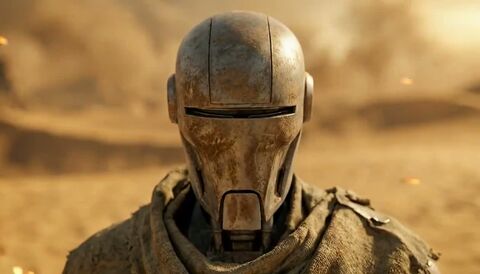
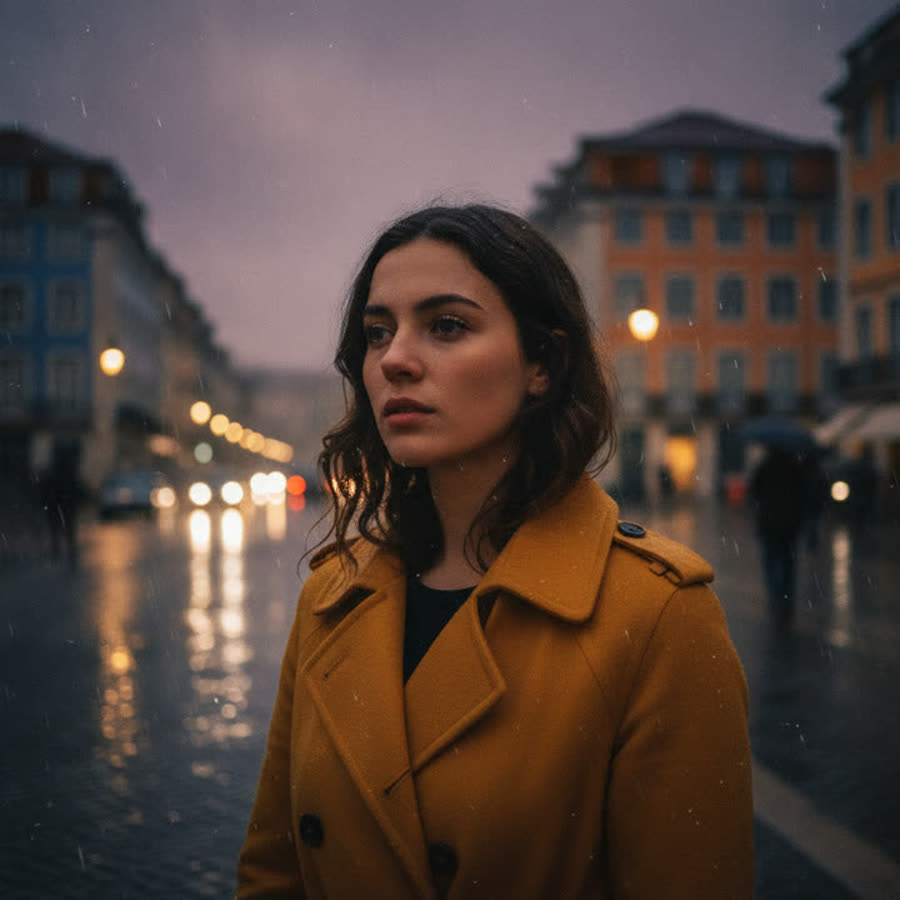
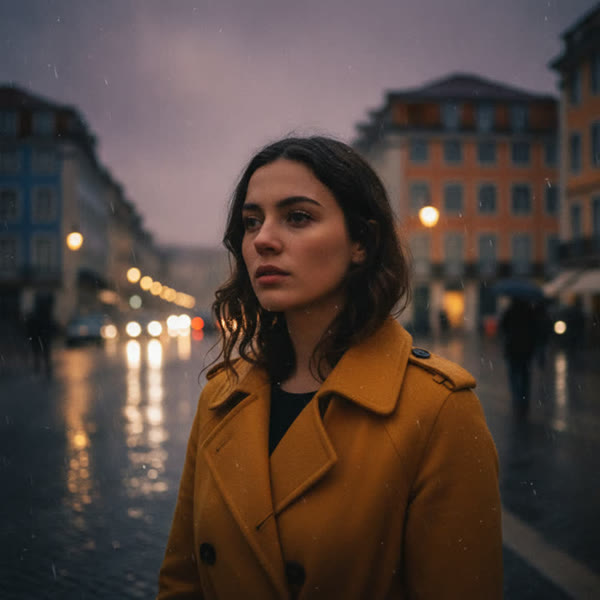
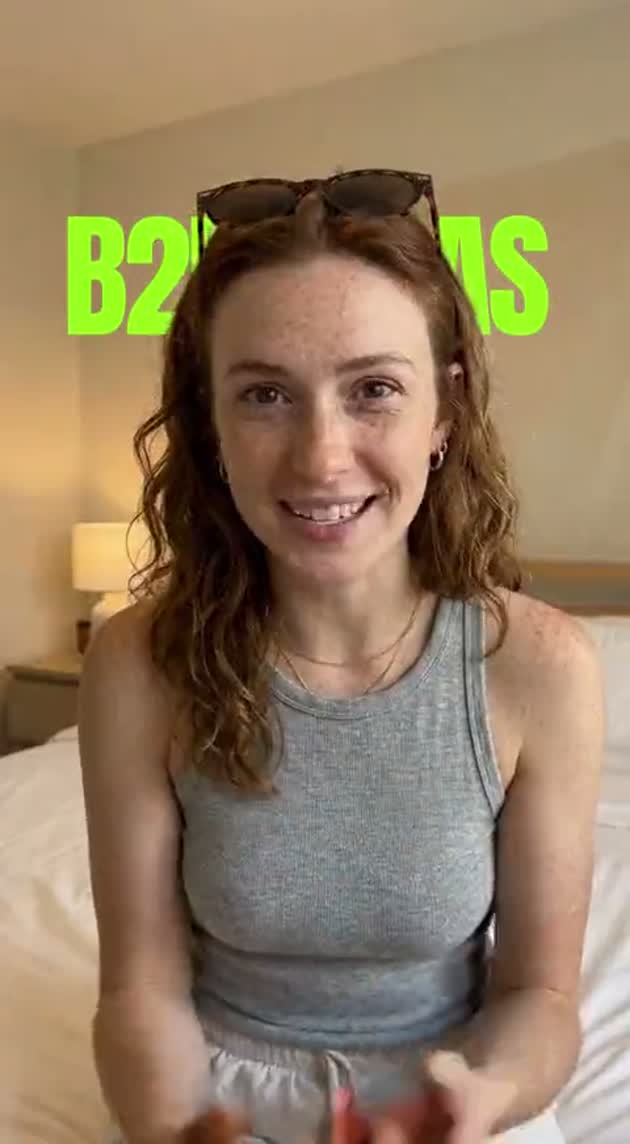
 The stillThe clip · it turns to camera
First and last frame interpolation
Drop a start image and an end image. The model fills in the middle. Useful for seamless scene transitions, before/after reveals, or stitching photo sequences into a continuous shot.
Audio that matches the scene
Toggle audio on and the model generates an ambient track tied to the visuals. For dialogue-driven scenes, the audio aligns with mouth movement on Slate's lip-sync path.
Prompt suggestions
Stuck on what to write? Hit Suggest and the AI reads the image, then drafts a motion prompt grounded in what's actually there. We've found this saves the prompt-engineering loop most users get stuck on.
Real-time progress
Server-sent events stream every percent of generation back to the page. No spinner-of-doom guessing how long it has left. You see render time tick down as it goes.
Who uses our AI image to video tool
From AI artists shipping reels to ecommerce teams animating product stills.
AI artists and creators
You generated a Midjourney scene. You want it to move. Drop it in, type what should happen, get back a 6-second clip ready for TikTok or YouTube Shorts. Works with everything from anime to photoreal portraits.
Ecommerce and product
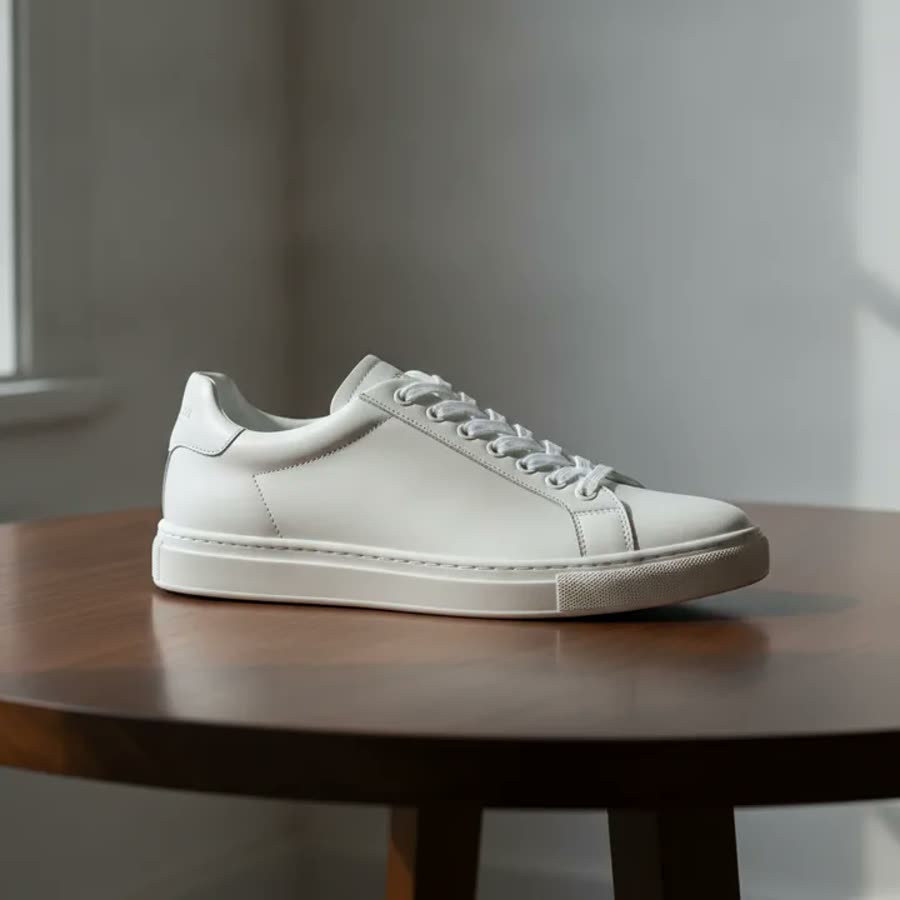
Animate a product still into a 5-second hero loop for the listing. Add a slow rotation, a steam wisp, a fabric flutter. Listings with motion outperform static stills on Etsy and Amazon, even at thumbnail size.
Marketing and social
Take a stock photo or a campaign still and turn it into an Instagram Reel without booking a video shoot. Pair with our subtitle generator and you've got a finished social asset in under five minutes.
Frequently Asked Questions
How do I turn an image into a video?
Drop the image onto the upload area or click to browse. Type a short motion prompt (something like "slow push-in on the subject, steam rising"). Pick a duration between 4 and 15 seconds, choose a camera movement if you want one, and hit Generate. The AI renders the clip in roughly 30 to 90 seconds and you download an MP4. No software to install.
Is the AI image to video tool really free?
Free to upload, free to type a prompt, free to compare models. Generating the video itself uses credits because the underlying AI models cost real money to run. Every account starts with credits in the free tier and you only pay if you exceed them. No card up front.
How long can the video be?
4 to 15 seconds depending on the model. Slate sits in the 4-10 second sweet spot. Kling 3.0 Pro handles up to 15 seconds and supports multi-shot mode where one prompt produces 2-6 different camera angles. For longer videos you stitch clips together in our timeline editor afterwards.
Which AI model should I pick?
Three honest tradeoffs. Slate is our own model on our own GPUs and the fastest, so it iterates well when you're testing prompts. Kling 3.0 Pro produces the most cinematic motion and is the right pick for hero shots, especially with multi-shot mode. Seedance 2.0 has the tightest prompt adherence which is useful when you want the AI to do exactly the thing you described and not improvise. Default is Slate; switch when the brief calls for it.
Will the video have a watermark?
No watermark. The MP4 you download is exactly what the model produced. Use it on social, in ads, send it to a client. We don't stamp the result.
Does it work on AI generated images?
Yes, and we've found this is where the tool shines. Midjourney, Stable Diffusion, DALL-E, Flux, and Gemini Nano Banana all output images that are clean and noise-free, which gives the video model more to work with. The motion lands naturally and the subject holds together across frames better than on a typical phone photo.
What image formats can I upload?
JPG, PNG, WebP, and GIF, up to 10MB. Most phone photos and AI render exports fall well under this. The output is always an MP4 at the resolution you picked.
Can the video include audio?
Toggle audio on and the model generates an ambient soundtrack tied to the visuals. For scenes with people talking, Slate's lip-sync path will align the audio to mouth movement. If you want full music or voiceover control, generate the video without audio and layer it in our timeline editor afterwards.
How is this different from Runway, Pika, or Kling's own site?
Three differences worth knowing. AskEditor runs three different video models behind one interface so you can A/B without switching tools. We charge per credit instead of a monthly subscription, which is fairer if you only ship a few clips a week. And the output drops directly into our timeline editor with subtitles, voiceover, and basic editing, so you don't end up bouncing between four apps to finish a single 15-second post.
How long does generation take?
30 to 90 seconds for most clips. A 5-second Slate video typically lands around 35 seconds end to end. A 15-second Kling Pro multi-shot can take closer to 4 minutes because the model is doing more work per frame. There's no queue, so the spinner you're watching is real render time.
Can I use the videos commercially?
Yes, provided you have rights to the source image. AskEditor doesn't claim rights to your input or your output. Use it in paid ads, sell it, license it. The one rule is you stay inside our content guidelines (no CSAM, no non-consensual deepfakes, no copyrighted material you don't have a license for).
Related tools
Try the AI image to video generator, free
Drop a photo, describe the motion, and watch it move in under 90 seconds. Sign in to save your render to your library.