Free Online Video Editor
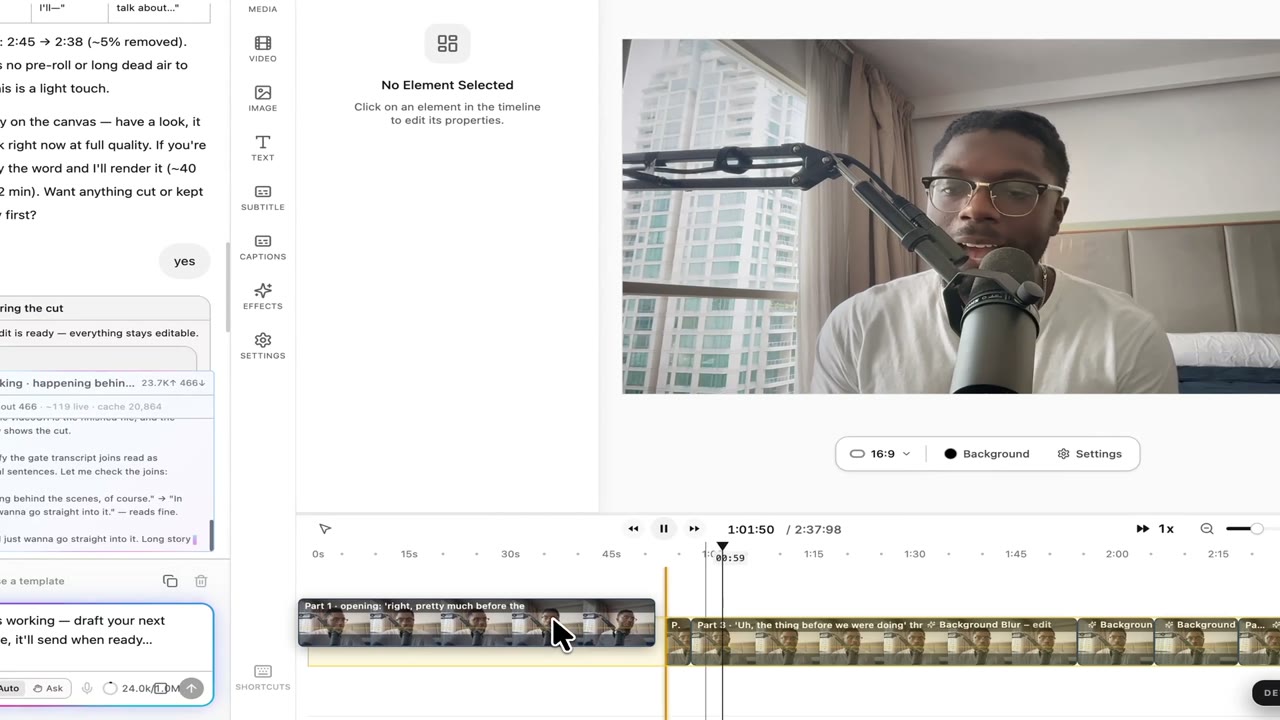
Trim, layer, animate, and export — right in your browser. No sign-up to open the editor. A free account when you add your first clip, so nothing you do is lost.
- No sign-up required
- 1080p export, no watermark
- Saved as you edit
Edit and export your video in 3 steps
- Step 01
Drop in your media
Drag video, audio, or image files straight onto the timeline — or paste a YouTube link to import a clip. Your first clip goes with you into your free account.
- Step 02
Edit on the timeline
Trim, split, layer, and animate. Add text, captions, transitions, motion effects, and stock B-roll. Use the canvas to position elements visually, just like a desktop editor.
- Step 03
Sign in and keep going
Adding your first clip asks for a free account — the clip is already on the timeline when you land. Hit Export to render a 1080p MP4.
Everything you need, nothing you don't
Built by creators for creators. The same editor agencies and studios use behind login — now public, free, and instant.


Multi-track timeline
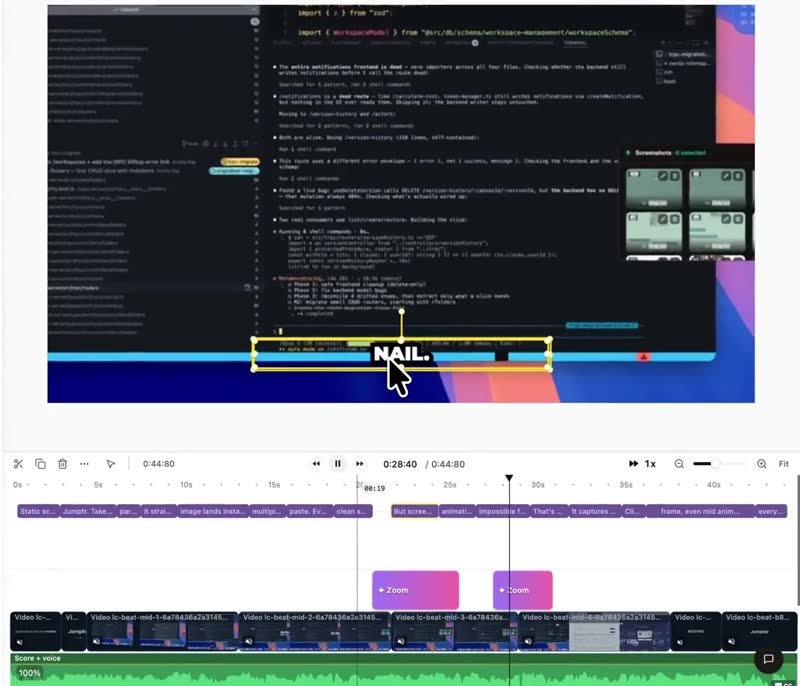
Stack videos, audio, images, and text across unlimited tracks. Drag clips to retime, split with the playhead, or group-select with shift-drag.
Motion and effects
Built-in animations like zoomPulse, VHS retro, RGB split, light sweep, glitch, and film grain. Add a polished cinematic feel without aftereffects training.
Auto subtitles + kinetic captions
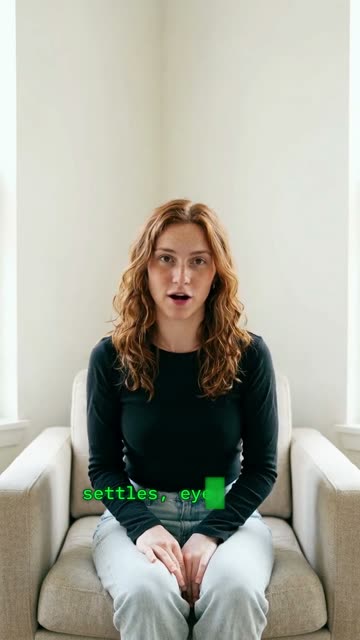
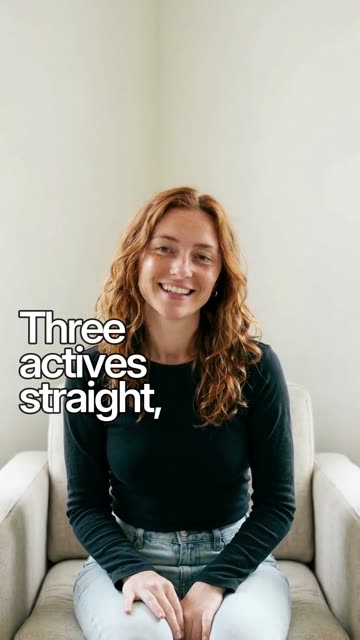
Generate accurate subtitles in 100+ languages, then style them like TikTok, Instagram, or your own brand kit. Word-by-word highlight, custom emoji, and animated reveals.
AI voiceovers and sound
Narrate scenes in an AI voice, or generate sound effects and ambient music from a text prompt.

Scenes and storytelling
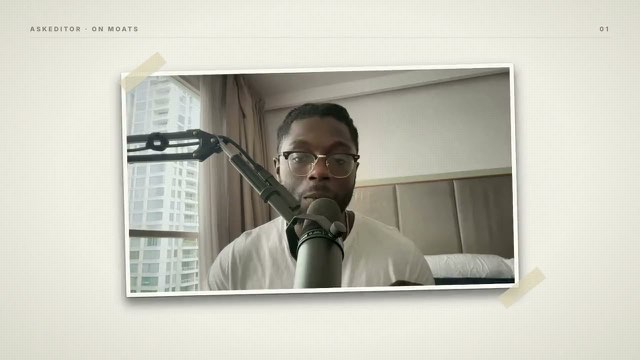
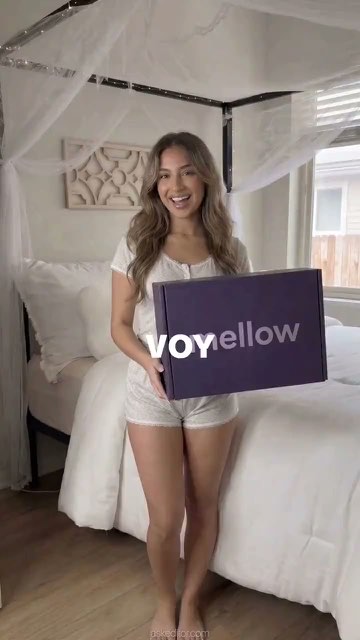
Break long edits into scenes with placeholder previews, AI image regeneration, and per-scene voice. Designed for narrative UGC and ad creatives.
AI scene reviewer
An AI reviewer flags character mismatches, framing issues, missing dialogue, and broken structure — with a one-click Fix Now that re-renders the offending clip.
Saved as you edit
Every change lands in your workspace as you make it. Close the tab, open it on another machine, and the timeline is where you left it.
1080p / 60fps export
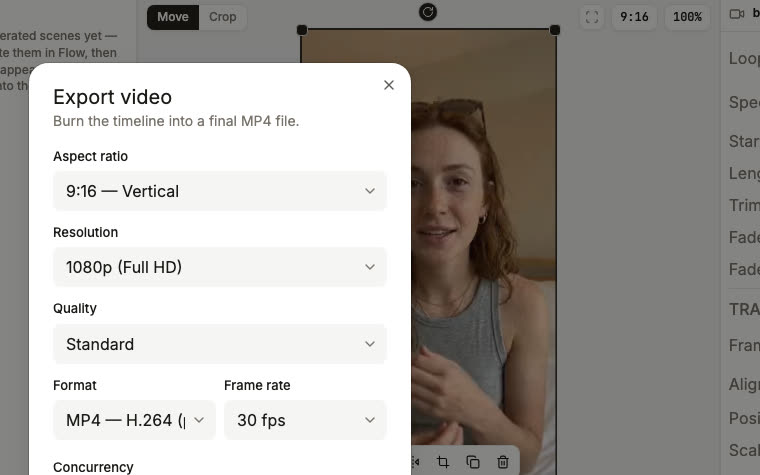
Frame-perfect H.264 export at 30 or 60 fps with synced audio and captions. No watermark, no length limit, no upsell.
Built for every kind of creator
Whether you're shipping a UGC ad, a tutorial, or a Shorts series — the editor adapts to your workflow.
Performance marketers
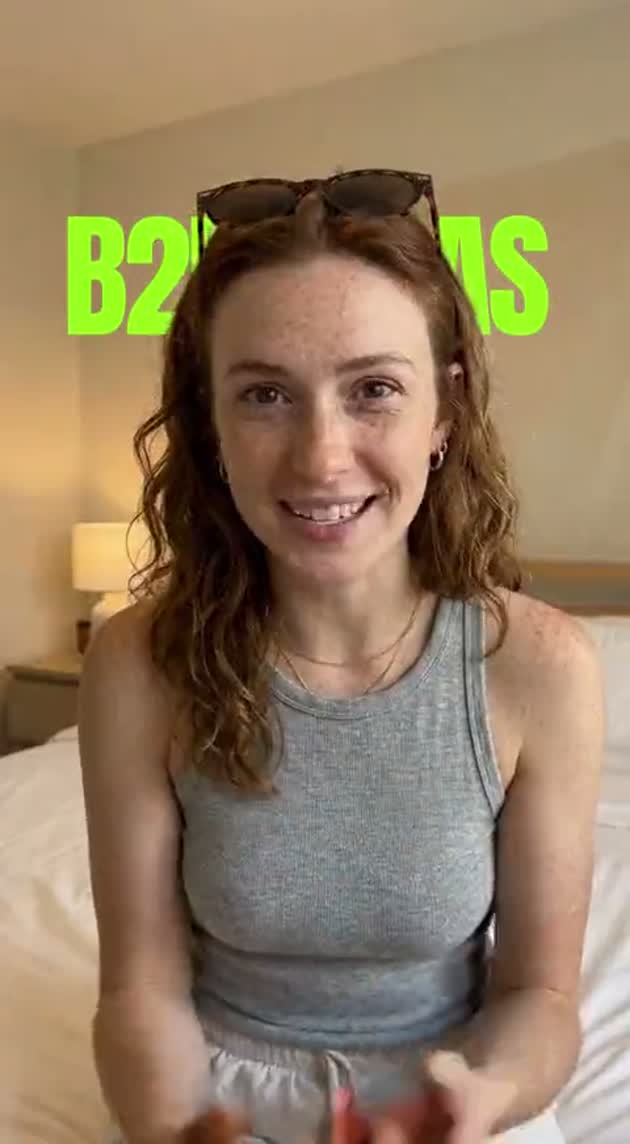
Cut UGC ads with kinetic captions, B-roll cutaways, and motion graphics in minutes. Iterate creatives faster than your media buying cycle.
YouTubers and content creators
Long-form edits with chapter scenes, animated titles, and word-perfect captions. Export at 1080p60 for crisp Shorts and Reels.
Agencies and studios
Spin up client edits without a desktop install. Hand off projects via shared workspaces — every revision is versioned in the cloud.
Course creators and educators
Turn lecture recordings into polished modules. Add multilingual subtitles, B-roll, and animated callouts to keep students engaged.
Solo founders and indie hackers
Make demo videos, launch reels, and product walkthroughs without hiring an editor. Add an AI voiceover to every product update.
Social media managers
Repurpose long-form into TikTok, Reels, and Shorts in one session. Re-export at any aspect ratio without re-editing.
Frequently Asked Questions
Is the video editor really free?
Yes. You can open the editor without an account. Adding your first clip asks for a free account, so your project is saved as you edit — the clip is on the timeline the moment you land. There's no trial, no credit card, and no watermark on free exports.
Do I need to install anything?
No. AskEditor runs entirely in your browser. Chrome, Edge, Safari, and Firefox on desktop are all supported. There's nothing to download or install — just open /tools/video-editor and start editing.
What file formats can I upload?
Video: MP4, MOV, WebM. Audio: MP3, WAV, M4A, AAC. Images: PNG, JPG, WebP, GIF. Files upload to your workspace as you add them, so they're there on every device you sign in from.
Where does my work get saved?
In your workspace, as you edit. The first clip you add asks for a free account; from then on the timeline and every file you upload are saved automatically and open on any device you sign in from.
Can I keep editing on a different device?
Yes. Projects live in your workspace, so sign in on any browser and pick up where you left off.
Does this work on mobile?
The full editor is desktop-only for now — timeline editing benefits from a real keyboard, large display, and a precise pointer. On mobile we'll show you the marketing page and ask you to come back from a desktop browser. Mobile playback and review of saved projects is on the roadmap.
How do animations and effects work?
Right-click any element on the timeline to open Animations. We ship with motion presets (fade, slide, zoom, bounce), kinetic typography, and visual effect lenses (VHS retro, RGB split, glitch, light sweep, film grain, zoom pulse). Effects are applied as their own timeline pills so you can drag, trim, and stack them.
What aspect ratios and resolutions can I export?
9:16 (Reels/Shorts/TikTok), 16:9 (YouTube), 1:1 (Instagram feed), and custom dimensions. Exports render at 1080p with optional 60fps for high-motion content like screen recordings or AI-generated clips.
What about AI features — subtitles, voiceovers, image generation?
AI features all run on our paid backend, so they require sign-in and use credits. We offer a free tier with monthly credit allotments and paid plans for heavier use. The editor itself — timeline, effects, animations, manual subtitles, export — is free on every account.
Is the editor open source?
The editor is a proprietary product, but we publish a steady stream of architecture documentation and engineering blog posts on /blog. If you're researching how to build a browser-based video editor, you'll find detailed write-ups of our timeline physics, OPFS storage layer, frame-by-frame export pipeline, and more.
Related tools




Open the editor — your timeline is one click away
No sign-up to open it. No watermark. A free account when you add your first clip.