
Free AI Image Upscaler
Push a photo, an AI render, or a low-res screenshot up to 4x without it looking like wax. Browser-based, no install, watermark-free. The upload doesn't ask for an account.
How to upscale an image in 3 steps
Step 1. Upload your image
Drag a JPG, PNG, or WebP file onto the upload area. The 10MB ceiling covers most phone photos at full quality, plus the usual exports out of Midjourney, Stable Diffusion, DALL-E, and a UI screenshot or two. If your file is bigger, drop it through a quick lossless save first.
Step 2. Let the AI rebuild detail
Your image runs through the model. Edges, textures, and faces get reconstructed at up to 4x. The output keeps the grain and sharpness you'd expect from a real camera at that resolution, instead of the wax-skin look that used to plague free upscalers a couple of years ago.
Step 3. Compare and download
Drag the slider to flip between original and result. Happy? Hit download and a high-resolution PNG lands on your machine. Watermark-free, yours to use.
Upload your image
Drag a JPG, PNG, or WebP file onto the upload area. The 10MB ceiling covers most phone photos at full quality, plus the usual exports out of Midjourney, Stable Diffusion, DALL-E, and a UI screenshot or two. If your file is bigger, drop it through a quick lossless save first.
Let the AI rebuild detail
Your image runs through the model. Edges, textures, and faces get reconstructed at up to 4x. The output keeps the grain and sharpness you'd expect from a real camera at that resolution, instead of the wax-skin look that used to plague free upscalers a couple of years ago.
Compare and download
Drag the slider to flip between original and result. Happy? Hit download and a high-resolution PNG lands on your machine. Watermark-free, yours to use.
Built for crisp results, not plastic ones
Most free image upscalers oversmooth the source and turn skin into wax. We tuned ours to preserve fine texture, sharp edges, and the things people actually look at: faces, fabric, type, and product detail.
Up to 4x resolution
1080×720 goes to 4320×2880. That's enough headroom for an A2 poster, a Shopify hero banner, or a 4K reel cover. The 4x ceiling is deliberate: anything past 4x and the AI starts hallucinating detail that wasn't in the source. You can usually spot it in the eyes.
Detail-preserving model
Our model was tuned against a corpus of real photographs, illustrations, and product imagery, not just synthetic upscaler benchmarks. That's why the output keeps fabric weave, hair, and skin pores legible at the new size. Faces tend to be the toughest test, so most of the tuning budget went there.
Photos, AI art, and screenshots
Phone photos and DSLR exports work. Midjourney, Stable Diffusion, DALL-E and Flux renders work (and tend to produce the cleanest results, since the source is already noise-free). UI screenshots and game captures also upscale well, with crisp edges around buttons and readable text.
Private by default
Files go up over HTTPS, run on isolated cloud workers, and auto-delete after 30 days. They're not used to train any model. They're not shared with third parties. Delete your account and your remaining uploads disappear with it.
Done in seconds
Typical phone photo upscales in 18 to 30 seconds end to end. A heavier file near the 10MB ceiling can stretch to 45 or so under load. There's no queue. The model starts the moment you click Enhance.
Compare side by side
A draggable slider sits over the result so you can sweep across and read the gain before you download. Toggle between Result and Compare views with one click. If the upscale isn't an obvious win, you'll know before saving.
Who uses our AI image upscaler
From ecommerce teams scaling product photos to print resolution, to AI artists getting Midjourney renders ready for sale.
Ecommerce and product
When the supplier sends a 600px JPG and the listing template wants 2400px, this is the part of the workflow you used to dread. Now it's a 30 second step. The cleaner detail at thumbnail size is also where extra click-through lives, even if your team underrates it.
Photographers and AI artists
Soft phone exports, archive scans, the 1024 by 1024 wall every Midjourney user hits sooner or later. Push them up to portfolio sizes or merch dimensions in one pass. Honestly, AI renders are the easiest input the model handles, since there's no sensor noise to wrangle.
Marketing and real estate
Listing photography that needs to look credible at full screen. Generated stills bound for paid social or OOH. Hero stills for a deck. Output is high-res PNG, so it drops straight into Photoshop or Figma and into whatever ad stack you're already running.
Upscalers tuned for a source
Same model, framed for where your image came from. Each one keeps the look of the source instead of averaging it toward a photograph.
Frequently Asked Questions
Two ways. Drag the file directly onto the page, or click the dropzone and pick from your file system. From there the AI takes over: it studies the image, fills in the detail that was missing, and gives you a 4x version usually within 30 seconds. Compare slider lets you check the gain. Then download the PNG. The upload step doesn't ask for an account.
Related tools
Image Generator
Generate images from a text prompt. Up to 4K. Reference-image support. No watermark, free to try.
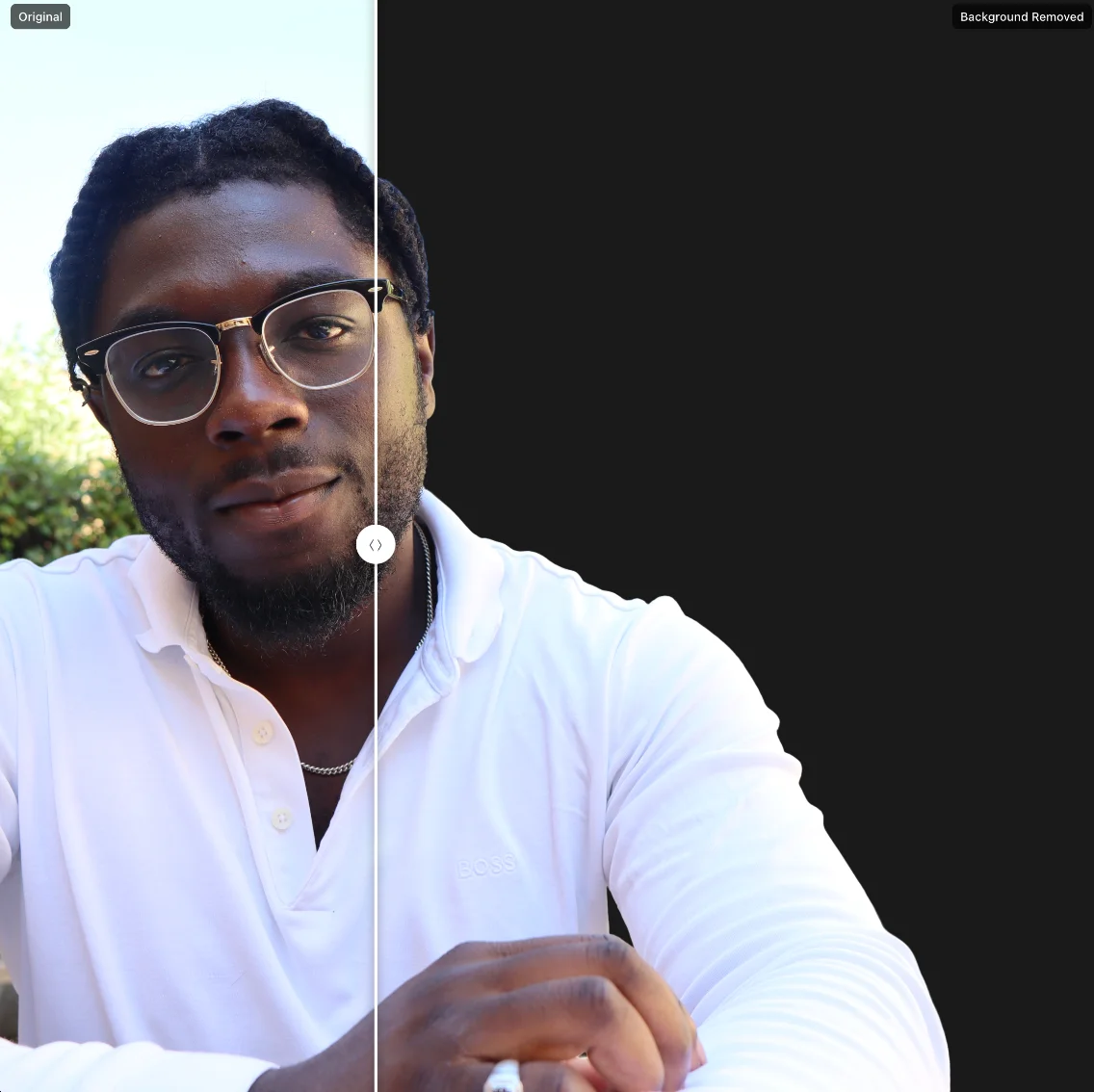
Background Remover
Cut the backdrop out of any image. Sharp on hair, fur, and glass. Transparent PNG or alpha mask.
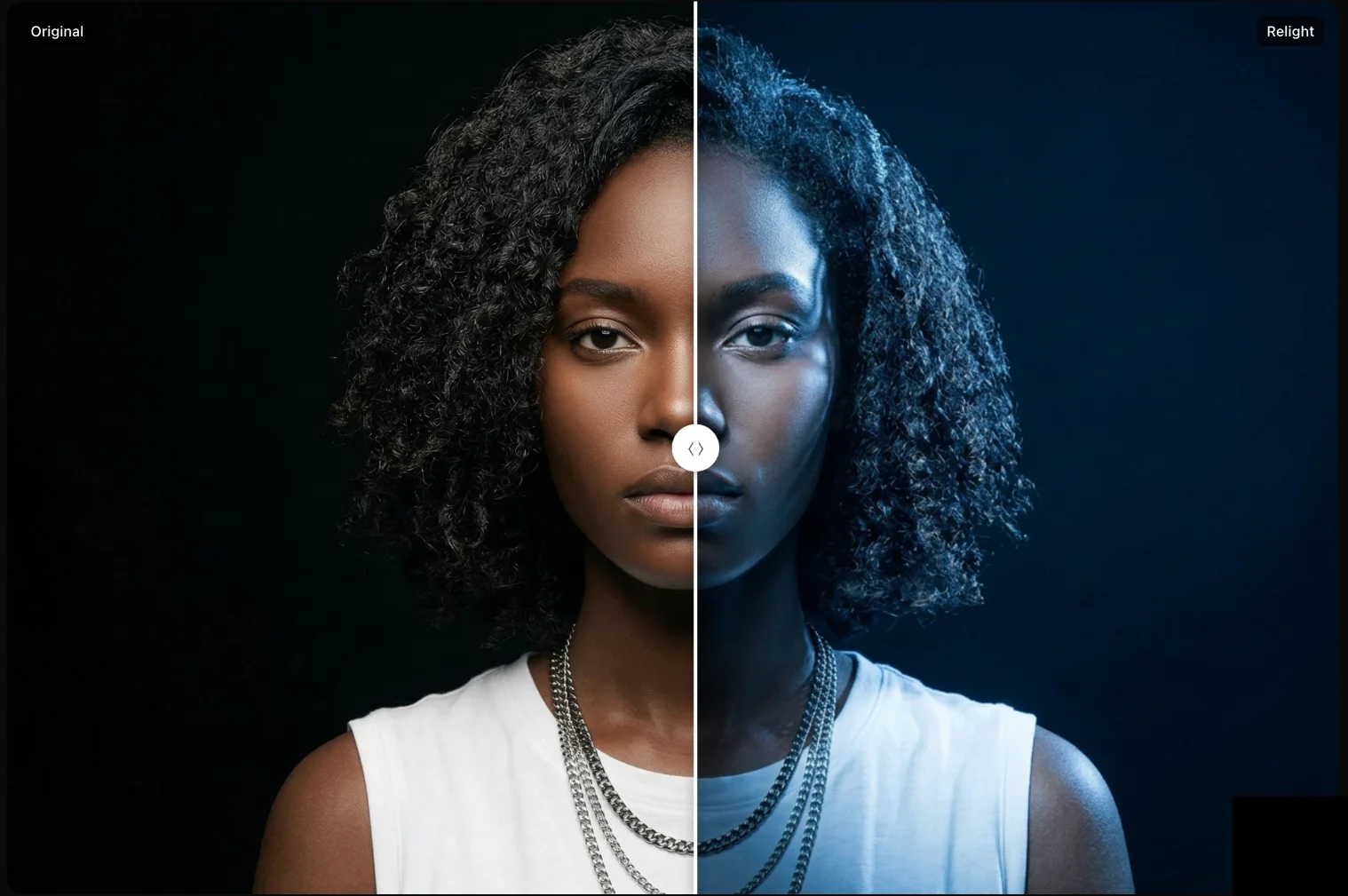
AI Relight
Change the lighting in any photo. Drag a light around the scene with a live WebGL preview.
Try the AI image upscaler, free
Upload a photo, scale it to 4x, and see the result in 30 seconds. Sign in to save the high-resolution download.