
Free AI Face Swap Online
Swap a face onto any photo with AI. Drop your face image, drop the target, and get back three clean results in under a minute. No watermark. No install. Free to try.
How to swap a face in 3 steps
Step 1. Drop your face photo
A clear, well-lit headshot works best. JPG, PNG, or WebP up to 10MB. Front-facing photos with both eyes visible give the model the most to work with.
Step 2. Drop the target image
The photo you want the face swapped onto. Could be a portrait, a movie still, a band photo, an album cover. The AI detects the face in the target automatically and lines up the swap on top.
Step 3. Pick the best of three results
We generate three variants per swap so you can compare and pick whichever lands cleanest on lighting and angle. Sweep the before/after slider to confirm, then download the high-res PNG. No watermark.
Drop your face photo
A clear, well-lit headshot works best. JPG, PNG, or WebP up to 10MB. Front-facing photos with both eyes visible give the model the most to work with.
Drop the target image
The photo you want the face swapped onto. Could be a portrait, a movie still, a band photo, an album cover. The AI detects the face in the target automatically and lines up the swap on top.
Pick the best of three results
We generate three variants per swap so you can compare and pick whichever lands cleanest on lighting and angle. Sweep the before/after slider to confirm, then download the high-res PNG. No watermark.
Built for results that hold up at full size
Most free face-swap apps give you one cartoonish result. We generate three candidates and tune for skin-tone matching and edge blending so the swap looks like the same lighting setup as the original.
Three results per swap
Lighting and angle are the hard parts. Generating three candidates lets you pick the one where the model nailed both, instead of being stuck with whatever the first roll of the dice produced.
Skin-tone and lighting matched
The model adjusts the swapped face's tone, contrast, and shadow side to match the target image's lighting setup. The result looks like the face was photographed in that scene, not pasted on top.
Auto face detection and alignment
No manual masking. The model finds the face in the target, lines up your face on top, and handles the alignment automatically. Works on portraits, group shots (it picks the most prominent face), and stylized images.
Private by default
Your photos travel over HTTPS, run in isolated cloud workers, and auto-delete after 30 days. We do not use your uploads to train models. We do not share them with third parties.
Compare side by side
Built-in slider drags a divider across the result so you can confirm the swap before you ship it. Toggle between Result and Compare with one click.
Done in under a minute
All three candidates typically finish in 40-60 seconds end to end. There's no queue. The spinner you see is the model actually working.
Who uses our AI face swap
From creators making meme content to teams reusing the same model across regional ad variants.
Creators and meme makers
Putting your own face on a movie still, a band photo, or a famous album cover for a TikTok or Reel. Quick laugh content with a clean output that doesn't look like it came from a $1 mobile app.
Hobby photographers
Group photo where one person blinked? Swap their face from a different shot in the same series. The lighting matching means the patch isn't obvious. Save the trip back to the studio.
Marketing and brand teams
Reusing the same AI-generated brand model across regional ad variants by swapping faces over consented stock photography. Useful when you need three localized creatives by Friday and you have rights to one model's likeness.
Frequently Asked Questions
Drop a photo of your face, then drop the target image you want your face on. The AI detects the face in the target, lines up your face on top, and produces three candidate results. Pick the one where the lighting and angle came out cleanest, then download the high-res PNG. The whole flow runs in your browser; no app to install.
Related tools
Motion Control
Transfer the motion from a reference video onto a character image. Powered by Kling V3.
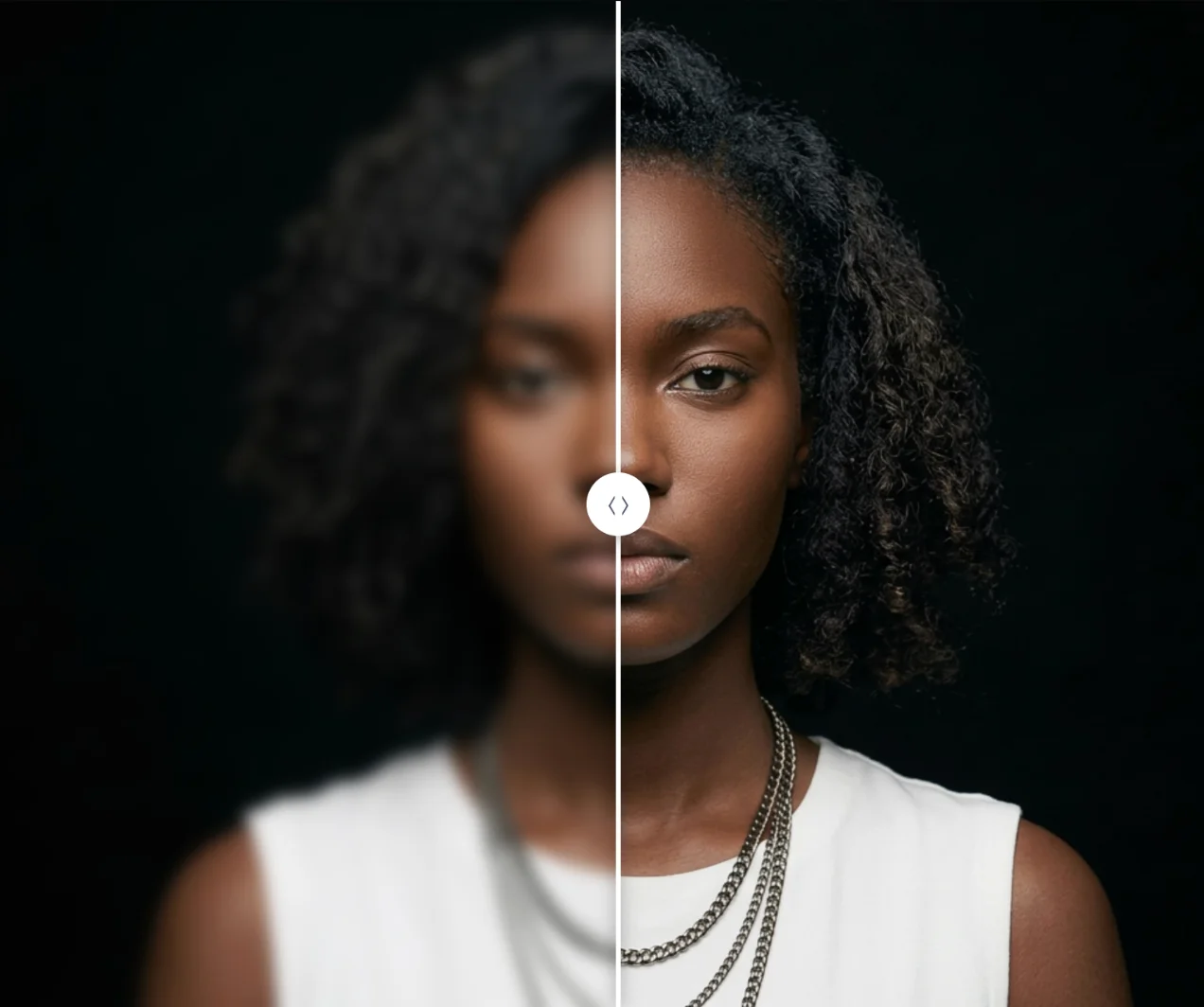
Image Upscaler
Enlarge any photo up to 4x with detail-preserving AI. Print-ready output, no watermark.
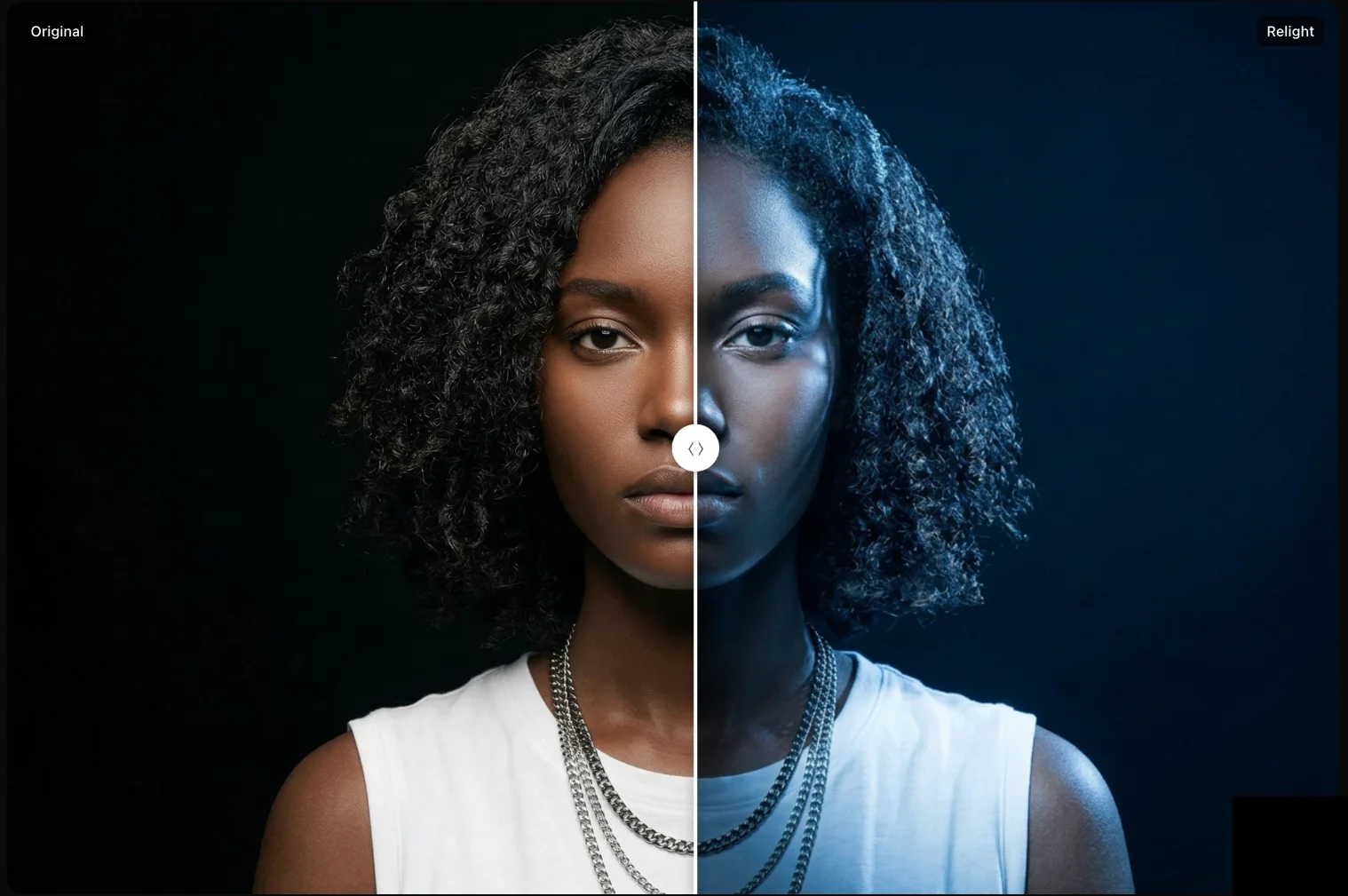
AI Relight
Change the lighting in any photo. Drag a light around the scene with a live WebGL preview.
Try the AI face swap, free
Drop a face, drop a target, and get three clean results in under a minute. Sign in to save the high-resolution download.