Claude and CapCut: What Works, What It Costs, and the Free Way
October 30, 2026 · Eben - AskEditor · 22 min read
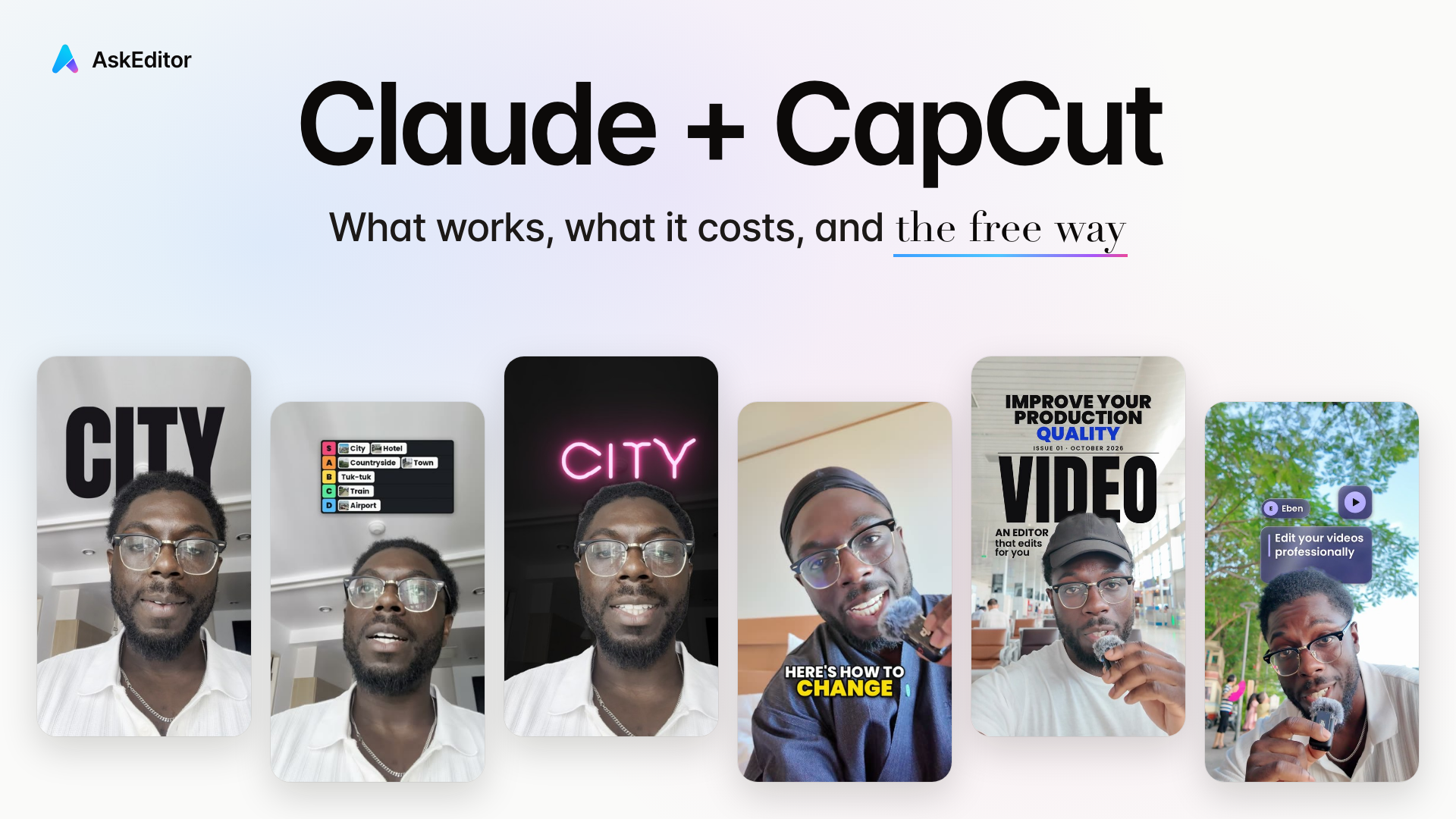
We read 1,157 comments under the ten biggest Claude and CapCut videos. What really works, what it costs, and how to get the same edits free.
Table of contents
- 1. Start here: which way is yours
- 2. How Claude and CapCut really work
- 3. Where AskEditor fits
- 4. What it really costs
- 5. Free skills on your own computer
- 6. 41 free edits, one sentence each
- 7. Other editors, AIs, Windows, phones
- 8. When it breaks
- 9. Where these answers come from
- 10. Frequently Asked Questions
Yes, Claude can edit your CapCut videos, but not the way most videos make it look. There is no official connection between Claude and CapCut. Every method out there does one of two things: Claude writes CapCut's project file on your computer, or Claude makes graphics that you bring into CapCut by hand. Most of them need a paid Claude plan.
This guide shows how each method really works, what it costs and where it stops. The free way: connect AskEditor on Claude's free plan, or, on a Mac, run our 41 free editing skills in Codex, OpenAI's coding agent, on ChatGPT's free plan.
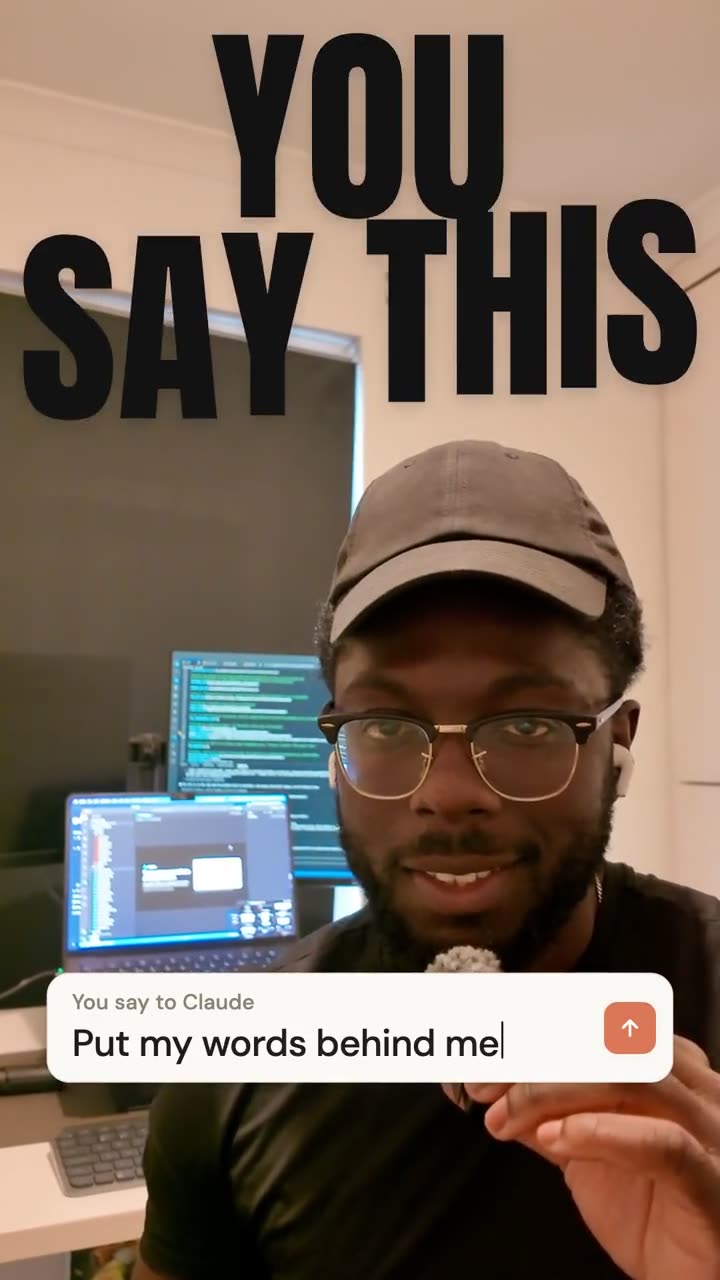
One raw take of mine, edited in AskEditor by Claude over its connection: the retakes cut, captions, and six looks, each from a single request, with the sentence you would say to Claude typed on screen as each one lands. It took Claude 19 minutes, with nobody touching the timeline. How to do the same in your own Claude.
Try it on your own take: connect AskEditor to Claude or to ChatGPT. Both are free to start.
| Videos studied | Their views | Comments read | Free edits below |
|---|---|---|---|
| 10 | 3.0 million | 1,157 | 41 |
Start here: which way is yours
Too long to read it all? Pick the one that sounds like you and jump straight to it.
- On Claude's free plan or ChatGPT, on any computer, with no terminal Use AskEditor in your browser, and finish in CapCut if you like. No Claude Code needed.
- On a Mac, paying for Claude Pro, and you love CapCut Use the CapCut route: Claude writes your CapCut project.
- On a Mac, happy in a terminal, and you want it all on your computer Use the free skills, in Claude Code or Codex.
- You edit it yourself and want one motion graphic Ask Claude for the graphic and import it.
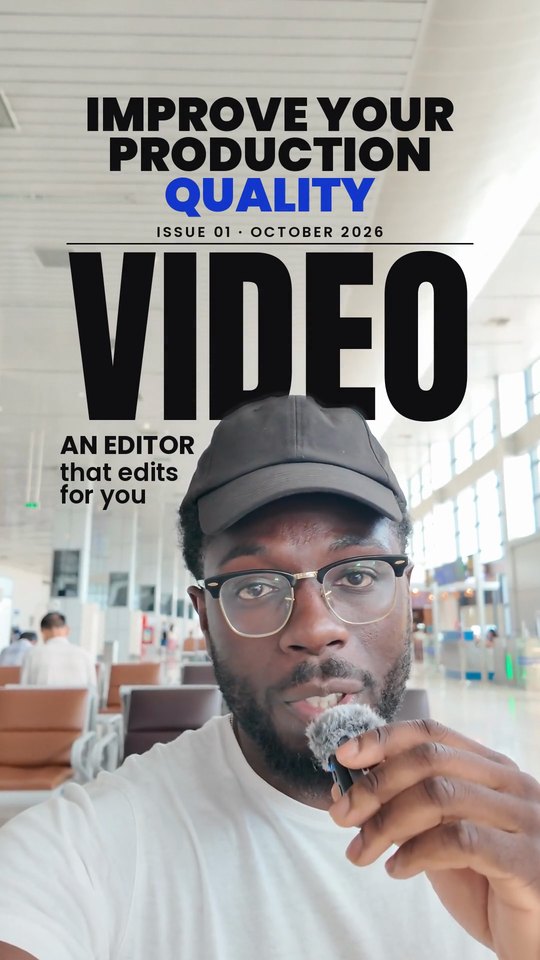
A taste of what's further down, every one made by asking, on my own takes:

How Claude and CapCut really work
There is no official connection, only workarounds, and each one has a ceiling.

CapCut has no public way to edit a timeline from outside the app, and no connector for Claude. Every method in those videos works around that.
CapCut announced a plugin for ChatGPT at CapCut World in Los Angeles on 24 October 2026. CapCut's own announcement says it arrives "in the coming months", and its Instagram post promises an open beta on phones, desktop and the web in November. It has announced nothing for Claude.
If you use Claude, AskEditor does this today: Claude edits on a real timeline in an editor beside the chat. See it work.
| Workaround | On free Claude | On Windows |
|---|---|---|
| Way 1: Claude writes the CapCut project | No | Mostly no: commenters say the free kit fails there |
| Way 2: Claude makes graphics you import | No | Yes |
| Claude plans, you edit | Yes | Yes |
None of them runs on a phone.
Way 1: Claude writes the CapCut project
How it goes:
- Make a project in CapCut's desktop app, give it a clear name, and close CapCut.
- Give Claude access to your files, through Claude Code or the desktop app's file access, and describe the edit.
- Claude writes the timeline straight into the project's files: cuts, zooms, text, music.
- Open CapCut again to see the result, fix what is off, and export.
Matt Loui, TheIgnitingStudio, Matt Penny and Jason Cooperson all show a version of this.
Where it stops:
- Claude never sees the result. It writes a file and you open it to find out.
- CapCut has to be closed while Claude writes, or CapCut saves over Claude's work. Matt Penny's kit closes CapCut on every change.
- Animation is the hard part. Jason Cooperson found Claude struggles to write keyframes into CapCut.
- It needs a paid plan. Matt Loui's first video, Claude Edited My Entire CapCut Video, said the free plan worked; his commenters found it didn't, and his newer step-by-step video says you need Claude Pro. Jason Cooperson and Matt Penny suggest the $100 Max plan for real projects.
- It takes a while. Matt Loui's talking-head edit made 117 cuts and took about three hours end to end, though not three hours of his own work.
- It is mostly a Mac method. Commenters report the free kit does not run on Windows.
If you want the CapCut route anyway, these are the community kits behind it, the CapCut MCP servers and command lines that the videos use. They are unofficial and not made by CapCut, so read each README first and back up your CapCut projects before Claude writes into them:
| Kit | What it does | It needs |
|---|---|---|
| capcut-cli over 1,000 stars, updated this week | A command line any agent, Claude Code included, can drive. Writes editable CapCut projects, cuts and captions on their own tracks | Node.js; no server |
| VectCutAPI over 2,300 stars | A server with an MCP mode that creates and saves CapCut drafts | Python 3.10 or newer |
| capcut-mcp-server | A smaller MCP server built on the same idea | Node.js |
The first step, from capcut-cli's own README, is one line in your terminal:
npm install -g capcut-cli
It describes itself as taking a raw recording to silence-aware cuts and styled captions in an editable CapCut draft, driven from the terminal or by any agent. So in Claude Code you ask Claude to use capcut-cli on your video, then open the draft in CapCut to finish and export.
Way 2: Claude makes graphics you import
How it goes:
- In Claude Code, ask for a graphic: a counter, a title, a list, a glowing background. Claude writes it as code and renders a short video, often with a transparent background.
- Or ask the free Claude chat for an HTML animation, record it in your browser, and remove its solid background in CapCut with chroma key.
- Put the clip on a track above your footage in CapCut and line it up by hand.
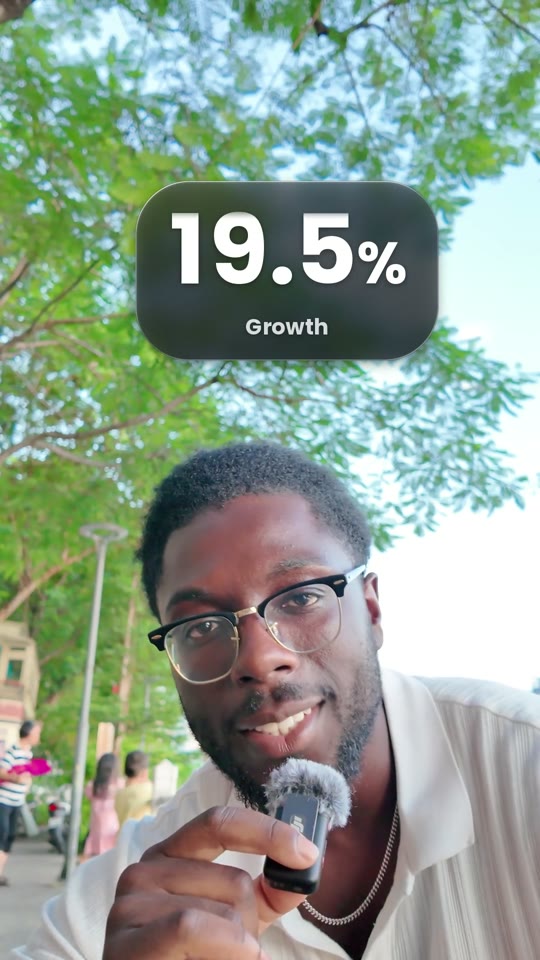
This is the method behind most of the "Forget After Effects" videos. The result is a graphic like this one, every number counting up as it is said. This one comes from our free skills, further down, which render it onto the video for you instead:
Making a faceless video? This one has no face in any frame: my voice from a recording, under full-screen graphics Claude drew in AskEditor. It took three sentences, 9 minutes and no credits:
Turn this recording into a 16:9 explainer with no face on screen, only graphics.
Keep the clearest 20 to 30 seconds.
Make the graphics look expensive: kinetic titles on the key words, an animated chart, and a list that builds as I talk.
Where it stops:
- Every change means asking again and rendering again.
- The placing and timing are yours, frame by frame in CapCut.
- Transparent backgrounds trip people up when they export or import.
- The rendering half needs Claude Code, so Claude Pro.
Also free: Claude plans, you edit
The free Claude chat can write your script, a colour look as a .cube file that CapCut loads, and caption files that CapCut plays as animated counters. Matt Loui and Joey Edits both show this. It costs nothing, and you still do the editing.
Where AskEditor fits
Every method above ends in a flat video file. AskEditor keeps the edit open, so you can change it by hand.
AskEditor is a video editor made to be driven from a chat. Connect it to Claude and Claude edits on a real timeline, in an editor beside the chat, and you watch every change land. It works on Claude's free plan, as the one custom connector that plan allows.
You don't need Claude Code, or even Claude. Pick one: connect AskEditor to Claude's ordinary app (its free plan works), or sign up and ask AskEditor's own chat, with no Claude account at all. The plugin page is named for Claude Code because it installs there too.
Here is my own take, from one sentence:
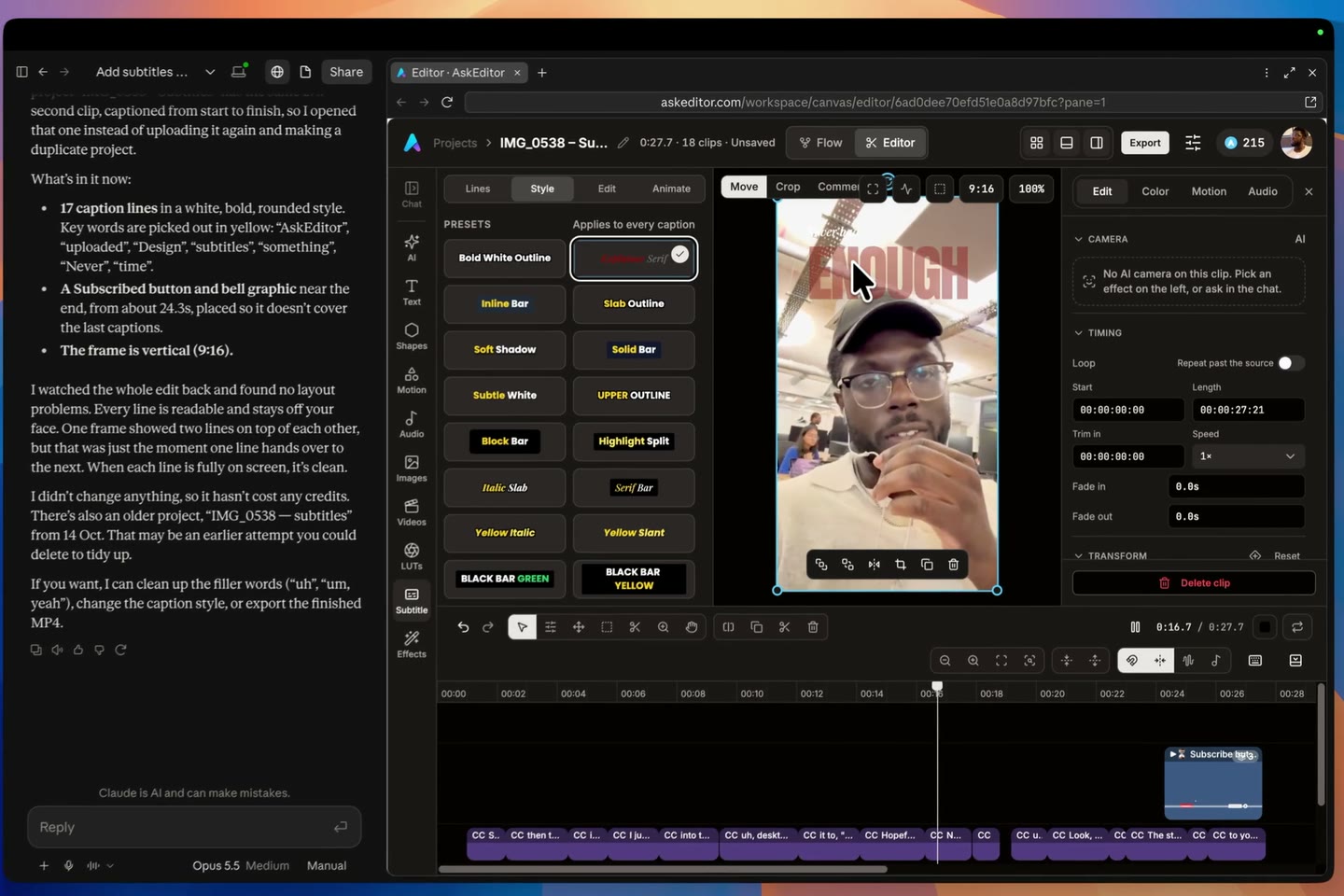
Add subtitles to this video with AskEditor.
What it makes, all in the browser: captions in 34 styles, hooks, title cards, cut-outs, B-roll on the words, and motion graphics Claude draws for you, such as cards, counters and lists.
Filmed on your phone? Open AskEditor on a computer, drop the clip in and ask. The editor needs a computer's screen; your phone is the camera.
What it costs. A captioned talking video costs nothing:
| On AskEditor | What it costs |
|---|---|
| Cutting retakes, captions in the editor's own styles, graphics Claude draws | No credits |
| Exports | Unlimited at 1080p on the Free plan |
| The chat | 100 chats a day on the Free plan, with 30 minutes of transcription a month |
| New video, voices, music, cut-outs | Credits, and you approve each one |
| Paid plans | From $20 a month, or $12 a month billed yearly ($144), with 1,200 credits a month (pricing) |
A plain talking video, before and after. Three sentences to AskEditor, edited and exported on the Free plan for no credits in 6 minutes: "Cut out the long pauses and the bits where I say the same thing again", "Add captions that are plain and easy to read" and "Put my name at the start." A 31-second take came out at 11 seconds.
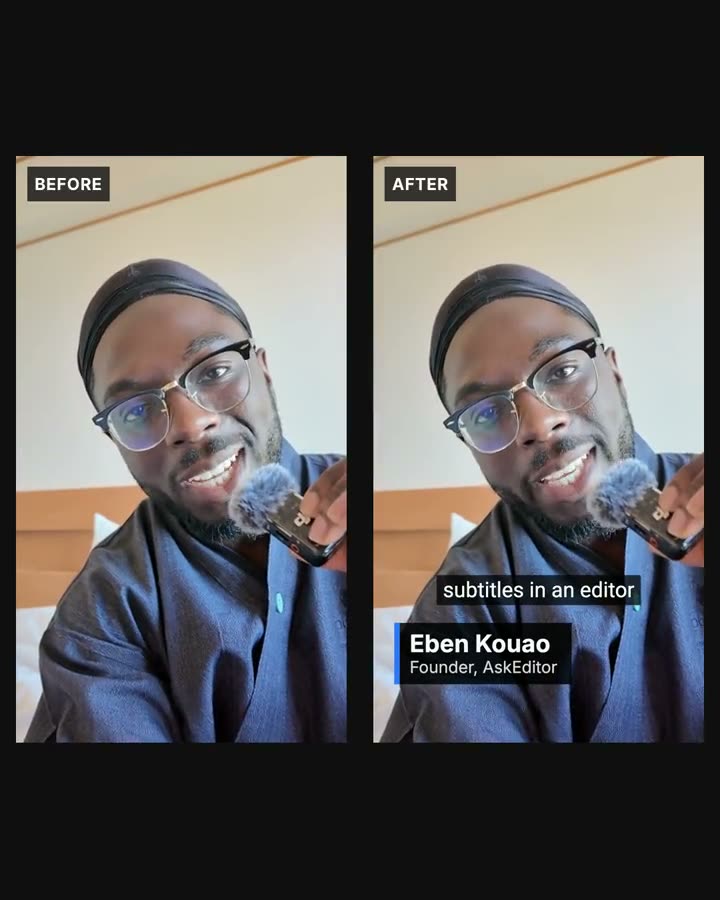
Where it wins:
- The edit stays open. Move a caption, retype a word or swap a picture by hand, with no new prompt and no new render.
- Claude sees its own work. It looks at pictures of the edit as it will export, and fixes what is off.
- It runs in a browser, so Windows works too, on Claude's free plan as its one custom connector, or in ChatGPT.
- Captions, hooks, title cards, cut-outs and B-roll are built in, so there is nothing to install.
- Whole looks come as templates. AskEditor's templates are finished films you use as they are or remix: free with an account, and Pro ones cost credits.
Where it doesn't:
- Not on a phone: the editor needs a computer.
- The first edit still uses Claude's usage, as every method here does.
- Renders cost credits: new video, voices, music and cut-outs. The Free plan covers the editor and unlimited 1080p exports.
- It isn't CapCut. If you want CapCut's own effects, export the MP4 and finish there.
The difference is what happens after the first edit. The first edit costs Claude usage like any method here. Every change after that is yours to make by hand: move a caption, retype a word, swap a picture. In our test, fixing a word took 12 seconds by hand against 2 minutes 12 seconds to render again.
Setting it up in Claude takes about two minutes:
- On the Claude plugin page, press Add to Claude, then Continue, Add and Connect in Claude.
- Press Allow on AskEditor's page.
- Start a chat, drop in your video and ask. The first time, press Always allow.
Edits I made in AskEditor, on my own takes
Every one of these started as a sentence or a click, and every one stayed editable afterwards.
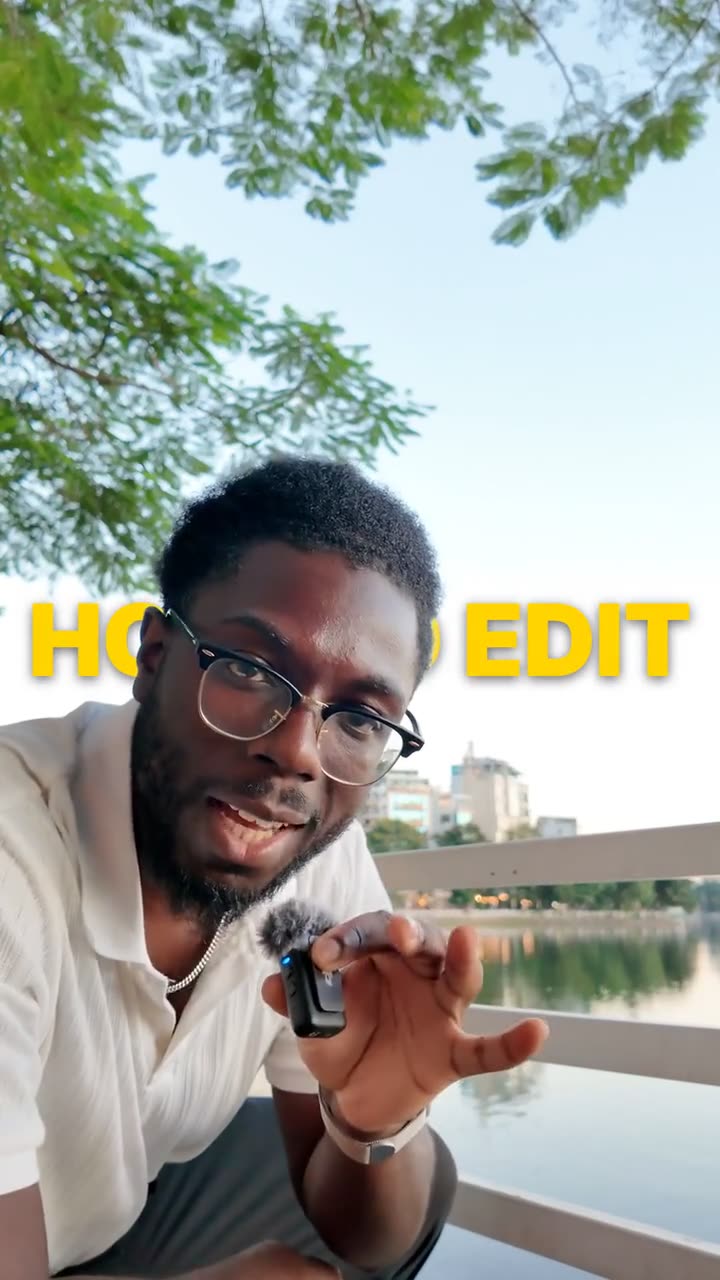
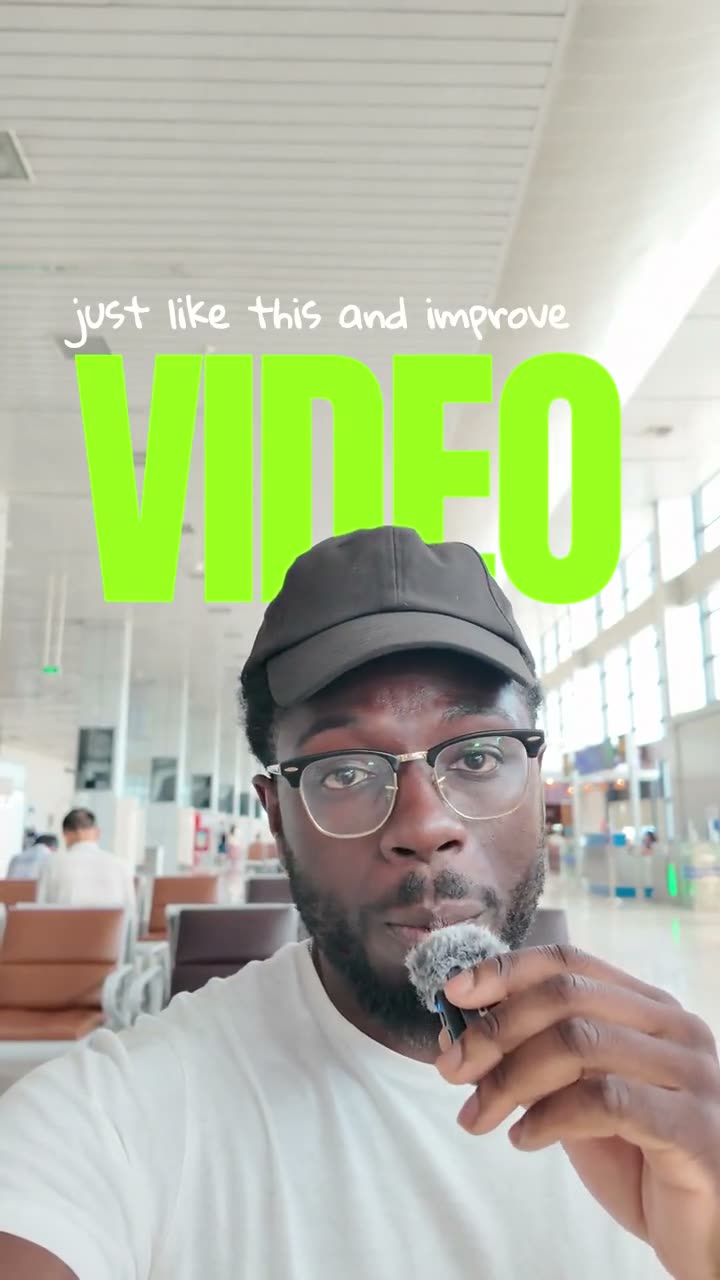
The duck-under came from one sentence in AskEditor's chat, right the first time: "Put HOW TO EDIT in big yellow letters on one line, in the middle of the frame so it covers my face at first, and from 3 seconds, when I duck under it, bring me out in front of the words."

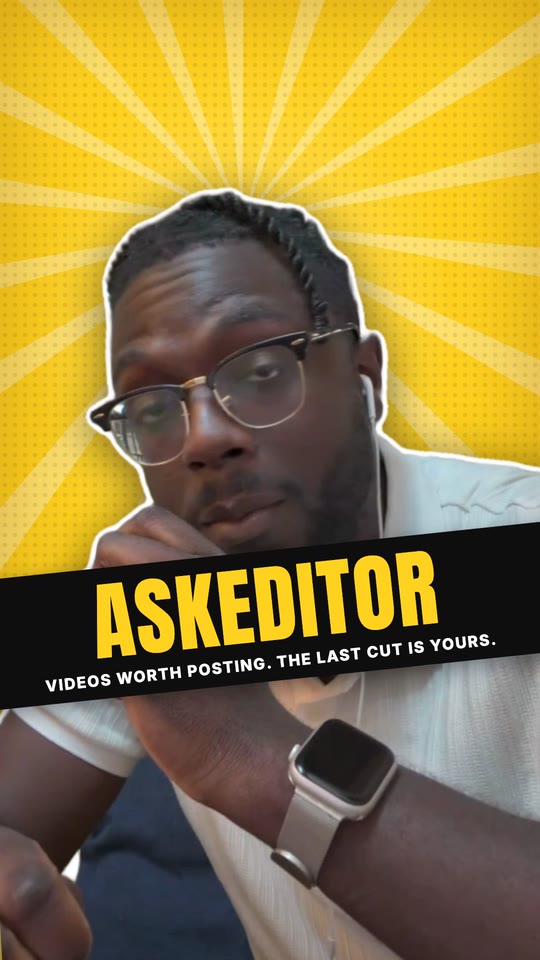
B-roll is where an editor beside the chat shows its worth. This is a talk from Hua Hin, cut with my own trip clips in a square window, with the key words on cards.
It took eight asks to AskEditor's agent: the window and its colour, 14 cutaways, the cut-outs, the cards, the words over the B-roll and two fixes. Each one landed on the timeline, where I could still move it.
This is the edit behind the film at the top of this page, landing on the timeline clip by clip, then the raw take and the finished edit side by side:
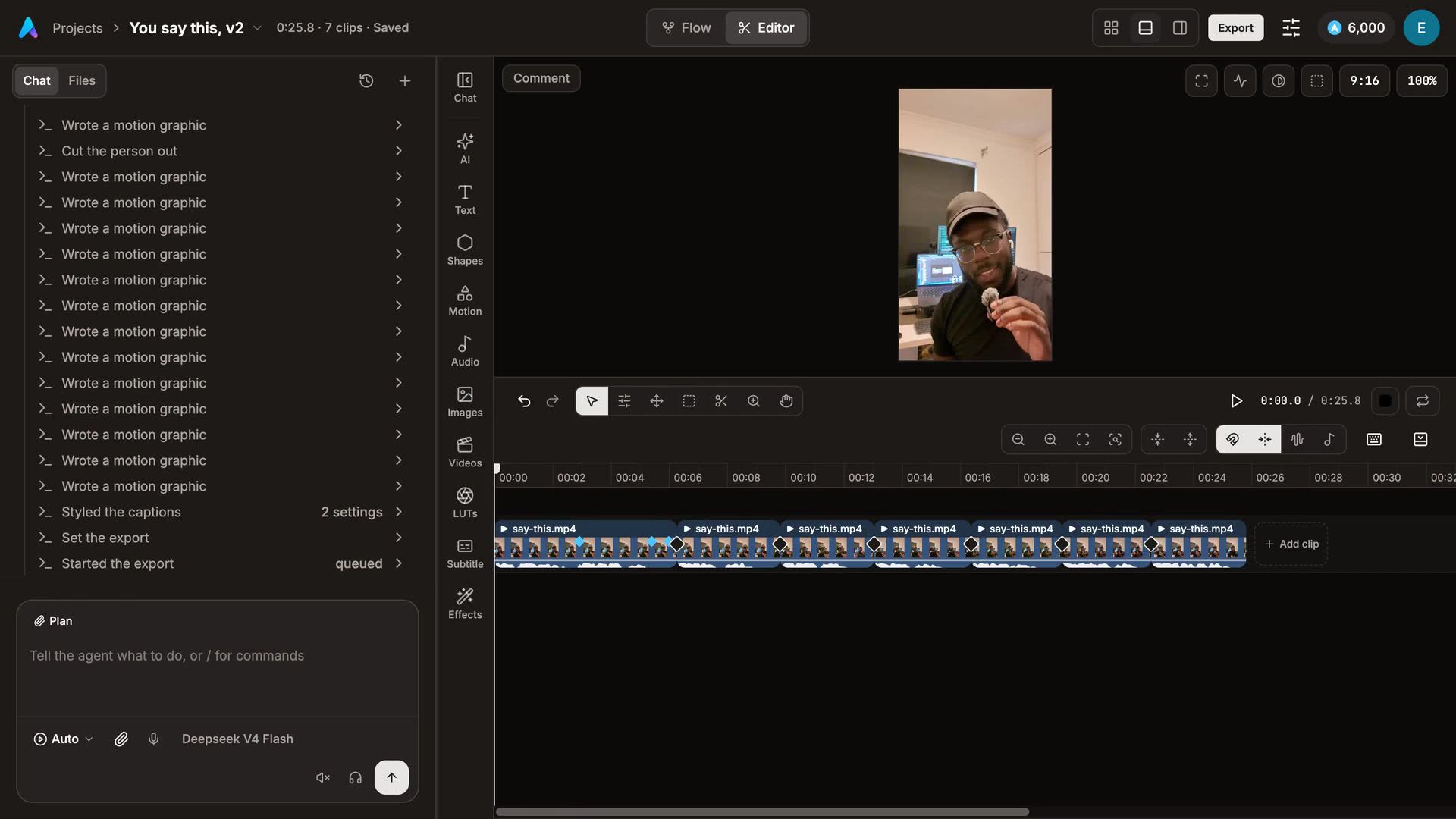
That's all you need for AskEditor: connect it to Claude, or to ChatGPT, or sign up and use its own chat. The rest of this page is for people who keep CapCut or like a terminal.
What it really costs
Most Claude and CapCut methods need Claude Pro, because the free plan has no Claude Code and, in the comments, refuses to reach your files.
This was the most asked question, and the place where the videos disagree. Here is what each plan can do for video, checked on 30 October 2026:
| Plan | Price | What it can do here |
|---|---|---|
| Claude Free | $0 | Scripts, colour looks, caption files. One custom connector, which is enough for AskEditor. No Claude Code |
| Claude Pro | $20 a month, or $17 a month billed yearly | Claude Code, so ways 1 and 2 and the free skills below. Long edits use up its limits quickly |
| Claude Max | $100 or $200 a month | Long edits. Two of the creators recommend the $100 plan |
| ChatGPT, any plan | From $0 | Codex, so the free skills below run there too, with limits that depend on the plan |
On top of Claude:
- Pictures and voice from Higgsfield, used in several of the videos: plans start at about $15 a month, and the prices vary between sources, so check their page. Matt Loui's 3-minute faceless video used 241 credits, about $9.50 on the $39 plan.
- CapCut Pro, for its paid effects and 4K export: $19.99 a month, or a $9.99 Standard plan that exports at up to 1080p. Prices differ by country and app store.
One 60-second talking video, each way:
- Way 1, the CapCut route: Claude Pro, $20 a month, and nothing extra unless you generate pictures. About three hours end to end for Matt Loui's 117-cut edit.
- Way 2, graphics you import: Claude Pro, $20 a month. A render per graphic, then placing each one by hand.
- The free skills: Claude Pro, or a free ChatGPT plan with Codex. About 4 minutes of processing for a 53-second take on an M4 Pro Mac, first-time setup included, plus Claude's own thinking time.
- AskEditor: nothing on the Free plan for cuts, captions and drawn graphics; credits only for renders, such as new video or cut-outs. 19 minutes for the film at the top, made by Claude with nobody touching the timeline.
Free skills on your own computer
The skills are free, and they run inside Claude Code (Claude Pro, $20 a month) or Codex (every ChatGPT plan, including the free one). It's Claude video editing on your own footage, with nothing uploaded.
These are ours: AskEditor's free pack, open on GitHub under the MIT licence, with a page for every edit at askeditor.com/skills. Everything runs on your own computer, so your video is never uploaded. Open Claude Code, paste this, and drop your video in after it (in Codex, the same with ~/.codex/skills):
Install the free video editing skills from github.com/AskEditor/ai-video-editing-skills into ~/.claude/skills/video-editing, then clean cut my video:
From then on, ask the way you would ask an editor, with the timing in plain words ("when I say city"). Claude finds the exact second. Four edits most talking videos need:
1. Cut the pauses and retakes
Say: "cut the pauses and retakes". The dead air and false starts come out, and the line you took back is dropped in favour of the one you kept. This 31-second take came down to 11 seconds.

2. Captions on every word
Say: "add captions". Every word appears as it is spoken, kept clear of your face and inside the part of the screen Reels, Shorts and TikTok never cover.

3. A giant word behind you
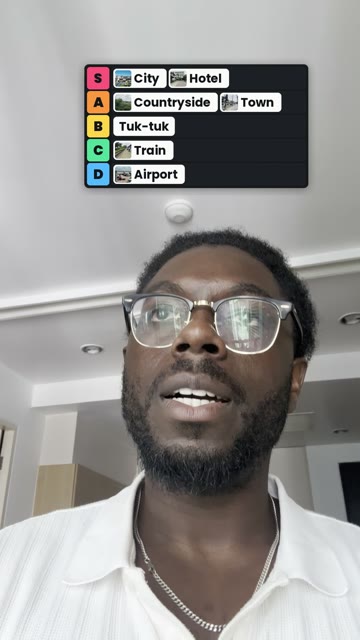
Say: "put a giant word behind me when I say city". The word lands behind your head on the exact syllable, with you cut out in front of it.
4. Your B-roll on the words that name it
Say: "cut my b-roll in when I mention each place". Your own footage comes in on the words that name it, and your voice carries on underneath.

All four in a row on one take of mine: the pauses cut, a word behind me, captions, and a follow button at the end.
What they do well:
- They listen. A free speech model on your computer hears every word and when it is said, so captions and graphics land on the word. They skip the word you took back ("the town, or the city" uses city).
- They keep your face clear. Words and graphics stay off your face and out of the parts of the screen the apps cover, or go behind you on purpose.
- They check before they render. Claude looks at a few frames first, so a problem is caught before the whole video is made.
- They look after your sound. Your voice is kept, and music and sounds sit under it at the loudness the apps use.
What they need, and what they don't do:
- They need Claude Code (Claude Pro) or Codex (any ChatGPT plan), ffmpeg, and Python 3.10 to 3.12. The first edit sets itself up: about a minute and 1 GB of free tools on an M4 Pro Mac.
- They're made for macOS.
- They edit videos of one person talking, in English.
- They draw one effect over the picture per run. Chain them: cuts first, then colour or anything behind you, then one effect over the picture, then sound.
- They make no new pictures, voices or music. The music they lay is yours.
- Every result is a finished MP4. Changing it means asking again and rendering again.
41 free edits, one sentence each
Here are eight of them. All 41 have their own page with the film and the sentence to say, at askeditor.com/skills.

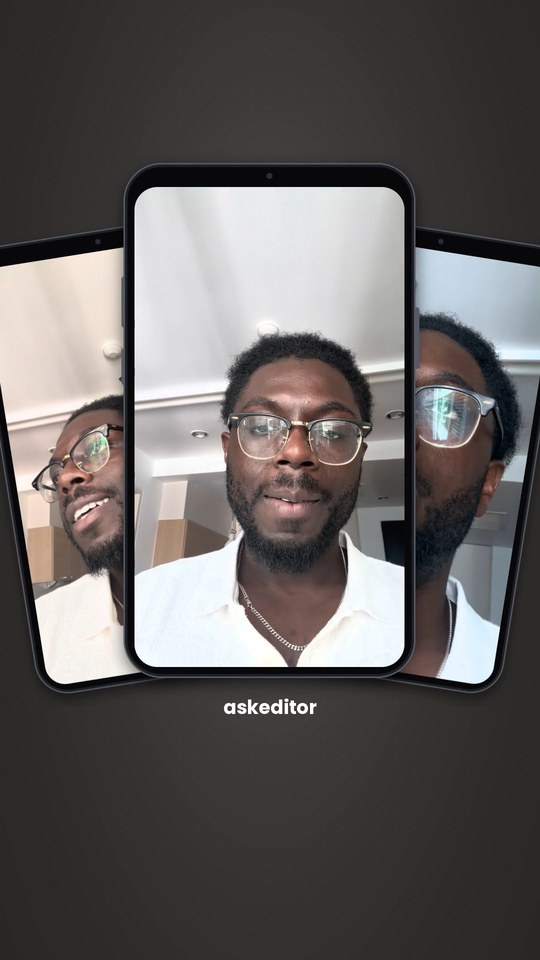
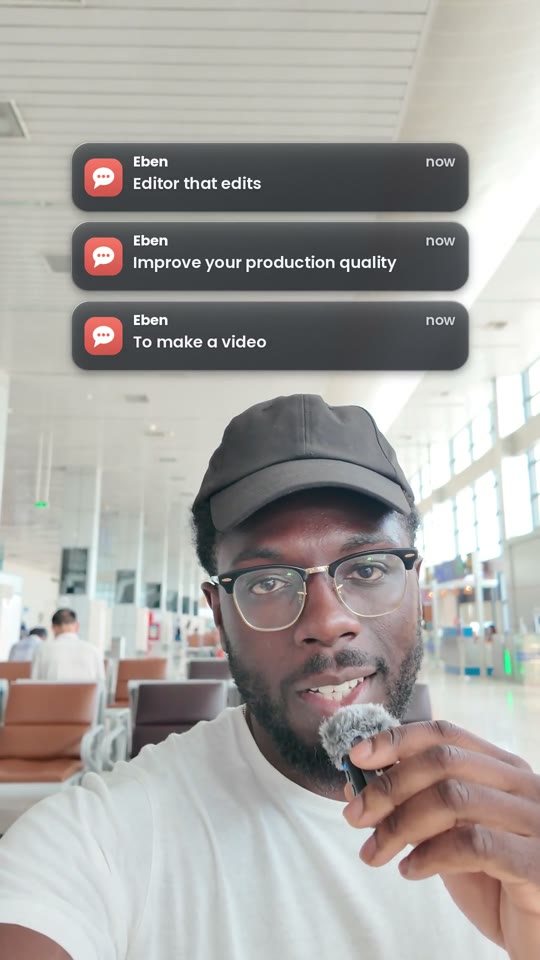
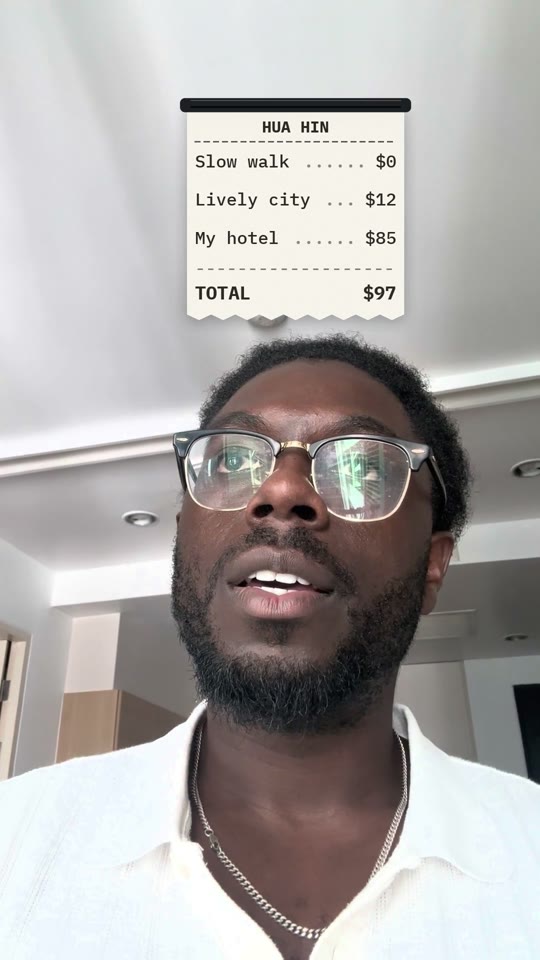

Save this one: the whole cheat sheet, every edit and what to say, on one page.
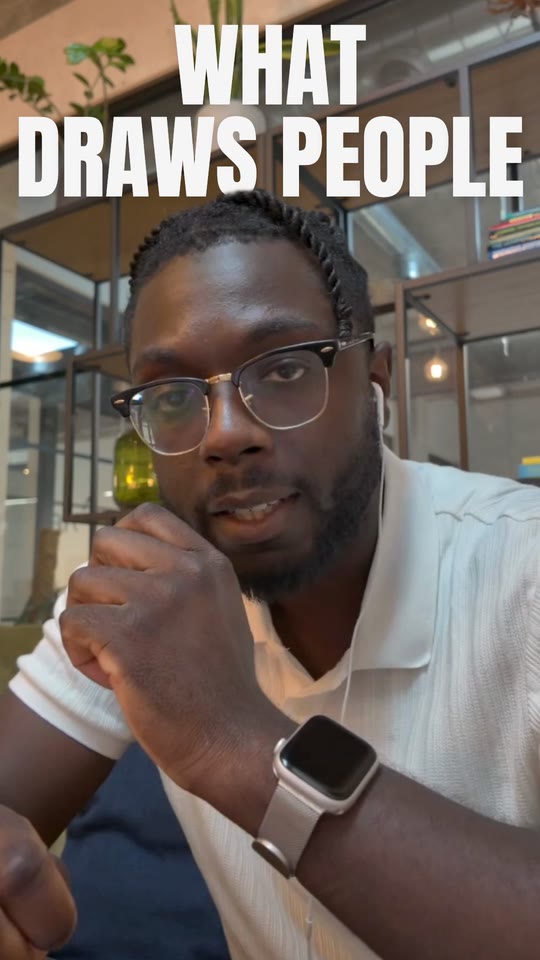
AskEditor has more of its own, made the same way, by asking: 14 title cards that set the line that makes your point, and 27 hooks for the first three seconds.
Other editors, AIs, Windows, phones
Use whatever editor you like: every method here ends in an ordinary video file.
- Keeping CapCut? The free skills and AskEditor both give you an MP4. Drop it on your CapCut timeline like any clip and carry on there.
- DaVinci Resolve, Premiere Pro or Final Cut? Way 2, the free skills and AskEditor don't care which editor you finish in. For DaVinci Resolve Studio there are community connectors, such as
samuelgursky/davinci-resolve-mcp. - ChatGPT instead of Claude? The free skills install in Codex, which comes with every ChatGPT plan. AskEditor also works in ChatGPT's desktop app (how).
- Windows? The CapCut kits in the videos are Mac methods, and commenters say the free kit fails on Windows. Our free skills are made for macOS. AskEditor runs in the browser, so it works on Windows.
- A phone? None of these methods runs on a phone, and none can reach CapCut's phone app. Start on a computer.
When it breaks
Most failures come from three things: the Claude plan, the files, and CapCut being open.
| What you see | Why | What to do |
|---|---|---|
| Claude says it can't reach your files | The free plan | Claude Pro, or a route that needs no file access, such as AskEditor's connector |
| Your edit disappears when you open CapCut | CapCut saved over the project | Close CapCut before Claude writes, then open it again |
| The graphic has a black or green box around it | The transparent background was lost | Ask for a transparent background in a format your editor reads, or remove a solid colour with chroma key |
| You hit your usage limit halfway | Long edits use a lot of Claude | Split the edit into parts, or move up a plan |
| The download link or the email never came | The creator's link or sign-up | Ours is a public GitHub page, with no email needed |
| Errors about file paths on Windows | The kit was built on a Mac | Use AskEditor in the browser, or wait for a Windows build |
Where these answers come from
We watched the ten biggest "Claude + CapCut" videos on YouTube and read the top comments under each one, 1,157 in all.
Search Google for Claude and CapCut and you get videos and forum threads, not a written answer. So we went where the answers are. Between them, these ten videos have about 3 million views. Here is what their viewers asked, then the videos themselves.

Of the 1,157 comments, 437 asked for something. One comment can ask for more than one thing.
What people asked, most often first:
- What it costs, and which Claude plan it needs. About a third of every question. The most liked one: "This doesn't work with the free version of Claude as the video claims."
- How to get it running. Setup errors, broken links, and sign-up emails that never arrived.
- How to do it on their own footage. "Can you use this same strategy for a regular talking head video?"
- Whether another editor or AI would do. DaVinci Resolve, Premiere Pro, Final Cut, ChatGPT, Codex, Gemini.
- Phones and Windows. Fifty-five comments between them.
- Proof. Was this video itself made the way it says?
Only about one question in nine was about CapCut itself. What people want is a video that looks professionally edited, made by asking, without learning After Effects, at a cost they can see. Each of those questions has its own section above.
The ten videos, each worth watching for what it does well:
| Video | Worth watching for |
|---|---|
| Claude Edited My Entire CapCut Video (I Didn't Touch the Timeline) Matt Loui, 848K views | The clearest walkthrough of Claude writing a whole CapCut project for a faceless video, with pictures and voice from Higgsfield. |
| Claude + CapCut Completely Changes Everything For Editors Matt Loui, 774K views | Free tricks first (a colour LUT and animated counters from the free Claude chat), then graphics made in Claude Code. |
| Forget After Effects: Claude + CapCut Is the Only Editing Stack You Need Sanji Nai-Chien, 670K views | Motion graphics made with Claude and finished in CapCut. |
| Claude + CapCut = GOD MODE (3 cool ways to use it) Joey Edits, 242K views | Three quick wins, and the point that the graphics work in almost any editor. |
| Claude Code Just Changed CapCut Forever! Danny Why, 139K views | A careful CapCut edit with one 3D title made by Claude. |
| Automate Your CapCut Editing With Claude (Step by Step + Free Skill) Matt Loui, 125K views | The project-writing method on his own talking-head video: 117 cuts, zooms, a grade and music. |
| Claude + CapCut is a Gamechanger for Video Editors (Full Tutorial) Matt Penny, 100K views | A free kit on GitHub that writes CapCut projects. |
| Claude + CapCut make pro motion graphics in seconds Matt Loui, 69K views | Graphics rendered by Claude Code and imported into the editor. |
| Claude Code can now edit your CapCut project for you TheIgnitingStudio, 36K views | A Claude Code pack that cuts silences and writes the CapCut project. |
| Claude + CapCut is a literal CHEAT CODE for Content Creators Jason Cooperson, 23K views | A rough cut written into CapCut, with honest notes on where Claude struggles. |
Frequently Asked Questions
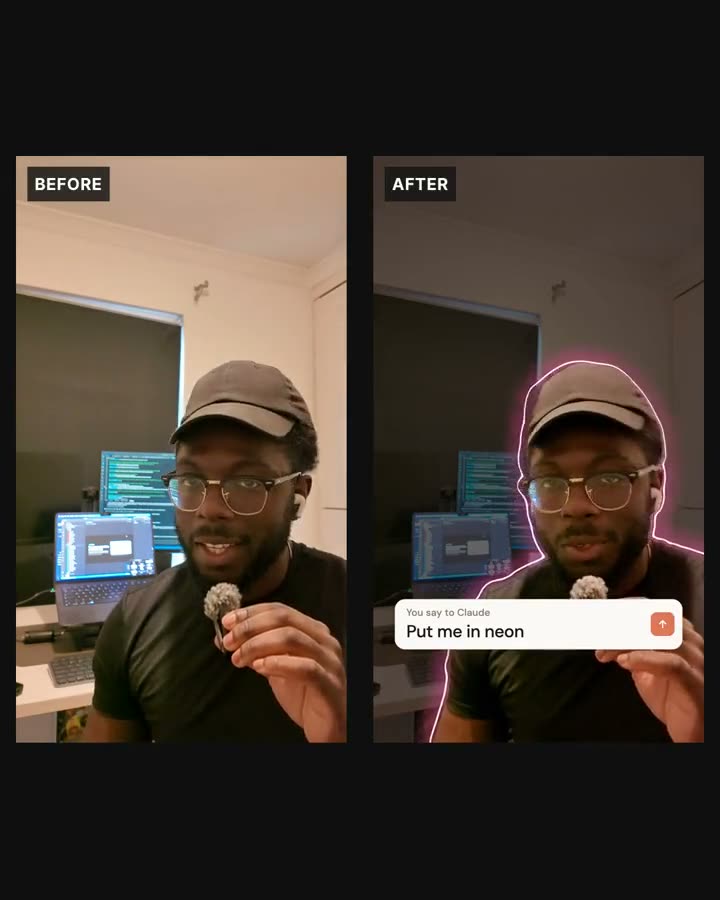
The raw take beside the finished edit from the top of this page.
Was the film at the top really edited by asking?
Yes. Claude made every change through AskEditor's connection, one request per look, and the sentence on screen is that request.
Can Claude edit videos in CapCut?
Not directly: there is no official connection. Claude can write a CapCut project file for you to open, or make graphics you import, and both need a paid Claude plan.
Is there an official CapCut MCP or connector for Claude?
No. As of 30 October 2026, CapCut has published no connector for Claude, and the CapCut servers on GitHub are community projects. CapCut has announced a plugin for ChatGPT, with an open beta promised for November.
Does Claude support video editing?
Not by itself. Claude needs a tool to edit with: a CapCut kit, the free skills in Claude Code, or an editor it can drive, such as AskEditor.
Is Claude free for video editing?
Partly. The free plan can write scripts, colour looks and caption files, and connect one custom connector such as AskEditor. Claude Code, which most methods need, starts with Claude Pro at $20 a month.
Does it work with CapCut on my phone?
No. Every method here needs a computer, and none can reach CapCut's phone app.
Does it work on Windows?
The CapCut kits in the videos and our free skills are made for Macs. AskEditor runs in the browser, so it works on Windows.
Can ChatGPT do this instead of Claude?
Yes, in two ways. The free skills install in Codex, which every ChatGPT plan includes. AskEditor also works inside ChatGPT's desktop app.
Can Claude edit in DaVinci Resolve or Premiere Pro instead?
The free skills and AskEditor give you an MP4 that any editor opens. Inside DaVinci Resolve Studio itself, there are community connectors such as samuelgursky/davinci-resolve-mcp.
Do I need to know how to code?
No. You describe the edit in plain words. The free skills install with one paste, and AskEditor connects with a button.
How long does it take?
Matt Loui's 117-cut CapCut edit took about three hours end to end. The film at the top of this page took Claude 19 minutes in AskEditor.
Checked on 30 October 2026. These tools change every week, so we check this page every 30 days.
Eben - AskEditor
Guides on making marketing video with AI, from the team building AskEditor.